Flutter_mcp
- desktop-chat
About
What is Flutter_mcp?
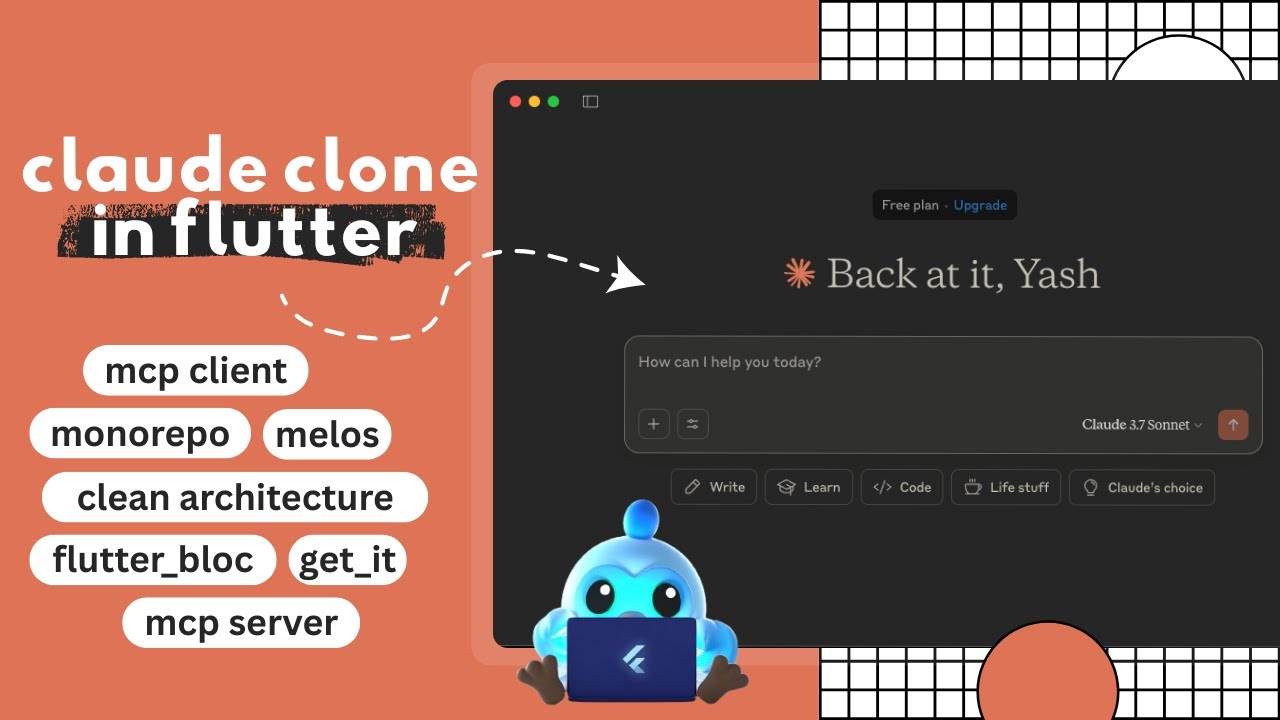
Flutter_mcp is a desktop-first Flutter application that provides a Claude AI–style interface powered by the Model Context Protocol (MCP). It runs on Windows, macOS, and Linux, and is built for developers and users who want a modular, clean‑architecture AI chat client that supports real‑time streaming, tool calling, and MCP server management.
How to use Flutter_mcp?
To use Flutter_mcp, first install Flutter SDK, Dart SDK, and Melos. Clone the repository, run melos bootstrap to set up all packages, then navigate to apps/flutter_mcp and launch the app with flutter run -d windows, flutter run -d macos, or flutter run -d linux. After startup, you can add, edit, and manage MCP servers through the built‑in UI to connect to AI models such as Gemini.
Key features of Flutter_mcp
- Desktop Flutter app with Clean Architecture monorepo
- Real‑time streaming chat interface
- Add, edit, and manage MCP servers
- Built‑in AI support with function calling
- State management with Flutter Bloc
- Reusable custom widgets and responsive UI
Use cases of Flutter_mcp
- Interact with Gemini AI via the Model Context Protocol
- Prototype and test MCP server implementations in a desktop environment
- Build and manage custom tool registrations for AI-assisted workflows
- Experiment with Clean Architecture patterns in a full‑featured Flutter project
FAQ from Flutter_mcp
What AI models does Flutter_mcp support?
Flutter_mcp includes built‑in support for interacting with Gemini. Because it implements the Model Context Protocol, you can connect any MCP‑compatible AI model by adding a custom MCP server through the app’s server management interface.
How do I add or manage MCP servers?
Use the app’s dedicated server management UI to add, edit, or remove MCP servers. No manual configuration files are required; all operations are performed within the application.
Is Flutter_mcp free to use?
Yes, Flutter_mcp is released under the MIT License, meaning it is free for personal and commercial use with attribution.
Which operating systems does Flutter_mcp support?
Flutter_mcp runs on Windows, macOS, and Linux as a desktop application. It does not currently support mobile or web platforms.
Details
- Author
- yashmakan
- GitHub stars
- 13
- Category
- desktop-chat
- Website
- www.youtube.com/watch?v=-JKifT44NAM
- Repository
- yashmakan/flutter_mcp
<div align="center">
<a href="https://www.youtube.com/watch?v=-JKifT44NAM" target="_blank">
<picture>
</picture>
</a>
</div>
<br>
Flutter MCP Client — a Claude AI desktop interface built with Flutter, following Clean Architecture principles and powered by a modular monorepo using Melos. This application demonstrates the implementation of the Model Context Protocol (MCP) for rich AI-driven interactions.
🧰 Features
- 🖥️ Desktop-first Flutter app
- 🧼 Clean Architecture with modular monorepo
- 📦 State management using Flutter Bloc
- 🔌 MCP client/server implementation for interacting with Gemini
- 💬 Chat interface with real-time stream updates
- ⚙️ Add, edit, and manage MCP servers
- 🧠 Built-in AI and function-calling support
- 🎨 Custom widgets and clean UI
📁 Project Structure
This repository is organized using the monorepo approach with Melos:
apps/               # Main Flutter applications
external/           # External SDKs or libraries (e.g., LLM Kit)
packages/           # Feature-specific packages (Clean Architecture layers)
Key Layers
- flutter_mcp_entities: Data models for AI, Chat, and MCP
- flutter_mcp_datasources: Local and remote data handling
- flutter_mcp_repositories: Repositories for dependency injection
- flutter_mcp_usecases: Use cases implementing core logic
- flutter_mcp_state: BLoC/Cubit state management
- flutter_mcp_widgets: Custom reusable UI components
🚀 Getting Started
Prerequisites
Ensure the following tools are installed:
- Flutter SDK
- Dart SDK
- Melos (Monorepo manager):
dart pub global activate melos
Installation
# Clone the repository
git clone https://github.com/your-org/flutter_mcp.git
cd flutter_mcp
Bootstrap all packages
melos bootstrap
Run the App
# Navigate to app directory
cd apps/flutter_mcp
Launch for your platform
flutter run -d windows
flutter run -d macos
flutter run -d linux
🧪 Running Tests
melos run test
🔍 Packages Overview
Each package in packages/ encapsulates a specific layer or feature:
| Package | Description |
| --- | --- |
| flutter_mcp_entities | Domain models and entities |
| flutter_mcp_datasources | Local persistence and data sources |
| flutter_mcp_repositories | Abstraction layer for domain repositories |
| flutter_mcp_usecases | Business logic and user interactions |
| flutter_mcp_state | Cubit/Bloc-based state management |
| flutter_mcp_widgets | Custom UI components |
🎨 UI & UX
- Utilizes fonts like Copernicus and StyreneB
- Responsive layouts and custom theming
- Reusable form fields, chat bubbles, connection indicators
📡 MCP Protocol Support
This app implements an MCP (Model Context Protocol) client, enabling AI interactions through structured messages, tool calling, and content embedding.
Supported features include:
- Streaming chat updates
- Tool registration and invocation
- Embedded content handling (text, images, resources)
- Connection lifecycle management
🤝 Contributing
We welcome contributions! To get started:
melos bootstrap
melos run analyze
Please submit issues or pull requests on GitHub.
📜 License
MIT License