
Smolagents
🤗 smolagents: a barebones library for agents that think in code.
- agent-framework
About
What is Smolagents?
Smolagents is a Python library for building and running powerful AI agents that think in code. It is designed for developers who want to create agentic workflows with minimal code, and it runs on any Python environment.
How to use Smolagents?
Install with pip install smolagents[toolkit]. Create an agent by specifying a model (e.g., InferenceClientModel) and tools (e.g., WebSearchTool). Run tasks with agent.run(). Additionally, use the smolagent or webagent CLI commands for quick execution from the command line.
Key features of Smolagents
- Core agent logic in under 1,000 lines of code
- Code Agents that write actions as Python code snippets
- Sandboxed execution via E2B or Docker for security
- Share and pull tools or agents to/from the Hugging Face Hub
- Model-agnostic: supports local transformers, Ollama, LiteLLM, OpenAI, and more
- Tool-agnostic: integrates with MCP servers, LangChain, and Hub Spaces
Use cases of Smolagents
- Automate multi-step web research and data collection
- Plan complex itineraries (e.g., a trip across multiple cities)
- Build web-browsing agents that navigate and extract information from sites
- Run any multi-step reasoning task using code generation and execution
FAQ from Smolagents
What makes Smolagents different from other agent frameworks?
Smolagents prioritizes simplicity with a core of about 1,000 lines, minimal abstractions, and first-class support for code-driven agents, which reduces the number of steps needed compared to JSON-based tool calling.
Which models and platforms does Smolagents support?
It supports any LLM: local transformers models, Ollama, any Hugging Face inference provider, OpenAI, Anthropic, Azure, Amazon Bedrock, and many more via its LiteLLM integration.
Can I use tools from MCP servers with Smolagents?
Yes, you can use tools from any MCP server, as well as from LangChain and Hugging Face Spaces.
What is the license and pricing for Smolagents?
Smolagents is open-source under the Apache License 2.0, with no usage restrictions or pricing.
How does Smolagents handle security for code execution?
Code execution can be sandboxed using E2B or Docker to isolate it from your own system, or run with a secure Python interpreter for reduced risk.
Details
- Author
- huggingface
- GitHub stars
- 28,988
- Category
- agent-framework
- Website
- huggingface.co/docs/smolagents
- Docs
- Official docs
- Repository
- huggingface/smolagents
<!---
Copyright 2024 The HuggingFace Team. All rights reserved.
Licensed under the Apache License, Version 2.0 (the "License");
you may not use this file except in compliance with the License.
You may obtain a copy of the License at
http://www.apache.org/licenses/LICENSE-2.0
Unless required by applicable law or agreed to in writing, software
distributed under the License is distributed on an "AS IS" BASIS,
WITHOUT WARRANTIES OR CONDITIONS OF ANY KIND, either express or implied.
See the License for the specific language governing permissions and
limitations under the License.
-->
<p align="center">
<!-- Uncomment when CircleCI is set up
<a href="https://circleci.com/gh/huggingface/accelerate">
-->
<a href="https://github.com/huggingface/smolagents/blob/main/LICENSE"> </a>
</a>
<a href="https://huggingface.co/docs/smolagents"> </a>
</a>
<a href="https://github.com/huggingface/smolagents/releases"> </a>
</a>
<a href="https://github.com/huggingface/smolagents/blob/main/CODE_OF_CONDUCT.md"> </a>
</a>
</p>
<h3 align="center">
<div style="display:flex;flex-direction:row;">

<p>Agents that think in code!</p>
</div>
</h3>
smolagents is a library that enables you to run powerful agents in a few lines of code. It offers:
✨ Simplicity: the logic for agents fits in ~1,000 lines of code (see agents.py). We kept abstractions to their minimal shape above raw code!
🧑💻 First-class support for Code Agents. Our CodeAgent writes its actions in code (as opposed to "agents being used to write code"). To make it secure, we support executing in sandboxed environments via E2B or via Docker.
🤗 Hub integrations: you can share/pull tools or agents to/from the Hub for instant sharing of the most efficient agents!
🌐 Model-agnostic: smolagents supports any LLM. It can be a local transformers or ollama model, one of many providers on the Hub, or any model from OpenAI, Anthropic and many others via our LiteLLM integration.
👁️ Modality-agnostic: Agents support text, vision, video, even audio inputs! Cf this tutorial for vision.
🛠️ Tool-agnostic: you can use tools from any MCP server, from LangChain, you can even use a Hub Space as a tool.
Full documentation can be found here.
> [!NOTE]
> Check the our launch blog post to learn more about smolagents!
Quick demo
First install the package with a default set of tools:
pip install smolagents[toolkit]
Then define your agent, give it the tools it needs and run it!
from smolagents import CodeAgent, WebSearchTool, InferenceClientModel
model = InferenceClientModel()

agent = CodeAgent(tools=[WebSearchTool()], model=model, stream_outputs=True)
agent.run("How many seconds would it take for a leopard at full speed to run through Pont des Arts?")
https://github.com/user-attachments/assets/84b149b4-246c-40c9-a48d-ba013b08e600
You can even share your agent to the Hub, as a Space repository:
agent.push_to_hub("m-ric/my_agent")
agent.from_hub("m-ric/my_agent") to load an agent from Hub
Our library is LLM-agnostic: you could switch the example above to any inference provider.
<details>
<summary> <b>InferenceClientModel, gateway for all <a href="https://huggingface.co/docs/inference-providers/index">inference providers</a> supported on HF</b></summary>
from smolagents import InferenceClientModel
model = InferenceClientModel(

    model_id="deepseek-ai/DeepSeek-R1",

    provider="together",

)
</details>
<details>
<summary> <b>LiteLLM to access 100+ LLMs</b></summary>
from smolagents import LiteLLMModel
model = LiteLLMModel(

    model_id="anthropic/claude-3-5-sonnet-latest",

    temperature=0.2,

    api_key=os.environ["ANTHROPIC_API_KEY"]

)
</details>
<details>
<summary> <b>OpenAI-compatible servers: Together AI</b></summary>
import os
from smolagents import OpenAIServerModel
model = OpenAIServerModel(

    model_id="deepseek-ai/DeepSeek-R1",

    api_base="https://api.together.xyz/v1/", # Leave this blank to query OpenAI servers.

    api_key=os.environ["TOGETHER_API_KEY"], # Switch to the API key for the server you're targeting.

)
</details>
<details>
<summary> <b>OpenAI-compatible servers: OpenRouter</b></summary>
import os
from smolagents import OpenAIServerModel
model = OpenAIServerModel(

    model_id="openai/gpt-4o",

    api_base="https://openrouter.ai/api/v1", # Leave this blank to query OpenAI servers.

    api_key=os.environ["OPENROUTER_API_KEY"], # Switch to the API key for the server you're targeting.

)
</details>
<details>
<summary> <b>Local transformers model</b></summary>
from smolagents import TransformersModel
model = TransformersModel(

    model_id="Qwen/Qwen2.5-Coder-32B-Instruct",

    max_new_tokens=4096,

    device_map="auto"

)
</details>
<details>
<summary> <b>Azure models</b></summary>
import os
from smolagents import AzureOpenAIServerModel
model = AzureOpenAIServerModel(

    model_id = os.environ.get("AZURE_OPENAI_MODEL"),

    azure_endpoint=os.environ.get("AZURE_OPENAI_ENDPOINT"),

    api_key=os.environ.get("AZURE_OPENAI_API_KEY"),

    api_version=os.environ.get("OPENAI_API_VERSION")

)
</details>
<details>
<summary> <b>Amazon Bedrock models</b></summary>
import os
from smolagents import AmazonBedrockServerModel
model = AmazonBedrockServerModel(

    model_id = os.environ.get("AMAZON_BEDROCK_MODEL_ID")

)
</details>
CLI
You can run agents from CLI using two commands: smolagent and webagent.
smolagent is a generalist command to run a multi-step CodeAgent that can be equipped with various tools.
smolagent "Plan a trip to Tokyo, Kyoto and Osaka between Mar 28 and Apr 7." --model-type "InferenceClientModel" --model-id "Qwen/Qwen2.5-Coder-32B-Instruct" --imports "pandas numpy" --tools "web_search"
Meanwhile webagent is a specific web-browsing agent using helium (read more here).
For instance:
webagent "go to xyz.com/men, get to sale section, click the first clothing item you see. Get the product details, and the price, return them. note that I'm shopping from France" --model-type "LiteLLMModel" --model-id "gpt-4o"
How do Code agents work?
Our CodeAgent works mostly like classical ReAct agents - the exception being that the LLM engine writes its actions as Python code snippets.
flowchart TB
    Task[User Task]
    Memory[agent.memory]
    Generate[Generate from agent.model]
    Execute[Execute Code action - Tool calls are written as functions]
    Answer[Return the argument given to 'final_answer']
Task -->|Add task to agent.memory| Memory
subgraph ReAct[ReAct loop]

        Memory -->|Memory as chat messages| Generate

        Generate -->|Parse output to extract code action| Execute

        Execute -->|No call to 'final_answer' tool => Store execution logs in memory and keep running| Memory

    end


    Execute -->|Call to 'final_answer' tool| Answer
%% Styling

    classDef default fill:#d4b702,stroke:#8b7701,color:#ffffff

    classDef io fill:#4a5568,stroke:#2d3748,color:#ffffff


    class Task,Answer io
Actions are now Python code snippets. Hence, tool calls will be performed as Python function calls. For instance, here is how the agent can perform web search over several websites in one single action:
requests_to_search = ["gulf of mexico america", "greenland denmark", "tariffs"]

for request in requests_to_search:

    print(f"Here are the search results for {request}:", web_search(request))
Writing actions as code snippets is demonstrated to work better than the current industry practice of letting the LLM output a dictionary of the tools it wants to call: uses 30% fewer steps (thus 30% fewer LLM calls) and reaches higher performance on difficult benchmarks. Head to our high-level intro to agents to learn more on that.
Especially, since code execution can be a security concern (arbitrary code execution!), we provide options at runtime:
- a secure python interpreter to run code more safely in your environment (more secure than raw code execution but still risky)
- a sandboxed environment using E2B or Docker (removes the risk to your own system).
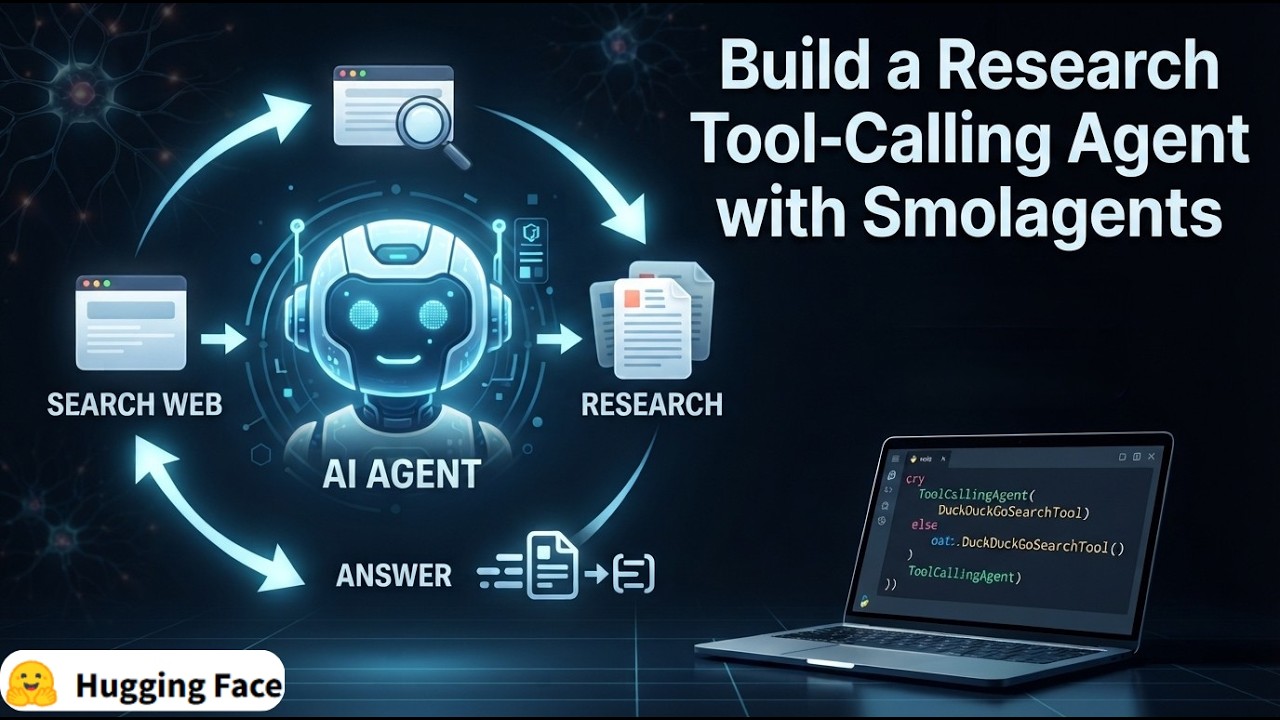
Alongside CodeAgent, we also provide the standard ToolCallingAgent which writes actions as JSON/text blobs. You can pick whichever style best suits your use case.
How smol is this library?
We strived to keep abstractions to a strict minimum: the main code in agents.py has <1,000 lines of code.
Still, we implement several types of agents: CodeAgent writes its actions as Python code snippets, and the more classic ToolCallingAgent leverages built-in tool calling methods. We also have multi-agent hierarchies, import from tool collections, remote code execution, vision models...
By the way, why use a framework at all? Well, because a big part of this stuff is non-trivial. For instance, the code agent has to keep a consistent format for code throughout its system prompt, its parser, the execution. So our framework handles this complexity for you. But of course we still encourage you to hack into the source code and use only the bits that you need, to the exclusion of everything else!
How strong are open models for agentic workflows?
We've created CodeAgent instances with some leading models, and compared them on this benchmark that gathers questions from a few different benchmarks to propose a varied blend of challenges.
Find the benchmarking code here for more detail on the agentic setup used, and see a comparison of using LLMs code agents compared to vanilla (spoilers: code agents works better).
<p align="center">

</p>
This comparison shows that open-source models can now take on the best closed models!
Security
Security is a critical consideration when working with code-executing agents. Our library provides:
- Sandboxed execution options using E2B or Docker
- Best practices for running agent code securely
For security policies, vulnerability reporting, and more information on secure agent execution, please see our Security Policy.
Contribute
Everyone is welcome to contribute, get started with our contribution guide.
Cite smolagents
If you use smolagents in your publication, please cite it by using the following BibTeX entry.
@Misc{smolagents,
  title =        {smolagents: a smol library to build great agentic systems.},
  author =       {Aymeric Roucher and Albert Villanova del Moral and Thomas Wolf and Leandro von Werra and Erik Kaunismäki},
  howpublished = {\url{https://github.com/huggingface/smolagents}},
  year =         {2025}
}