Toolbase
A desktop application that adds powerful tools to Claude and AI platforms
- desktop-chat
About
What is Toolbase?
Toolbase is a desktop application that makes it easy to add tools and plugins to Claude and AI Platforms. It runs on macOS (Windows and Linux support in active development) and is designed for users who want to discover, install, and manage tools without needing technical expertise.
How to use Toolbase?
Download the latest version from gettoolbase.ai, open the application, and start using tools and plugins with Claude Desktop. Prerequisites include having Claude Desktop installed. No additional commands or config files are mentioned for end-users.
Key features of Toolbase
- Visual tool browser for discovering tools
- One-click tool installation
- Simple configuration management
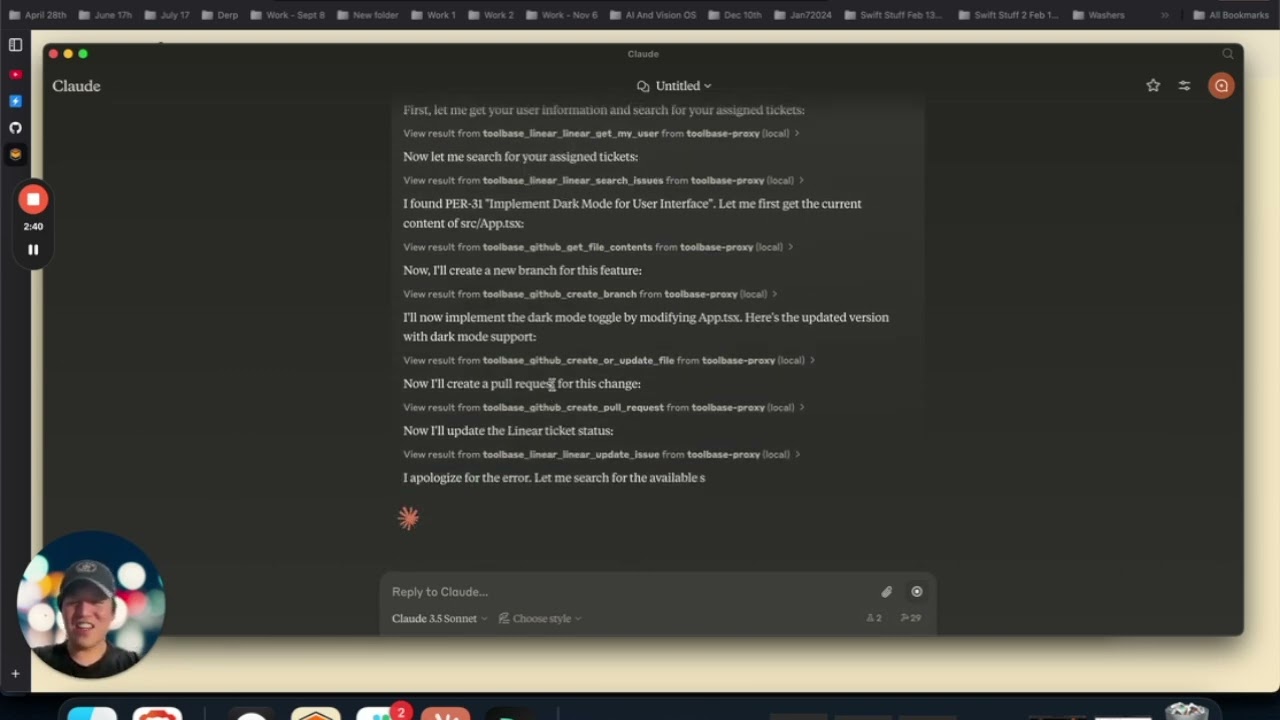
- Seamless Claude Desktop integration
- Powered by the Model Context Protocol (MCP)
- Local runner for executing MCP servers securely
Use cases of Toolbase
- Adding AI plugins to Claude Desktop without manual setup
- Managing MCP tools for multiple AI platforms from one place
- Exploring and installing new tools through an intuitive visual interface
FAQ from Toolbase
What does Toolbase do?
Toolbase provides a simple interface for discovering, installing, and managing tools that work with Claude Desktop and other AI platforms via the Model Context Protocol.
Which platforms are supported?
Toolbase currently only supports macOS. Support for Windows and Linux is in active development.
Does Toolbase support MCP servers?
Yes, Toolbase is built on the Model Context Protocol and includes a local runner that executes MCP servers to provide tools to Claude Desktop and other AI platforms.
What is the licensing and pricing?
Toolbase is open source under the Apache 2.0 License. No pricing information is mentioned in the README.
Are there any known limitations?
The project is in Developer Preview; APIs and features may change without notice. The open-source repository is still being updated to reflect latest changes from alpha testing.
Details
- Author
- toolbase-ai
- GitHub stars
- 138
- Category
- desktop-chat
- Website
- gettoolbase.ai
- Docs
- Official docs
- Repository
- toolbase-ai/toolbase
> ⚠️ We’re currently in the process of updating the open-source Toolbase repository to reflect our latest changes after testing with alpha testers.
Toolbase
Toolbase is a desktop application that makes it easy to add tools and plugins to Claude and AI Platforms. It provides a simple interface for discovering, installing, and managing tools without requiring technical expertise.
Learn more at https://gettoolbase.ai
Powered by the Model Context Protocol (MCP)
> ⚠️ Developer Preview: This project is currently in active development. APIs and features may change without notice.
Features
- 🔍 Visual tool browser
- 🚀 One-click tool installation
- 🔧 Simple configuration management
- 🔌 Seamless Claude Desktop integration
Getting Started
Prerequisites
- Claude Desktop installedDownload and Run Toolbase
> Toolbase currently only supports macOS. Support for Windows and Linux in active development.1. Download the latest version of Toolbase from https://gettoolbase.ai
2. Open the application and start using tools and plugins with Claude Desktop
Project Structure
toolbase/
├── packages/
   ├── app/      # Desktop application for tool management
   └── runner/   # Secure local runner for MCP servers
This monorepo contains two main packages:
- packages/app - Desktop application for tool management and configuration, built with Electron
- packages/runner - Local runner for executing MCP servers and tools, built with Deno
See individual package READMEs for detailed documentation:
- Desktop App Documentation
- Runner Documentation
Development Setup
Although setup as a monorepo, each package are managed independently.
Clone the repository:
git clone https://github.com/Toolbase-AI/toolbase.git

cd toolbase
Desktop App (packages/app)
The desktop application is built with Electron and provides the main user interface.
Prequisites
- Node 22 - npmcd packages/app
npm install
Run the Electron development application
npm start
Runner (packages/runner)
The runner is a Deno CLI and library that executes MCP servers locally to provide tools and plugins to Claude Desktop and other AI platforms. This will be built into a binary to run on the user's local devices.
Prequisites
- Deno 2cd packages/runner
Run locally
deno task dev [OPTIONS]
Build binary
deno task build
License
This project is licensed under the Apache 2.0 License - see the LICENSE file for details.
Support
- 📖 Website
- 📧 Email Support
Acknowledgments
- Built for enhancing Claude Desktop
- Uses the Model Context Protocol
- Inspired by the MCP community