
Creating an MCP Server in Go and Serving it with Docker
About
# Creating an MCP Server in Go and Serving it with Docker ## Introduction Today we'll look at how to create an MCP server in Go and serve it with Docker. Prerequisites: having read [Understanding the Model Context Protocol (MCP)](https://k33g.hashnode.dev/understanding-the-model-context-protocol-mcp) To write an MCP…
Explore
- Written in Go using the mcp-go SDK.
- Exposes a single tool use_curl that takes a required url parameter.
- Communicates via standard input/output (stdio).
- Packaged in a Docker image that includes both the Go binary and curl.
- Designed for simplicity – easy to extend or modify.

Setting up with Highlight
This MCP is not yet compatible with Highlight’s one-click setup. However, you can still use it with Highlight by following these steps:
- Download and install Highlight from highlightai.com/download
- Navigate to the plugins tab and select "Add Custom Plugin"
-
Configure the plugin with the settings below
Plugin Name
Creating an MCP Server in Go and Serving it with DockerCommand (node, npx, python, etc.)Please refer to the README for specific instructions on how to obtain API keys or other required environment variables.
- Enable "Start Automatically" if you want the plugin to start when Highlight launches





From the repository
Build the Docker image with docker build -t mcp-curl . from the provided Dockerfile. Then create an mcp.json file for mcphost that runs the Docker container interactively. Start mcphost with mcphost --config ./mcp.json --model ollama:qwen2.5-coder:14b to make the server available to the LLM.
Claude Desktop / Cursor
Paste into your MCP client config file to install this server.
{
    "mcpServers": {
        "creating an mcp server in go and serving it with docker": {
            "05-make-your-mcp-server": {
                "command": "docker",
                "args": [
                    "build",
                    "-t",
                    "mcp-curl",
                    "."
                ]
            }
        }
    }
}McpServers
{
    "05-make-your-mcp-server": {
        "command": "docker",
        "args": [
            "build",
            "-t",
            "mcp-curl",
            "."
        ]
    }
}
Introduction
Today we'll look at how to create an MCP server in Go and serve it with Docker.
Prerequisites: having read Understanding the Model Context Protocol (MCP)
To write an MCP server, there are several official SDKs:
- TypeScript SDK
- Python SDK
- Kotlin SDK
In recent years, I've developed an appetite for Go, so I looked around to see if there was a Go implementation. On this page https://github.com/punkpeye/awesome-mcp-servers?tab=readme-ov-file#frameworks, I found several, notably https://github.com/mark3labs/mcp-go, by the creator of mcphost (which I discuss and use in the previous blog post).
The advantage of the mcp-go project is that it's simple and also provides tools to develop an MCP client, which will be very useful for a future blog post.
Creating an MCP Server
I won't detail or implement all the possibilities of an MCP server here. I'll just implement the essentials:
- Provide a list of tools for the LLM
- Execute these tools when the LLM invokes them
When I use an LLM, there's one thing I'd like to be able to do: give it a website link so it can find information there, make a summary for me, etc.
So I created an MCP server that calls the curl utility with a URL parameter and returns its content. But let's look at the source code:
go.mod:
module mcp-curl
go 1.23.4
require github.com/mark3labs/mcp-go v0.8.2

require github.com/google/uuid v1.6.0
main.go:
package main
import (

	"context"

	"fmt"

	"os/exec"
"github.com/mark3labs/mcp-go/mcp"

	"github.com/mark3labs/mcp-go/server"

)
func main() {

	// Create MCP server

	s := server.NewMCPServer(

		"mcp-curl",

		"1.0.0",

	)
// Add a tool

	tool := mcp.NewTool("use_curl",

		mcp.WithDescription("fetch this webpage"),

		mcp.WithString("url",

			mcp.Required(),

			mcp.Description("url of the webpage to fetch"),

		),

	)
// Add a tool handler

	s.AddTool(tool, curlHandler)
fmt.Println("🚀 Server started")

	// Start the stdio server

	if err := server.ServeStdio(s); err != nil {

		fmt.Printf("😡 Server error: %v\n", err)

	}

	fmt.Println("👋 Server stopped")

}
func curlHandler(ctx context.Context, request mcp.CallToolRequest) (*mcp.CallToolResult, error) {
url, ok := request.Params.Arguments["url"].(string)

	if !ok {

		return mcp.NewToolResultError("url must be a string"), nil

	}

	cmd := exec.Command("curl", "-s", url)

	output, err := cmd.Output()

	if err != nil {

		return mcp.NewToolResultError(err.Error()), nil

	}

	content := string(output)
return mcp.NewToolResultText(content), nil

}
Explanations
It's really very simple. My server will provide only one tool. The code implements a server that exposes a web "fetching" tool based on curl using the Model Control Protocol.
- First, I create an MCP server named mcp-curl version 1.0.0 that works with standard input/output (stdio)
- Then I define a tool named use_curl that takes a required url parameter
- Finally, I add the handler for this tool that executes the curl command with the -s option to retrieve the webpage content
- Of course, I handle errors and return the webpage content as text
Packaging the MCP Server with Docker
To make my life easier, I'll use a Dockerfile to build a Docker image containing my MCP server. This way, I can more easily deploy it on different platforms or make it available to anyone who wants to use it.
Dockerfile:
FROM golang:1.23.4-alpine AS builder

WORKDIR /app

COPY go.mod .

COPY main.go .
RUN <<EOF

go mod tidy

go build

EOF
FROM curlimages/curl:8.6.0

WORKDIR /app

COPY --from=builder /app/mcp-curl .

ENTRYPOINT ["./mcp-curl"]
My Dockerfile has two parts:
- The first part builds my MCP server in Go
- The second part uses the curlimages/curl:8.6.0 image that contains curl and copies my mcp-curl server into the image (so mcp-curl is the executable that calls curl)
To build the Docker image, I run the following command:
docker build -t mcp-curl .
And now let's see how to use our new MCP server with mcphost:
Using the MCP Server with mcphost
First, we need to create a configuration file mcp.json for mcphost:
{
  "mcpServers": {
    "mcp-curl-with-docker" :{
      "command": "docker",
      "args": [
        "run",
        "--rm",
        "-i",
        "mcp-curl"
      ]
    }
  }
}
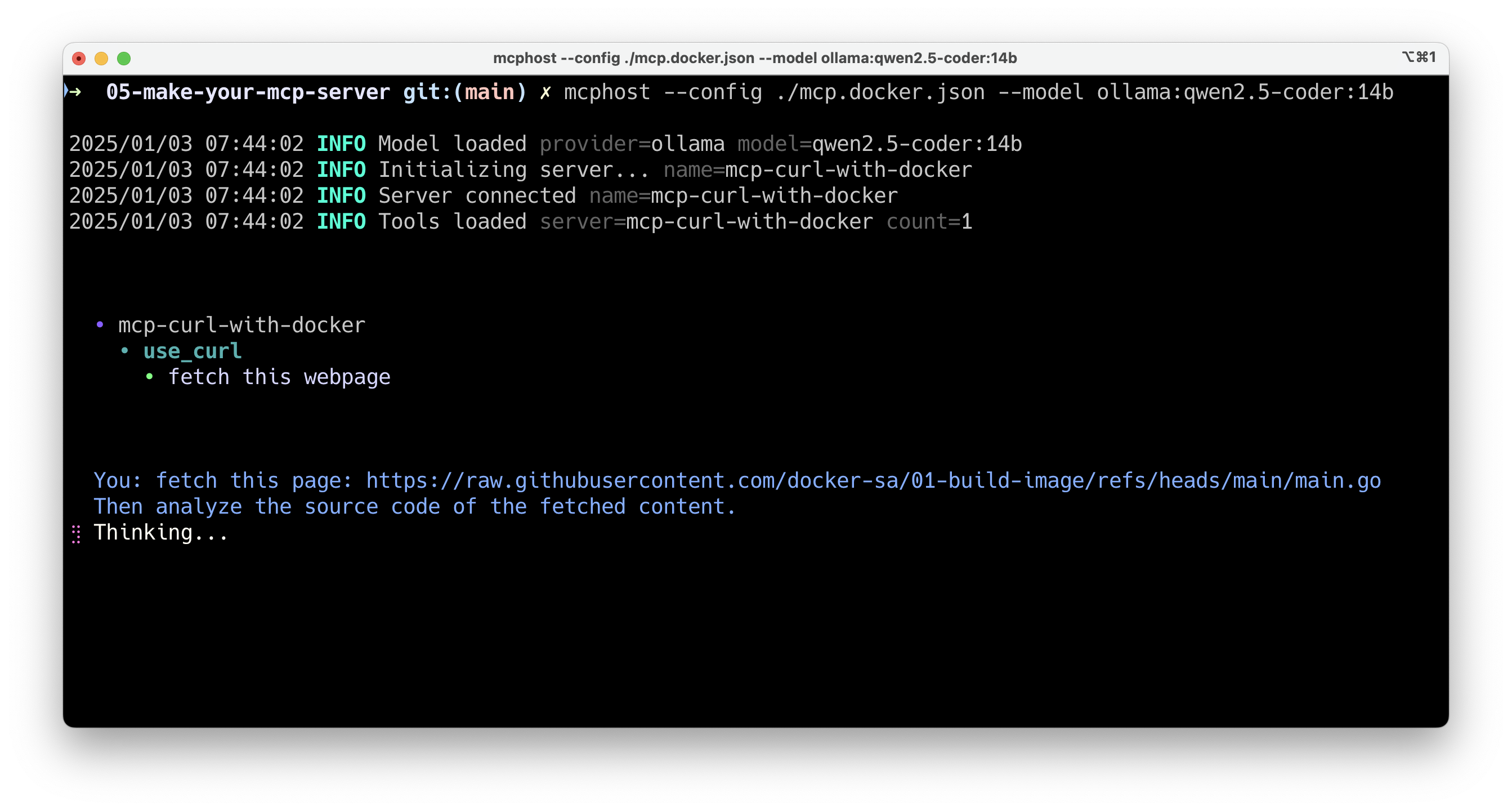
Then we can use mcphost to use our MCP server and an LLM with Ollama, like this:
mcphost --config ./mcp.json --model ollama:qwen2.5-coder:14b
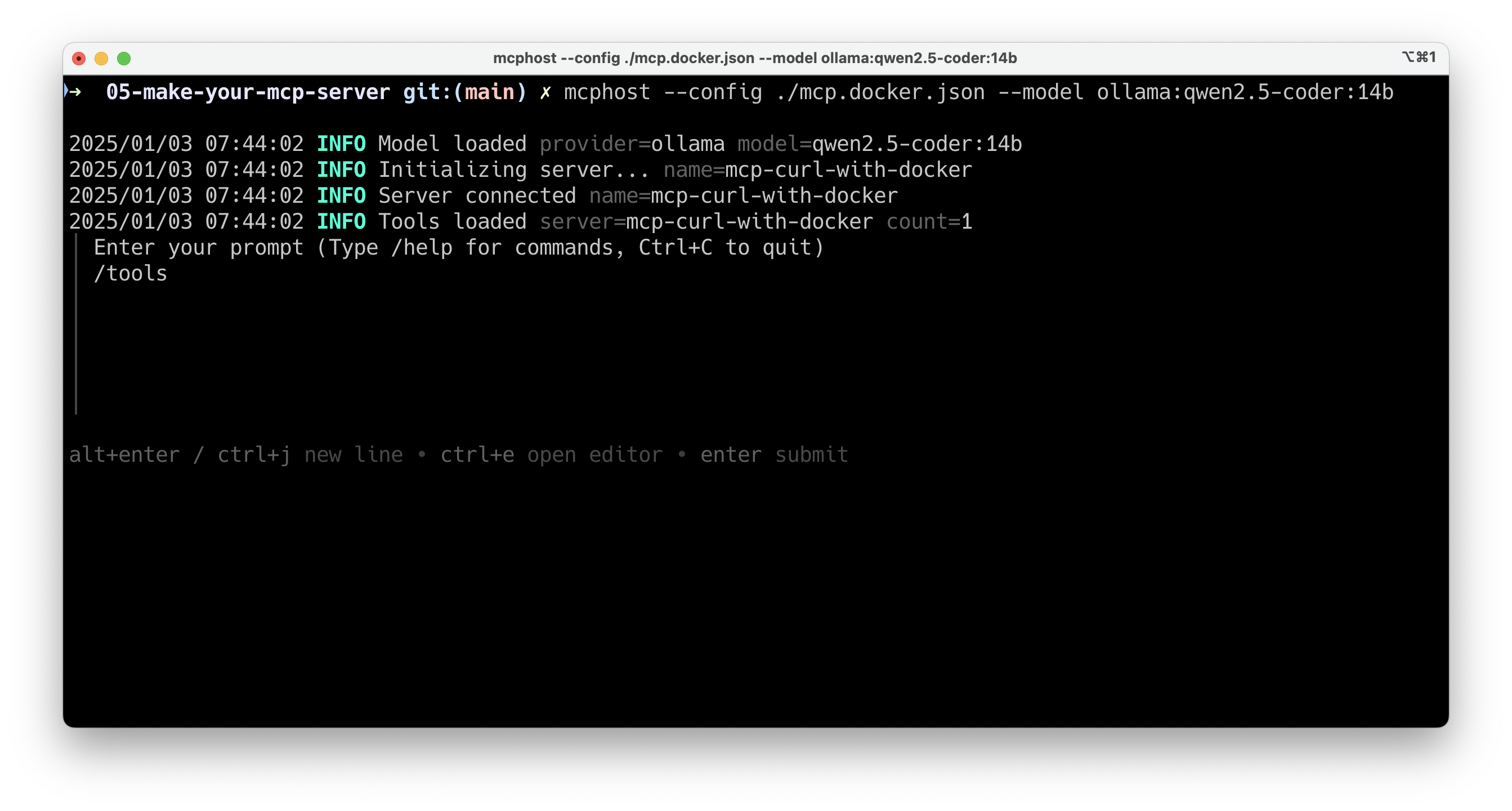
The MCP server is recognized by mcphost:
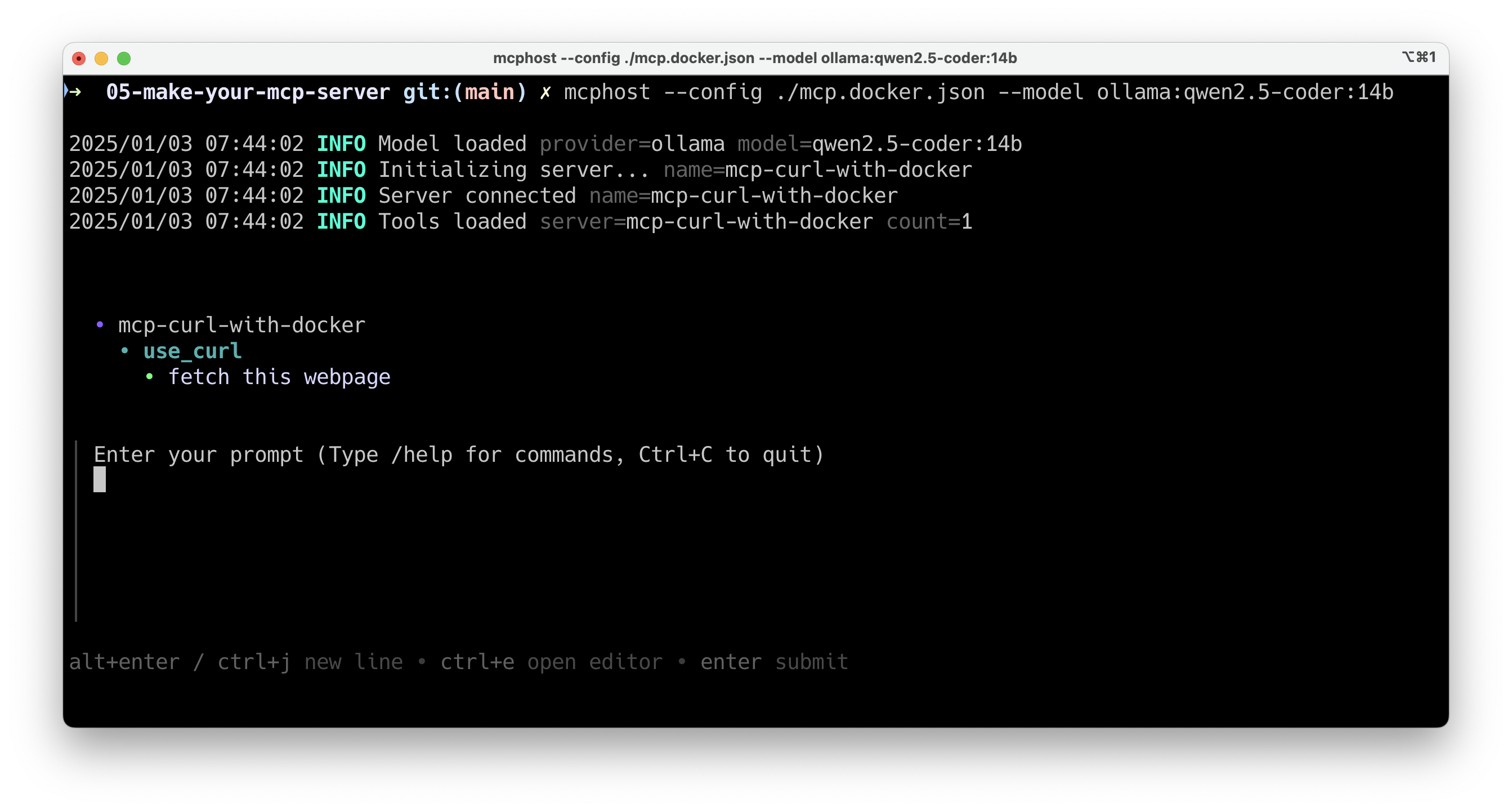
You can request the list of available tools with the /tools command:
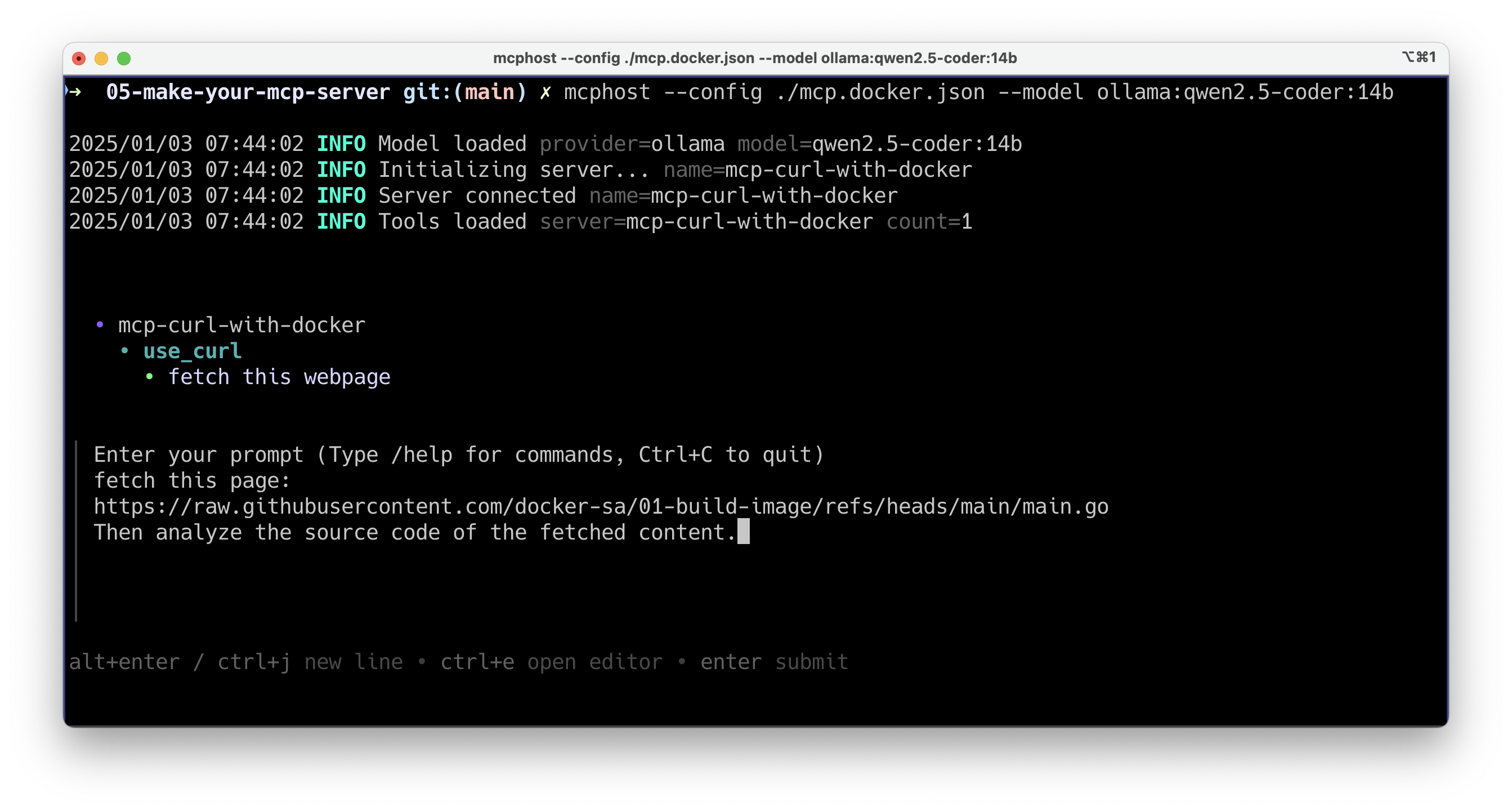
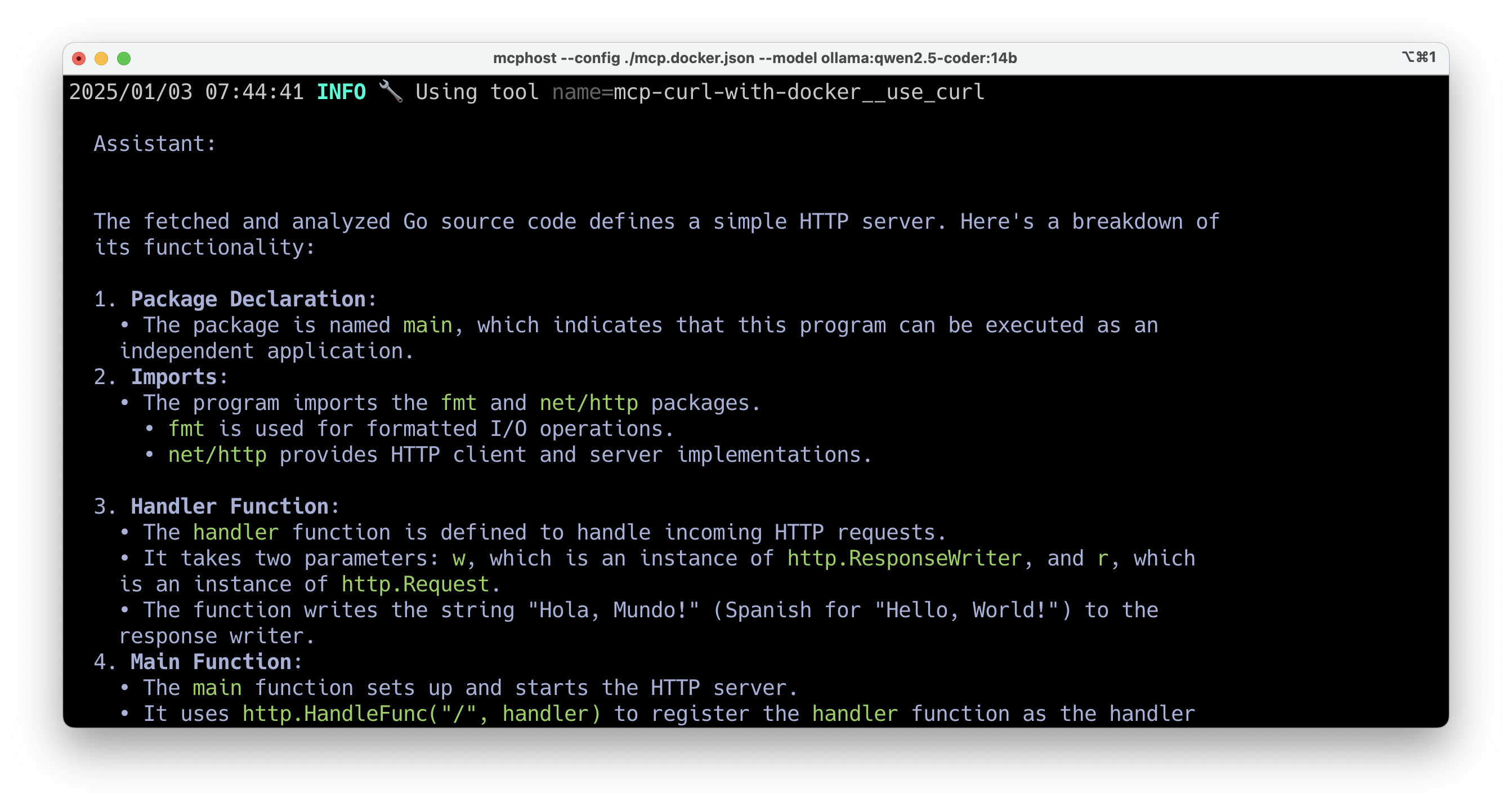
Now you can request the content of a webpage and analyze its content (in my example I retrieve Go code from GitHub):
Wait a little bit:
And here's the webpage content:
Conclusion
You can see that with just a few lines, it becomes really easy to give "superpowers" to your LLMs. In a future blog post, I'll show you how to create a generative AI application with Ollama and an MCP client in Go to interact with our MCP server.
Sign in to leave a review
Use Google, GitHub, or an email account so ratings stay tied to real people.
No reviews posted yet.



