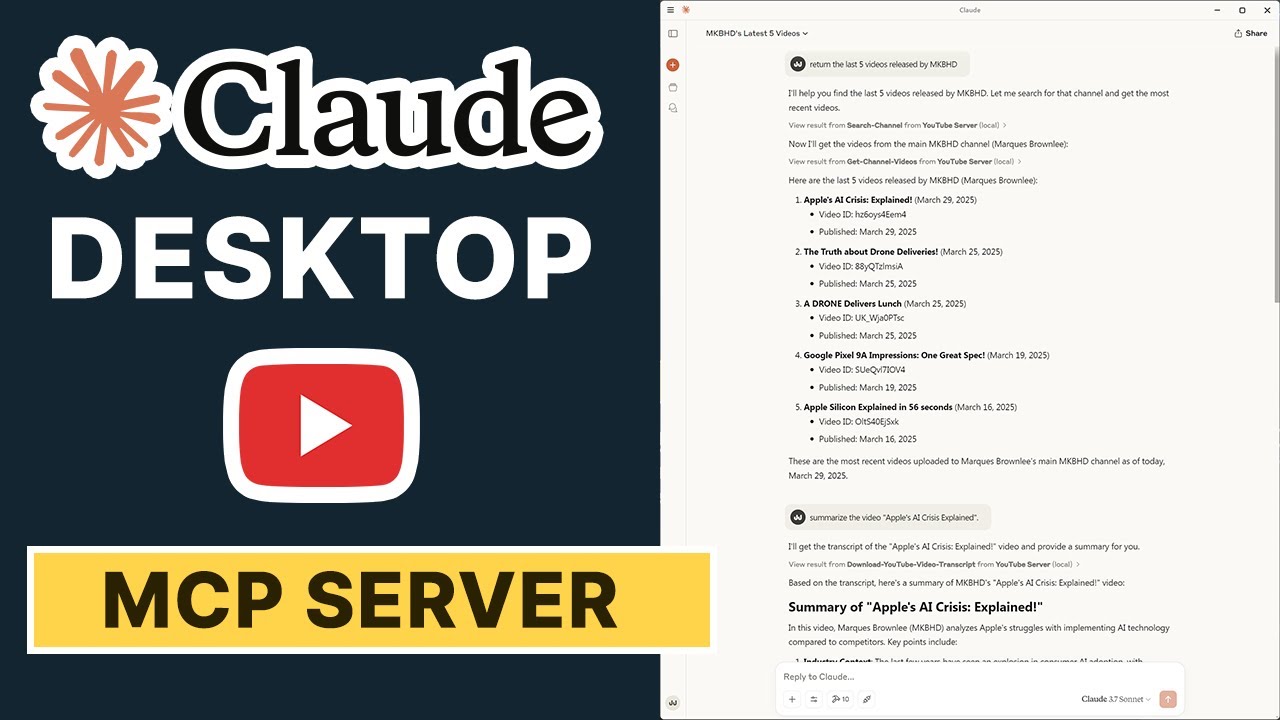
YouTube MCP Server
About
YouTube MCP Server is an AI-powered solution designed to revolutionize your YouTube experience. It empowers users to search for YouTube videos, retrieve detailed transcripts, and perform semantic searches over video content—all without relying on the official API. By integrating
Details
- Transport
- SSE
- License
- MIT
Explore
- Search YouTube videos without using the official API
- Retrieve video transcripts
- Store video information and transcripts in a vector database
- Perform semantic search over stored video transcripts

Setting up with Highlight
This MCP is not yet compatible with Highlight’s one-click setup. However, you can still use it with Highlight by following these steps:
- Download and install Highlight from highlightai.com/download
- Navigate to the plugins tab and select "Add Custom Plugin"
-
Configure the plugin with the settings below
Plugin Name
YouTube MCP ServerCommand (node, npx, python, etc.)Please refer to the README for specific instructions on how to obtain API keys or other required environment variables.
- Enable "Start Automatically" if you want the plugin to start when Highlight launches





From the repository
- Python 3.8+
- Google API key for embeddings
- uv package manager
There are two ways to run the MCP server:
Add to your Claude settings without using any package manager this works for windows:
"mcpServers": {
"youtube": {
"command": "C:\\Path\\To\\Your\\Project\\.venv\\Scripts\\python.exe",
"args": ["C:\\Path\\To\\Your\\Project\\server.py"],
"env": {
"GOOGLE_API_KEY": "your_api_key_here"
}
}
}
Using Uv package manager this works for windows:
"mcpServers": {
"youtube": {
"command": "uv",
"args": ["--directory", "C:\\Path\\To\\Your\\Project", "run", "server.py"],
"env": {
"GOOGLE_API_KEY": "your_api_key_here"
}
}
}
1. Start the server using one of the methods described above
2. Open Claude Desktop App
3. Look for the hammer icon to verify that the YouTube tools are available
4. You can now use commands like:
- "Search for Python tutorial videos"
- "Get the transcript of this video: [video_url]"
- "Search through stored video transcripts about machine learning"
videos_getVideo
Get detailed information about a YouTube video including URL
videos_searchVideos
Search for videos on YouTube and return results with URLs
transcripts_getTranscript
Get the transcript of a YouTube video
channels_getChannel
Get information about a YouTube channel
channels_listVideos
Get videos from a specific channel
playlists_getPlaylist
Get information about a YouTube playlist
playlists_getPlaylistItems
Get videos in a YouTube playlist
The server provides the following tools:
1. search-youtube: Search for YouTube videos based on a query
- Parameters:
- query: Search query string
- max_results: Maximum number of results to return (default: 5)
2. get-transcript: Get the transcript of a YouTube video
- Parameters:
- video_url: URL of the YouTube video
3. store-video-info: Store video information and transcript in the vector database
- Parameters:
- video_url: URL of the YouTube video
- metadata: Optional metadata about the video
4. search-transcripts: Search stored video transcripts using semantic search
- Parameters:
- query: Search query
- limit: Maximum number of results to return (default: 3)
Claude Desktop / Cursor
Paste into your MCP client config file to install this server.
{
    "mcpServers": {
        "youtube mcp server": {
            "Youtube-MCP": {
                "command": "uv",
                "args": [
                    "venv"
                ]
            }
        }
    }
}McpServers
{
    "Youtube-MCP": {
        "command": "uv",
        "args": [
            "venv"
        ]
    }
}
A Model Context Protocol (MCP) server that provides tools for searching YouTube videos, retrieving transcripts, and performing semantic search over video content.
Support Us
If you find this project helpful and would like to support future projects, consider buying us a coffee! Your support helps us continue building innovative AI solutions.
<a href="https://www.buymeacoffee.com/blazzmocompany"></a>
Your contributions go a long way in fueling our passion for creating intelligent and user-friendly applications.
Table of Contents
- YouTube MCP Server
- Features
- Prerequisites
- Installation
- Running the Server
- 1. Direct Method
- 2. Configure for Claude.app
- Available Tools
- Using with MCP Clients
- Example Usage
- Debugging
- Contributing
- License
Features
- Search YouTube videos without using the official API
- Retrieve video transcripts
- Store video information and transcripts in a vector database
- Perform semantic search over stored video transcripts
Prerequisites
- Python 3.8+
- Google API key for embeddings
- uv package manager
Installation
1. Clone this repository
2. Create and activate a virtual environment using uv:
```bash
uv venv
Sign in to leave a review
Use Google, GitHub, or an email account so ratings stay tied to real people.
No reviews posted yet.