
YouTube
About
Extract and analyze video subtitle data for content understanding.
Details
- Repository
- anaisbetts/mcp-youtube
- License
- MIT
Explore
- Downloads subtitles from YouTube videos
- Connects Claude.ai via Model Context Protocol
- Requires yt-dlp installed locally
- Installed via mcp-installer as @anaisbetts/mcp-youtube

Setting up with Highlight
This MCP is not yet compatible with Highlight’s one-click setup. However, you can still use it with Highlight by following these steps:
- Download and install Highlight from highlightai.com/download
- Navigate to the plugins tab and select "Add Custom Plugin"
-
Configure the plugin with the settings below
Plugin Name
YouTubeCommand (node, npx, python, etc.)npxArguments-
Argument 1
-y -
Argument 2
@highlight/mcp-server
Please refer to the README for specific instructions on how to obtain API keys or other required environment variables.
-
Argument 1
- Enable "Start Automatically" if you want the plugin to start when Highlight launches





From the repository
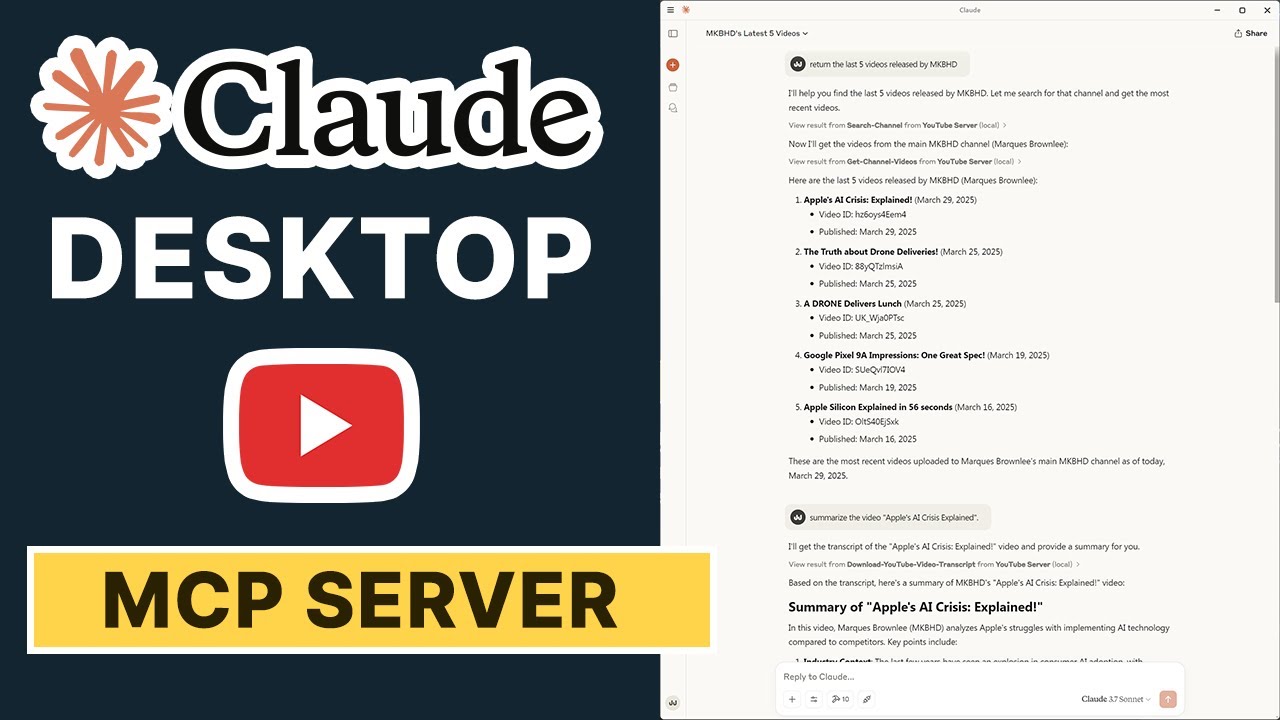
Install yt-dlp locally (e.g., via Homebrew or WinGet), then install this server via mcp-installer using the package name @anaisbetts/mcp-youtube. Invoke by asking Claude: "Summarize the YouTube video <<URL>>".
Claude Desktop / Cursor
Paste into your MCP client config file to install this server.
{
    "mcpServers": {
        "youtube": {
            "env": {},
            "args": [
                "-y",
                "@highlight/mcp-server"
            ],
            "command": "npx"
        }
    }
}Linux
{
    "env": [],
    "args": [
        "-y",
        "@highlight/mcp-server"
    ],
    "command": "npx"
}
Macos
{
    "env": [],
    "args": [
        "-y",
        "@highlight/mcp-server"
    ],
    "command": "npx"
}
Windows
{
    "env": [],
    "args": [
        "/c",
        "npx",
        "-y",
        "@highlight/mcp-server"
    ],
    "command": "cmd"
}
- Installyt-dlp(Homebrew and WinGet both work great here)
- Now, install this viamcp-installer, use the name@anaisbetts/mcp-youtube
Browser MCP server for AI agents to automate web pages with Puppeteer, accessibility-tree actions, optional vision mode, and cross-platform browser control.
A MCP server to retrieve up-to-date jobs from company career sites.
Fetch the content of a remote URL as Markdown with Jina Reader.
High-quality screenshot capture optimized for Claude Vision API. Automatically tiles full pages into 1072x1072 chunks (1.15 megapixels) with configurable viewports and wait strategies for dynamic content.
An MCP server using Playwright for browser automation and webscrapping
Fast, token-efficient web content extraction that converts websites to clean Markdown. Features Mozilla Readability, smart caching, polite crawling with robots.txt support, and concurrent fetching with minimal dependencies.
Secure fetch to prevent access to local resources
MCP Server to let Claude / your AI control the browser
A MCP server that provides comprehensive website snapshot capabilities using Playwright. This server enables LLMs to capture and analyze web pages through structured accessibility snapshots, network monitoring, and console message collection.
Sign in to leave a review
Use Google, GitHub, or an email account so ratings stay tied to real people.
No reviews posted yet.