S3 MCP Server
About
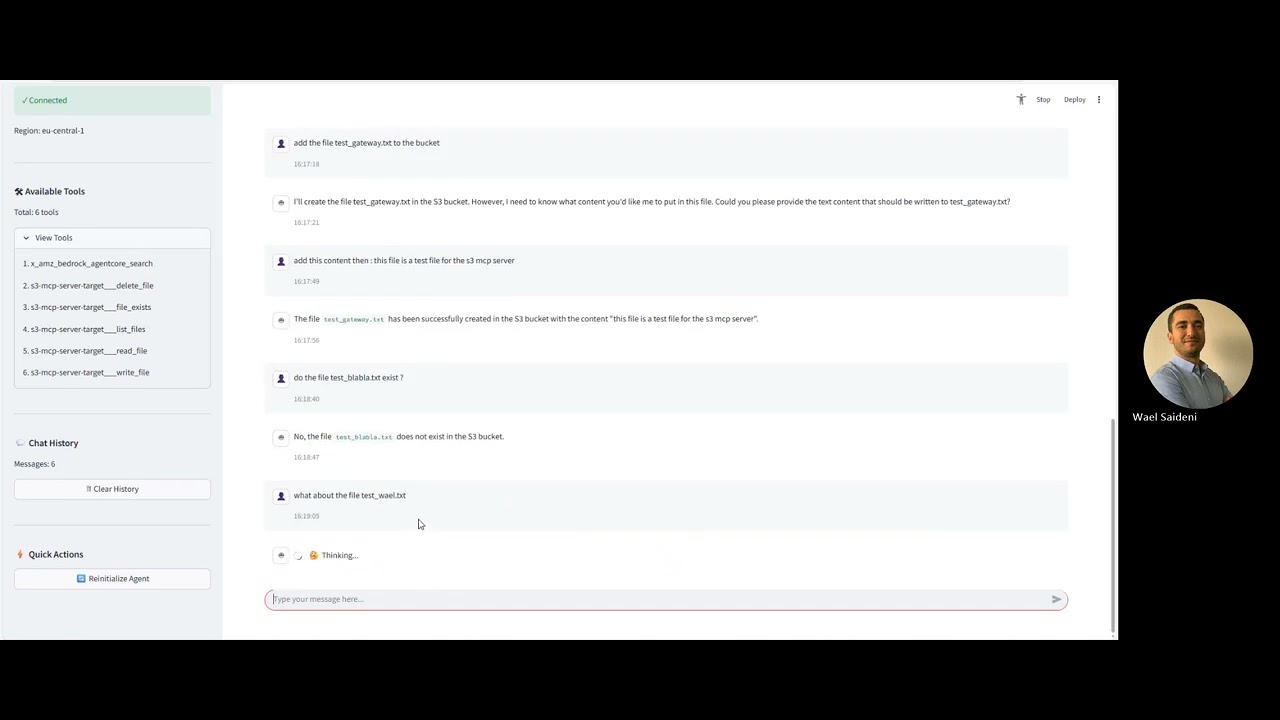
An Amazon S3 Model Context Protocol (MCP) server that provides tools for LLMs like Claude to interact with S3 buckets and objects. It supports listing buckets, listing objects, and retrieving object contents.
Details
- License
- MIT
Explore
- Supports STDIO, HTTP, and Streamable HTTP transports
- Tools: list-buckets, list-objects, get-object
- Deployment: local Node.js, Docker CLI, Docker Compose (with MinIO)
- Built-in MCP Inspector for debugging and testing
- Configurable allowed buckets and region

Setting up with Highlight
This MCP is not yet compatible with Highlight’s one-click setup. However, you can still use it with Highlight by following these steps:
- Download and install Highlight from highlightai.com/download
- Navigate to the plugins tab and select "Add Custom Plugin"
-
Configure the plugin with the settings below
Plugin Name
S3 MCP ServerCommand (node, npx, python, etc.)Please refer to the README for specific instructions on how to obtain API keys or other required environment variables.
- Enable "Start Automatically" if you want the plugin to start when Highlight launches





From the repository
Prerequisites
- Node.js 18 or higher
- npm or yarn
- AWS credentials configured (either through environment variables or AWS credentials file)
- Docker (optional, for containerized setup)
list-buckets
List available S3 buckets
list-objects
List objects in an S3 bucket
get-object
Retrieve an object from an S3 bucket
- ✅ list-buckets - List accessible S3 buckets with filtering
- ✅ list-objects - Browse objects within buckets with prefix filtering
- ✅ get-object - Retrieve object contents (text/binary support)
Claude Desktop / Cursor
Paste into your MCP client config file to install this server.
{
    "mcpServers": {
        "s3 mcp server": {
            "aws-s3-mcp": {
                "command": "npx",
                "args": [
                    "aws-s3-mcp"
                ]
            }
        }
    }
}McpServers
{
    "aws-s3-mcp": {
        "command": "npx",
        "args": [
            "aws-s3-mcp"
        ]
    }
}






An Amazon S3 Model Context Protocol (MCP) server that provides tools for interacting with S3 buckets and objects.
https://github.com/user-attachments/assets/d05ff0f1-e2bf-43b9-8d0c-82605abfb666
Features
🚀 MCP Transport Support
- ✅ STDIO Transport - Direct process communication for Claude Desktop
- ✅ HTTP Transport - REST API with Server-Sent Events for web clients
- ✅ Streamable HTTP - Real-time streaming for responsive interactions
🛠️ Available Tools
- ✅ list-buckets - List accessible S3 buckets with filtering
- ✅ list-objects - Browse objects within buckets with prefix filtering
- ✅ get-object - Retrieve object contents (text/binary support)
🐳 Deployment Options
- ✅ Local Node.js - Direct execution with npm/node
- ✅ Docker CLI - Containerized deployment with custom configuration
- ✅ Docker Compose - Full stack with MinIO for local testing
- ✅ MCP Inspector - Built-in debugging and testing interface
Overview
This MCP server allows Large Language Models (LLMs) like Claude to interact with AWS S3 storage. It provides tools for:
- Listing available S3 buckets
- Listing objects within a bucket
- Retrieving object contents
The server is built using TypeScript and the MCP SDK, providing a secure and standardized way for LLMs to interface with S3.
Installation
Prerequisites
- Node.js 18 or higher
- npm or yarn
- AWS credentials configured (either through environment variables or AWS credentials file)
- Docker (optional, for containerized setup)
Setup
1. Install via npm:
```bash
Sign in to leave a review
Use Google, GitHub, or an email account so ratings stay tied to real people.
No reviews posted yet.