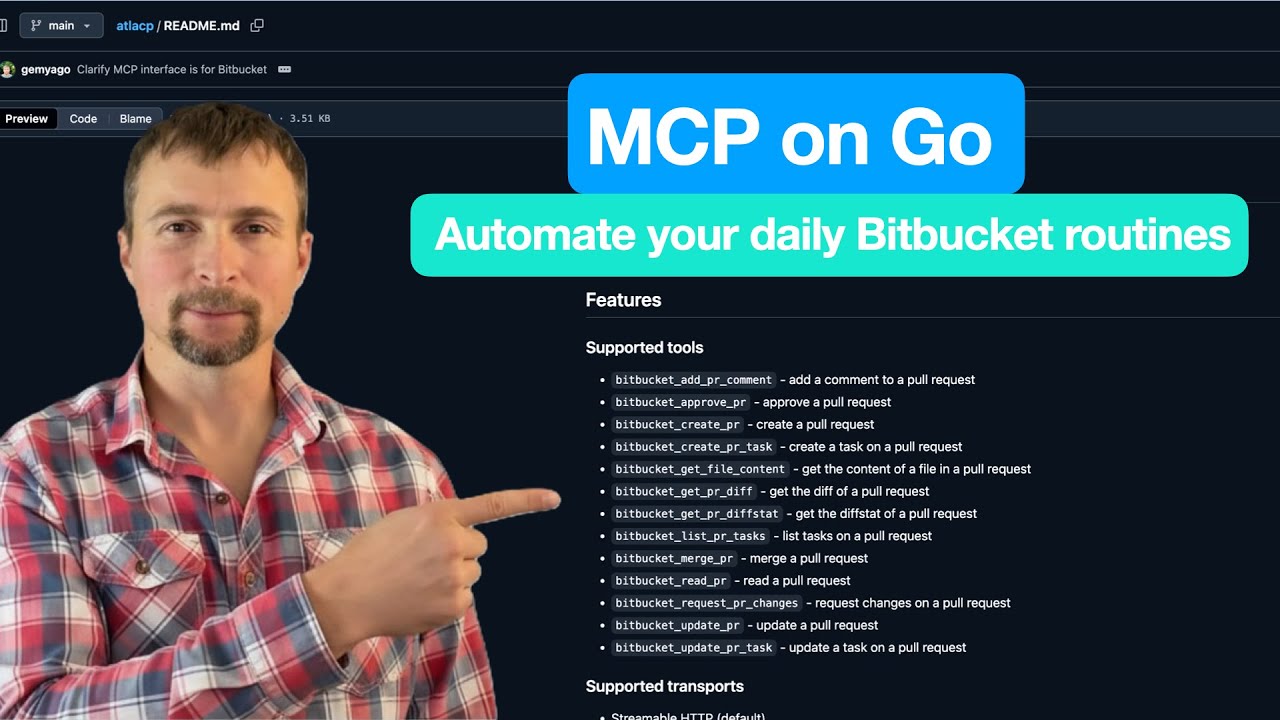
Bitbucket MCP
About
Bitbucket MCP - A Model Context Protocol (MCP) server for integrating with Bitbucket Cloud and Server APIs
Details
- License
- MIT
Explore
- No destructive operations by default (safe design)
- List, get, create, update, and merge pull requests
- List and get repository details
- Pagination with automatic following of next links (up to 1,000 items)
- Automatic workspace extraction from URL (legacy mode)
- CodeQL security scanning on every code change

Setting up with Highlight
This MCP is not yet compatible with Highlight’s one-click setup. However, you can still use it with Highlight by following these steps:
- Download and install Highlight from highlightai.com/download
- Navigate to the plugins tab and select "Add Custom Plugin"
-
Configure the plugin with the settings below
Plugin Name
Bitbucket MCPCommand (node, npx, python, etc.)Please refer to the README for specific instructions on how to obtain API keys or other required environment variables.
- Enable "Start Automatically" if you want the plugin to start when Highlight launches





From the repository
-- Since it has been asked, in many cases we have seen - "BITBUCKET_USERNAME" is usually your email
Alternatively, you can install it globally or as part of your project:
npm install -g bitbucket-mcp
npm install bitbucket-mcp
Then run it with:
BITBUCKET_URL="https://api.bitbucket.org/2.0" \
BITBUCKET_WORKSPACE="your-workspace" \
BITBUCKET_USERNAME="your-username" \
BITBUCKET_PASSWORD="your-app-password" \
bitbucket-mcp
BITBUCKET_URL="https://bitbucket.org/your-workspace" \
BITBUCKET_USERNAME="your-username" \
BITBUCKET_PASSWORD="your-app-password" \
bitbucket-mcp
BITBUCKET_URL="https://api.bitbucket.org/2.0" \
BITBUCKET_WORKSPACE="your-workspace" \
BITBUCKET_USERNAME="your-username" \
BITBUCKET_PASSWORD="your-app-password" \
npx bitbucket-mcp
BITBUCKET_URL="https://bitbucket.org/your-workspace" \
BITBUCKET_USERNAME="your-username" \
BITBUCKET_PASSWORD="your-app-password" \
npx bitbucket-mcp
Configure the server using the following environment variables:
| Variable | Description | Required |
| ---------------------------- | ------------------------------------------------------------------------------ | -------- |
| BITBUCKET_URL | Bitbucket API base URL. Defaults to https://api.bitbucket.org/2.0 | No |
| BITBUCKET_USERNAME | Your Bitbucket username | Yes\ |
| BITBUCKET_PASSWORD | Your Bitbucket app password | Yes\ |
| BITBUCKET_TOKEN | Your Bitbucket access token (alternative to username/password) | No |
| BITBUCKET_WORKSPACE | Default workspace to use. If omitted and BITBUCKET_URL contains it, auto-set | No |
| BITBUCKET_ENABLE_DANGEROUS | Set to true to enable dangerous tools (e.g., deletions). Default: disabled | No |
| BITBUCKET_LOG_DISABLE | Disable file logging when set to true/1 | No |
| BITBUCKET_LOG_FILE | Absolute path to a specific log file | No |
| BITBUCKET_LOG_DIR | Directory to store logs (defaults to OS-specific app log dir) | No |
| BITBUCKET_LOG_PER_CWD | When true, nest logs under a per-working-directory subfolder | No |
Either BITBUCKET_TOKEN or both BITBUCKET_USERNAME and BITBUCKET_PASSWORD must be provided.
If you're getting 401 authentication errors, check the following:
1. Verify your app password: Make sure you're using an App Password, not your regular Bitbucket password
1. Verify app password permissions: Your app password needs at least "Repositories: Read" permission
1. Try the API URL format: If you're still getting 401 errors, try using the direct API URL format:
BITBUCKET_URL="https://api.bitbucket.org/2.0"
1. Test API access: Verify your credentials work by testing the Bitbucket API directly:
```bash
If you encounter issues:
1. Check the Bitbucket REST API documentation for API details
2. Review the Bitbucket Cloud documentation for general help
npm install
This MCP server provides tools for interacting with Bitbucket repositories and pull requests. Below is a comprehensive list of the available operations:
Claude Desktop / Cursor
Paste into your MCP client config file to install this server.
{
    "mcpServers": {
        "bitbucket mcp": {
            "bitbucket-mcp": {
                "command": "npx",
                "args": [
                    "-y",
                    "bitbucket-mcp@latest"
                ]
            }
        }
    }
}McpServers
{
    "bitbucket-mcp": {
        "command": "npx",
        "args": [
            "-y",
            "bitbucket-mcp@latest"
        ]
    }
}
A Model Context Protocol (MCP) server for integrating with Bitbucket Cloud and Server APIs. This MCP server enables AI assistants like Cursor to interact with your Bitbucket repositories, pull requests, and other resources.
Safety First
This is a safe and responsible package — no DELETE operations are used, so there's no risk of data loss.
Every pull request is analyzed with CodeQL to ensure the code remains secure.




Overview
Checkout out the official npm package
This server implements the Model Context Protocol standard to provide AI assistants with access to Bitbucket data and operations. It includes tools for:
- Listing and retrieving repositories
- Getting repository details
- Fetching pull requests
- And more...
Installation
-- Since it has been asked, in many cases we have seen - "BITBUCKET_USERNAME" is usually your email
Using NPX (Recommended)
The easiest way to use this MCP server is via NPX, which allows you to run it without installing it globally:
```bash
Sign in to leave a review
Use Google, GitHub, or an email account so ratings stay tied to real people.
No reviews posted yet.