
Chatty MCP
About
a MCP server enable your AI code editor (e.g., Cursor, Cline) with voice capabilities and voice response summaries
Details
- License
- MIT
Explore
- Speaks a voice summary after every MCP editor request.
- Supports Cursor, Cline, and any MCP-compatible editor.
- Customizable TTS: system, Kokoro, or Fish voices.
- Enables multitasking—Alt+Tab away while AI thinks.
- Provides quick, audio-based understanding of AI output.
I don't like extremely long READMEs as documentation, so visit our site for everything you need to know: https://chatty-mcp.vercel.app/docs/welcome
Oh, hello there! Meet Chatty MCP, your new best buddy who loves to chat out loud! After every request in Cursor, Cline, or any MCP-supported editor, it will speak up and summarize what was just done. Not only will you know when your long request has completed, but you can also use another sense to quickly understand what the editor produced, integrating deeply with your workflow for a better coding experience.
Check out our main website for documentation, demos, and configuration: https://chatty-mcp.vercel.app/
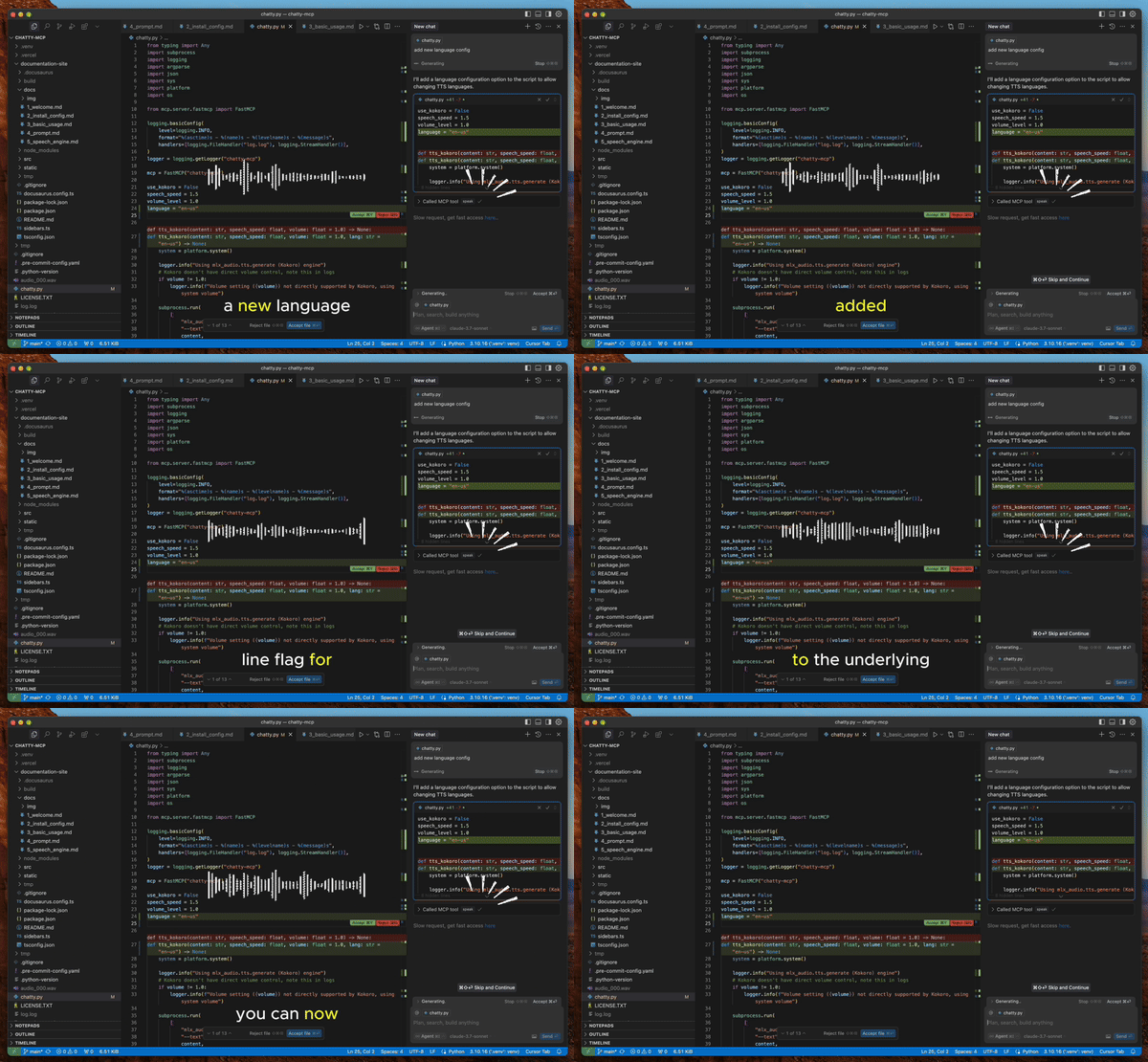
Why?
1. Waiting for Cursor to complete your requests can be tedious - you're just staring at a black screen. With Chatty MCP, you can Alt+Tab to another window while Cursor is thinking, and return when you hear the voice announcement.
2. You don't need to read everything produced by your AI - just listen to the summary and quickly decide if it's going in the right direction, then make adjustments as needed.
3. Having your computer interact with you by voice is an interesting coding experience.
Additionally, this gives you the ability to customize the voice. Use your system's built-in TTS for convenience, Kokoro TTS for smooth and natural voice output, or even Fish TTS for anime-style voices in the future.
How to Get and Configure Chatty
I don't like extremely long READMEs as documentation, so visit our site for everything you need to know: https://chatty-mcp.vercel.app/docs/welcome
Note
For Kokoro ONNX model to work, you must download the Kokoro model and place it in the correct directory. Check the documentation's Speech Engine section for more information.
Made with 💖 by folks who believe every computer needs a voice!
Sign in to leave a review
Use Google, GitHub, or an email account so ratings stay tied to real people.
No reviews posted yet.



