
🌀 Clarifai MCP Server (unofficial)
About
This unofficial MCP server acts as a local bridge between MCP clients (e.g., IDE extensions) and the Clarifai API. It enables image generation and inference using standard MCP requests, keeping heavy binary results out of the LLM context.
Explore
- Upload local files to Clarifai as inputs.
- Generate images from text prompts using Clarifai text-to-image models.
- Perform inference on local images or image URLs using Clarifai models.
- Expose Clarifai entities (inputs, models, datasets, etc.) as read-only MCP resources.
- Communicate over stdio using JSON‑RPC 2.0.
The server is typically run automatically by the MCP client framework (e.g., via settings in VS Code). The configuration usually involves specifying the path to the built binary and any required command-line arguments, such as the Clarifai PAT. You will need Go (version 1.23 or later)
cd ~
git clone [email protected]:tot-ra/clarifai-mcp-server-local.git
cd clarifai-mcp-server-local
go mod tidy
Build the Binary:
Use the go build command, targeting the main package within the cmd/server directory. Specify the output path and target architecture if needed (example for macOS ARM):
```bash
upload_file: Uploads a local file to Clarifai as an input.
Input: filepath (required, absolute path to the local file), user_id, app_id (optional).
Output: Text confirmation and API response details upon successful upload.
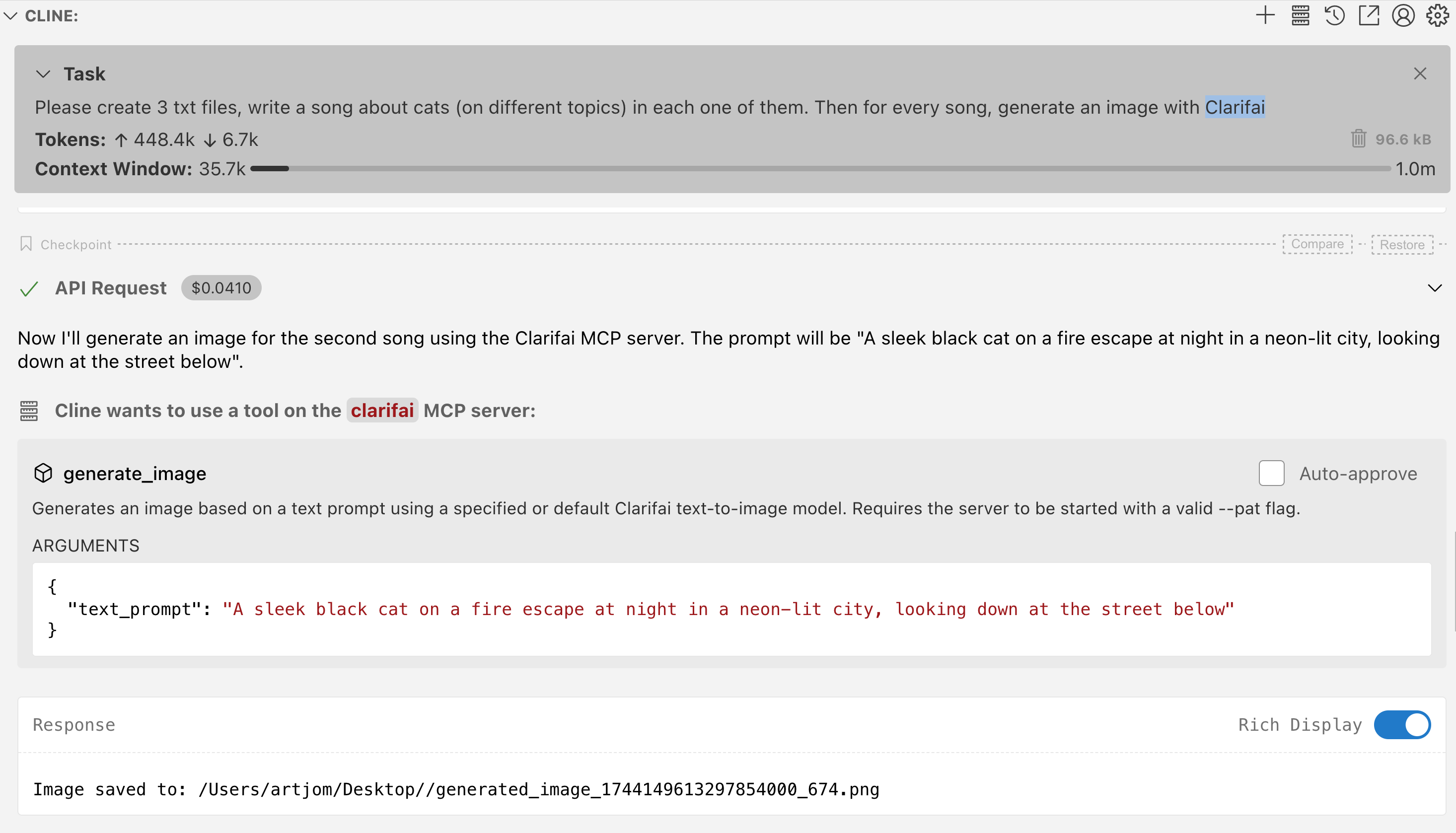
generate_image: Generates an image based on a text prompt using a specified or default Clarifai text-to-image model.
Input: text_prompt (required), model_id, user_id, app_id (optional).
Output: Base64 encoded image data (for small images) or a file path (for large images saved to the configured --output-path).
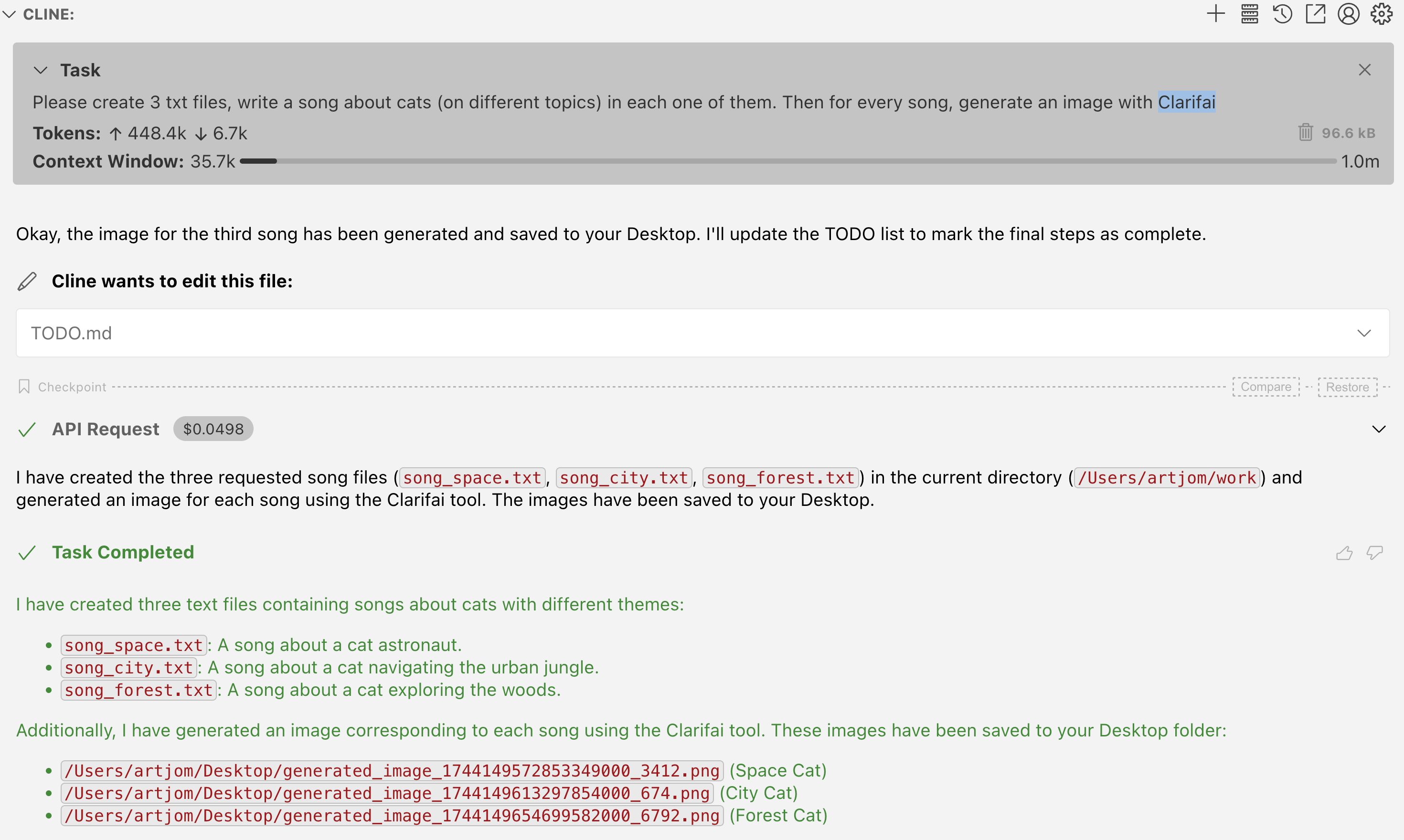
For example, given a user prompt, AI agent automatically can call image generation
and places results on Desktop
> Generate 3 cat images with Clarifai



clarifai_image_by_path: Performs inference on a local image file using a specified or default Clarifai model.
Input: filepath (required, path to the local image), model_id, user_id, app_id (optional).
Output: Text description of inference results (e.g., concepts detected).
> Please clarifai images in my_source_folder/images/
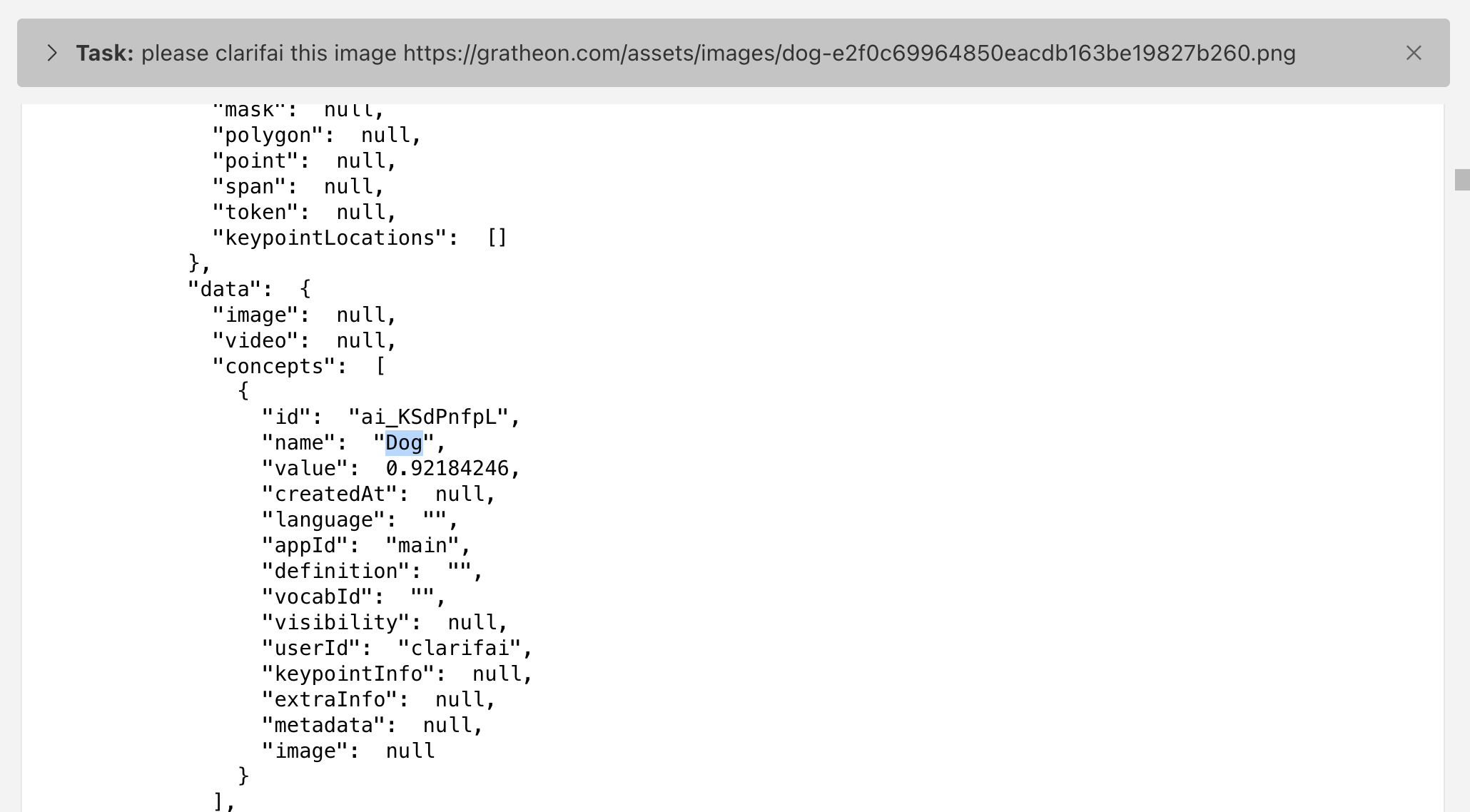
clarifai_image_by_url: Performs inference on an image URL using a specified or default Clarifai model.
Input: image_url (required), model_id, user_id, app_id (optional).
Output: Text description of inference results (e.g., concepts detected).
This hackday project provides a Model Context Protocol (MCP) server that acts as a bridge to the Clarifai API and is meant to run on user's machine (so locally). It allows MCP clients (like IDE extensions) to interact with Clarifai, such as image generation and inference, using standard MCP requests without overloading LLM context with heavy binary results.
https://www.youtube.com/embed/aSuJxq1txm0
Configuring MCP server for seamless interaction
The server is typically run automatically by the MCP client framework (e.g., via settings in VS Code). The configuration usually involves specifying the path to the built binary and any required command-line arguments, such as the Clarifai PAT. You will need Go (version 1.23 or later)
cd ~
git clone [email protected]:tot-ra/clarifai-mcp-server-local.git
cd clarifai-mcp-server-local
go mod tidy
Build the Binary:
Use the go build command, targeting the main package within the cmd/server directory. Specify the output path and target architecture if needed (example for macOS ARM):
```bash
Sign in to leave a review
Use Google, GitHub, or an email account so ratings stay tied to real people.
No reviews posted yet.



