
Rami Code Review
About
Rami reviews every pull request for the bugs, logic errors, and risky patterns that AI coding agents commonly leave behind. When it flags something, your agent — Claude Code, Cursor, or Codex — fetches the finding over MCP, fixes it, and pushes; Rami re-reviews until those issues
Details
- Transport
- SSE
Explore
- Reviews every PR for security, bugs, and performance
- Fixes findings automatically through MCP
- Dispute findings with evidence like false positives
- Walks findings by priority: blocking → high → medium → low
- Runs up to 5 iterations per review session
- Supports both Claude Code and Codex

Setting up with Highlight
This MCP is not yet compatible with Highlight’s one-click setup. However, you can still use it with Highlight by following these steps:
- Download and install Highlight from highlightai.com/download
- Navigate to the plugins tab and select "Add Custom Plugin"
-
Configure the plugin with the settings below
Plugin Name
Rami Code ReviewCommand (node, npx, python, etc.)Please refer to the README for specific instructions on how to obtain API keys or other required environment variables.
- Enable "Start Automatically" if you want the plugin to start when Highlight launches





From the repository
Install Rami on your repository.
Claude Code:
/plugin install rami@rami-code-review
Codex:
Install the rami plugin from the rami-code-review marketplace.
Check remaining quota and credit balance.
Claude Desktop / Cursor
Paste into your MCP client config file to install this server.
{
    "mcpServers": {
        "rami code review": {
            "rami": {
                "url": "https://rami.reviews/mcp"
            }
        }
    }
}McpServers
{
    "rami": {
        "url": "https://rami.reviews/mcp"
    }
}
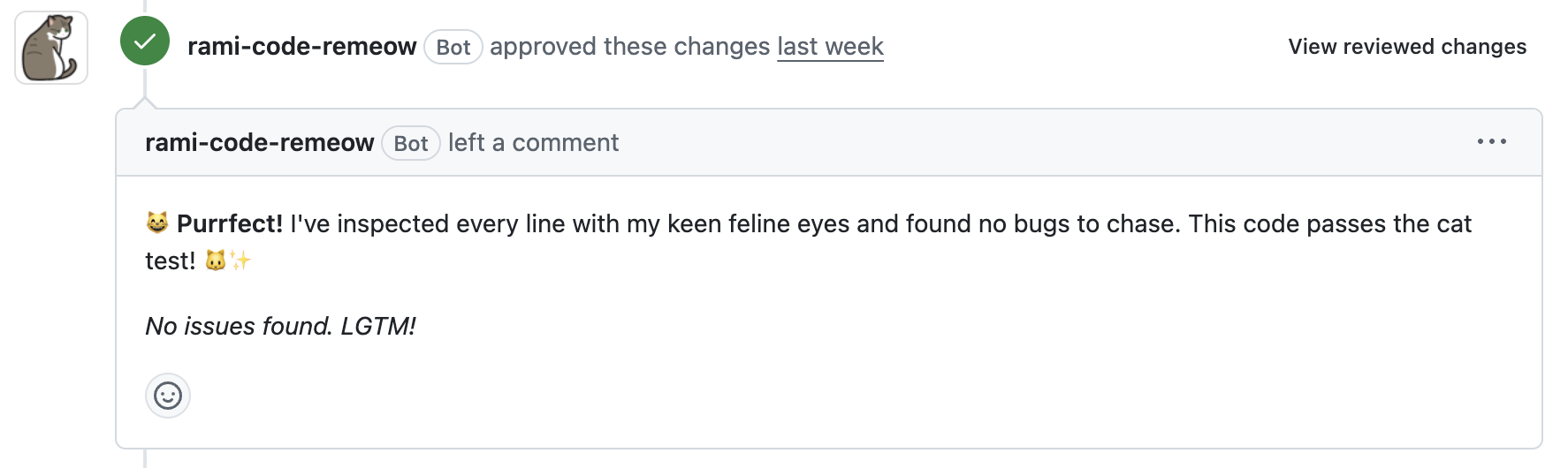
Works with Claude Code AND Codex. Rami reviews every PR for security, bugs, and performance — then fixes the findings through MCP. You stay in control of what merges.
<p align="center">
</p>
Disputing Findings
Not every finding needs a fix. Push back when you have evidence — Rami evaluates the dispute and either accepts it or asks you to fix:
- False positive — the code is actually correct
- Framework guarantee — the framework handles this case
- Intentional design — this is by design, not a mistake
- Duplicate — the same issue is reported elsewhere
The dispute loop runs in the same session as the review, so accepted disputes drop out and only real issues land in your commits.
Getting Started
1. Install the GitHub App
Install Rami on your repository.
2. Add the marketplace
Claude Code:
/plugin marketplace add rami-code-review/claude-code-marketplace
Codex:
Install the Rami plugin from this repository's Codex marketplace metadata.
3. Install the plugin
Claude Code:
/plugin install rami@rami-code-review
Codex:
Install the rami plugin from the rami-code-review marketplace.
4. Run a review
On a PR branch, run:
/rami:review
Rami fetches the review, walks each finding by priority, and applies fixes (or accepts disputes) until the PR is clean.
Commands
/rami:review
Full review-fix-dispute loop on the current PR branch:
- Fetches review results
- Walks findings by priority (blocking → high → medium → low)
- Fixes each one — or lets you dispute with evidence
- Commits and pushes
- Repeats until clean (up to 5 iterations)
/rami:review-status
Check review status without triggering a new review.
/rami:usage
Check remaining quota and credit balance.
Troubleshooting
"No PR found for branch" — push the branch and open a pull request.
"Authentication required" — install the Rami GitHub App on the repo.
Review taking too long? — /rami:review-status checks progress without triggering a new review.
Links
- Rami
- GitHub App
License
MIT
Sign in to leave a review
Use Google, GitHub, or an email account so ratings stay tied to real people.
No reviews posted yet.



