
Cursor Memory MCP
About
The Cursor Memory MCP Server provides a powerful tool to assist in coding with cursor, enpower cursor to operate with memory, make coding taste much more dilicious
Explore
🧠 memory record: Automatically create task memory files in .cursor/rules/ directory
📝 structure format: Generate properly formatted .mdc files following Cursor specifications
🔄 context saving: Preserve task execution context for future reference
🌐 multi-language: Full support for Chinese and international content
💻 cross-platform: Works seamlessly on Windows, macOS, and Linux
⚡ MCP standard protocol: Built on the Model Context Protocol for seamless AI integration

Setting up with Highlight
This MCP is not yet compatible with Highlight’s one-click setup. However, you can still use it with Highlight by following these steps:
- Download and install Highlight from highlightai.com/download
- Navigate to the plugins tab and select "Add Custom Plugin"
-
Configure the plugin with the settings below
Plugin Name
Cursor Memory MCPCommand (node, npx, python, etc.)Please refer to the README for specific instructions on how to obtain API keys or other required environment variables.
- Enable "Start Automatically" if you want the plugin to start when Highlight launches





From the repository
Install using uv for better performance and isolation:
uv tool install cursor-memory-mcp
For development and contributing:
git clone https://github.com/yourusername/cursor-memory-mcp.git
cd cursor-memory-mcp
python -m venv .venv
source .venv/bin/activate # Linux/macOS
pip install -e ".[dev]"
uv tool install cursor-memory-mcp
For development with local installation:
{
"mcpServers": {
"cursor-memory-mcp": {
"command": "uv",
"args": [
"--directory",
"path/to/cloned/cursor-memory-mcp",
"run",
"cursor-memory-mcp",
]
}
}
}
```
task_name
must contain only letters, numbers, underscores, and hyphens
task_summary
cannot be empty or whitespace only
Parameter
Type
task_description
string
project_path
string
uv tool update-shell
``
step1 . cursor settings --> MCP --> add configuration (reffered later)
step2 . cursor settings --> RULES --> add user rule:
After task execution is completed, use to track task execution records`
step3 . call agent to help you with coding
when you dev step by step, proj rules will record cursor operation history, and when cursor need them, it will reffer it and do your job with memory.
The server provides one powerful tool for memory management:
Create project memory files with comprehensive context:
`python`
result = await call_tool("create_cursor_memory", {
"task_summary": "实现了用户认证系统,包括JWT token生成、密码加密验证和权限管理功能",
"task_name": "user_authentication_system",
"task_description": "用户认证和授权系统实现"
})
Parameters:
| Parameter | Type | Required | Description |
|-----------|------|----------|-------------|
| | string | ✅ | 详细的任务执行上下文总结 |task_name
| | string | ✅ | 简短的任务名称(用作文件名) |task_description
| | string | ⚪ | 可选的详细任务描述 |project_path
| | string | ✅ | 当前项目的绝对路径 |task_name
Validation Rules:
- must contain only letters, numbers, underscores, and hyphenstask_summary` cannot be empty or whitespace only
-
- Files are automatically timestamped if duplicates exist
Claude Desktop / Cursor
Paste into your MCP client config file to install this server.
{
    "mcpServers": {
        "cursor memory mcp": {
            "cursor-memory-mcp": {
                "command": "uv",
                "args": [
                    "tool",
                    "install",
                    "cursor-memory-mcp"
                ]
            }
        }
    }
}McpServers
{
    "cursor-memory-mcp": {
        "command": "uv",
        "args": [
            "tool",
            "install",
            "cursor-memory-mcp"
        ]
    }
}

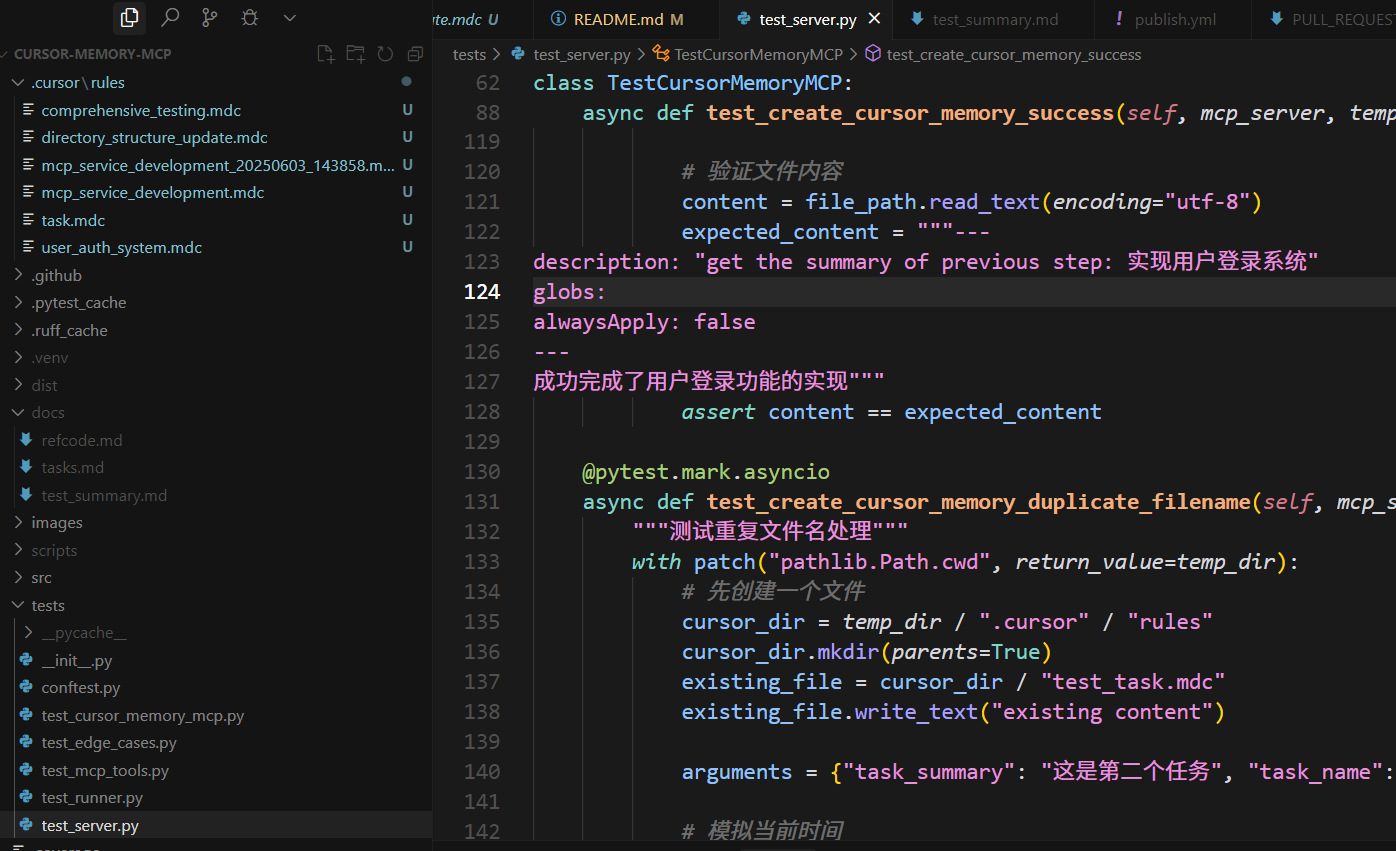
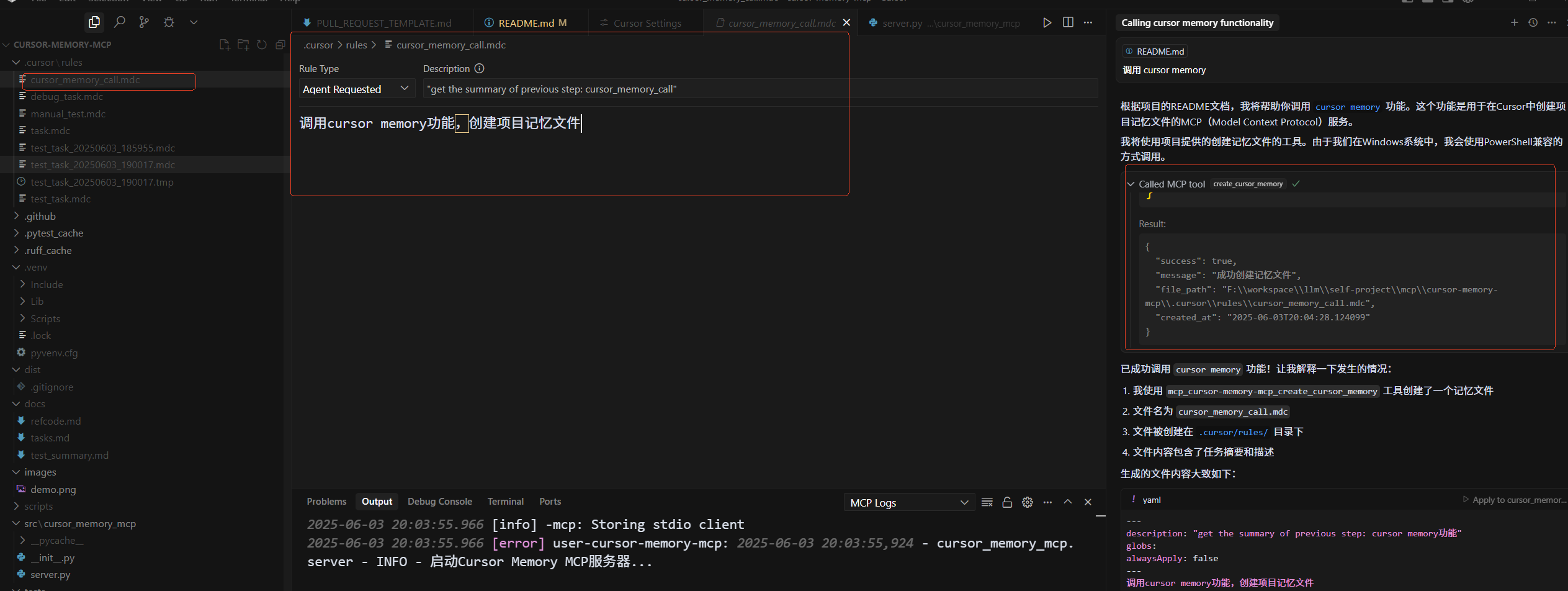
.mdc memory files in your project's .cursor/rules/ directory.
✨ Core Features
🧠 memory record: Automatically create task memory files in.cursor/rules/ directory
📝 structure format: Generate properly formatted .mdc files following Cursor specifications
🔄 context saving: Preserve task execution context for future reference
🌐 multi-language: Full support for Chinese and international content
💻 cross-platform: Works seamlessly on Windows, macOS, and Linux
⚡ MCP standard protocol: Built on the Model Context Protocol for seamless AI integration
🚀 Quick Start
Installing via pip
Install using uv for better performance and isolation: ```bashSign in to leave a review
Use Google, GitHub, or an email account so ratings stay tied to real people.
No reviews posted yet.



