Fantasy Premier League MCP Server
About
Access Fantasy Premier League (FPL) data and tools, including player information, team details, and gameweek data.
Details
- License
- MIT license
Explore
- Rich Player Data: Access comprehensive player statistics from the FPL API
- Team Information: Get details about Premier League teams
- Gameweek Data: View current and past gameweek information
- Player Search: Find players by name or team
- Player Comparison: Compare detailed statistics between any two players

Setting up with Highlight
This MCP is not yet compatible with Highlight’s one-click setup. However, you can still use it with Highlight by following these steps:
- Download and install Highlight from highlightai.com/download
- Navigate to the plugins tab and select "Add Custom Plugin"
-
Configure the plugin with the settings below
Plugin Name
Fantasy Premier League MCP ServerCommand (node, npx, python, etc.)Please refer to the README for specific instructions on how to obtain API keys or other required environment variables.
- Enable "Start Automatically" if you want the plugin to start when Highlight launches





From the repository
- Python 3.10 or higher
- Claude Desktop (for AI integration)
pip install fpl-mcp
pip install "fpl-mcp[dev]"
pip install git+https://github.com/rishijatia/fantasy-pl-mcp.git
git clone https://github.com/rishijatia/fantasy-pl-mcp.git
cd fantasy-pl-mcp
pip install -e .
After installation, you have several options to run the server:
mcp dev -m fpl_mcp
To use features requiring authentication (like accessing your team or private leagues), you need to set up your FPL credentials:
fpl-mcp-config setup
This interactive tool will:
1. Prompt for your FPL email, password, and team ID
2. Let you choose between storing in config.json or .env file
3. Save credentials securely to ~/.fpl-mcp/
You can test your authentication with:
fpl-mcp-config test
Alternatively, you can manually configure authentication:
1. Create ~/.fpl-mcp/.env file with:
[email protected]
FPL_PASSWORD=your_password
FPL_TEAM_ID=your_team_id
2. Or create
~/.fpl-mcp/config.json: {
"email": "[email protected]",
"password": "your_password",
"team_id": "your_team_id"
}
3. Or set environment variables:
export [email protected]
export FPL_PASSWORD=your_password
export FPL_TEAM_ID=your_team_id
get_gameweek_status
Get precise information about current, previous, and next gameweeks
analyze_player_fixtures
Analyze upcoming fixtures for a player with difficulty ratings
get_blank_gameweeks
Get information about upcoming blank gameweeks
get_double_gameweeks
Get information about upcoming double gameweeks
analyze_players
Filter and analyze FPL players based on multiple criteria
analyze_fixtures
Analyze upcoming fixtures for players, teams, or positions
compare_players
Compare multiple players across various metrics
check_fpl_authentication
Check if FPL authentication is working correctly
get_my_team
View your authenticated team (requires authentication)
get_team
View any team with a specific ID (requires authentication)
get_manager_info
Get manager details (requires authentication)
- get_gameweek_status - Get precise information about current, previous, and next gameweeks
- analyze_player_fixtures - Analyze upcoming fixtures for a player with difficulty ratings
- get_blank_gameweeks - Get information about upcoming blank gameweeks
- get_double_gameweeks - Get information about upcoming double gameweeks
- analyze_players - Filter and analyze FPL players based on multiple criteria
- analyze_fixtures - Analyze upcoming fixtures for players, teams, or positions
- compare_players - Compare multiple players across various metrics
- check_fpl_authentication - Check if FPL authentication is working correctly
- get_my_team - View your authenticated team (requires authentication)
- get_team - View any team with a specific ID (requires authentication)
- get_manager_info - Get manager details (requires authentication)
Claude Desktop / Cursor
Paste into your MCP client config file to install this server.
{
    "mcpServers": {
        "fantasy premier league mcp server": {
            "fantasy-pl-mcp": {
                "command": "python",
                "args": [
                    "-m",
                    "fpl_mcp"
                ]
            }
        }
    }
}McpServers
{
"fantasy-pl-mcp": {
"command": "python",
"args": [
"-m",
"fpl_mcp"
]
}
}


<a href="https://glama.ai/mcp/servers/2zxsxuxuj9">


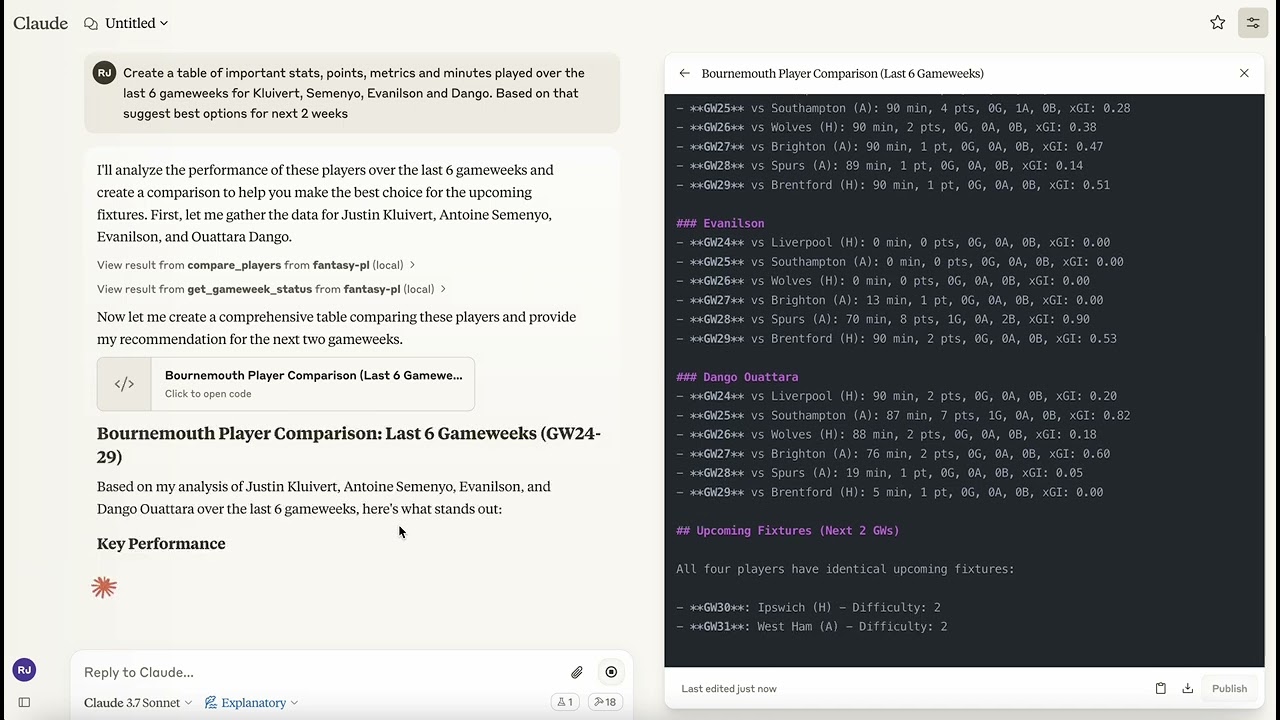
A Model Context Protocol (MCP) server that provides access to Fantasy Premier League (FPL) data and tools. This server allows you to interact with FPL data in Claude for Desktop and other MCP-compatible clients.
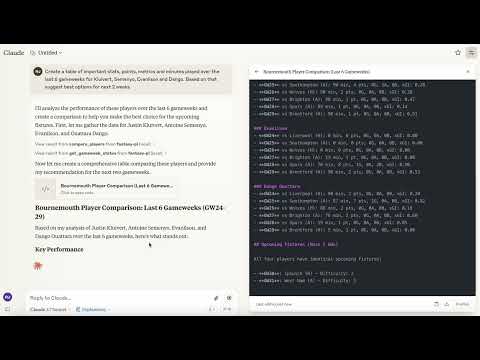
Demo of the Fantasy Premier League MCP Server in action
Supported Platforms
- Claude Desktop
- Cursor
- Windsurf
- Other MCP Compatible Desktop LLMs
Mobile is currently not supported.
Features
- Rich Player Data: Access comprehensive player statistics from the FPL API
- Team Information: Get details about Premier League teams
- Gameweek Data: View current and past gameweek information
- Player Search: Find players by name or team
- Player Comparison: Compare detailed statistics between any two players
Requirements
- Python 3.10 or higher
- Claude Desktop (for AI integration)
Installation
Option 1: Install from PyPI (Recommended)
pip install fpl-mcp
Option 1b: Install with Development Dependencies
pip install "fpl-mcp[dev]"
Option 2: Install from GitHub
pip install git+https://github.com/rishijatia/fantasy-pl-mcp.git
Option 3: Clone and Install Locally
git clone https://github.com/rishijatia/fantasy-pl-mcp.git
cd fantasy-pl-mcp
pip install -e .
Running the Server
After installation, you have several options to run the server:
1. Using the CLI command
fpl-mcp
2. Using the Python module
python -m fpl_mcp
3. Using with Claude Desktop
Configure Claude Desktop to use the installed package by editing your claude_desktop_config.json file:
Method 1: Using the Python module directly (most reliable)
{
  "mcpServers": {
    "fantasy-pl": {
      "command": "python",
      "args": ["-m", "fpl_mcp"]
    }
  }
}
Method 2: Using the installed command with full path (if installed with pip)
{
  "mcpServers": {
    "fantasy-pl": {
      "command": "/full/path/to/your/venv/bin/fpl-mcp"
    }
  }
}
Replace /full/path/to/your/venv/bin/fpl-mcp with the actual path to the executable. You can find this by running which fpl-mcp in your terminal after activating your virtual environment.
> Note: Using just "command": "fpl-mcp" may result in a spawn fpl-mcp ENOENT error since Claude Desktop might not have access to your virtual environment's PATH. Using the full path or the Python module approach helps avoid this issue.
Usage
In Claude for Desktop
1. Start Claude for Desktop
2. You should see FPL tools available via the hammer icon
3. Example queries:
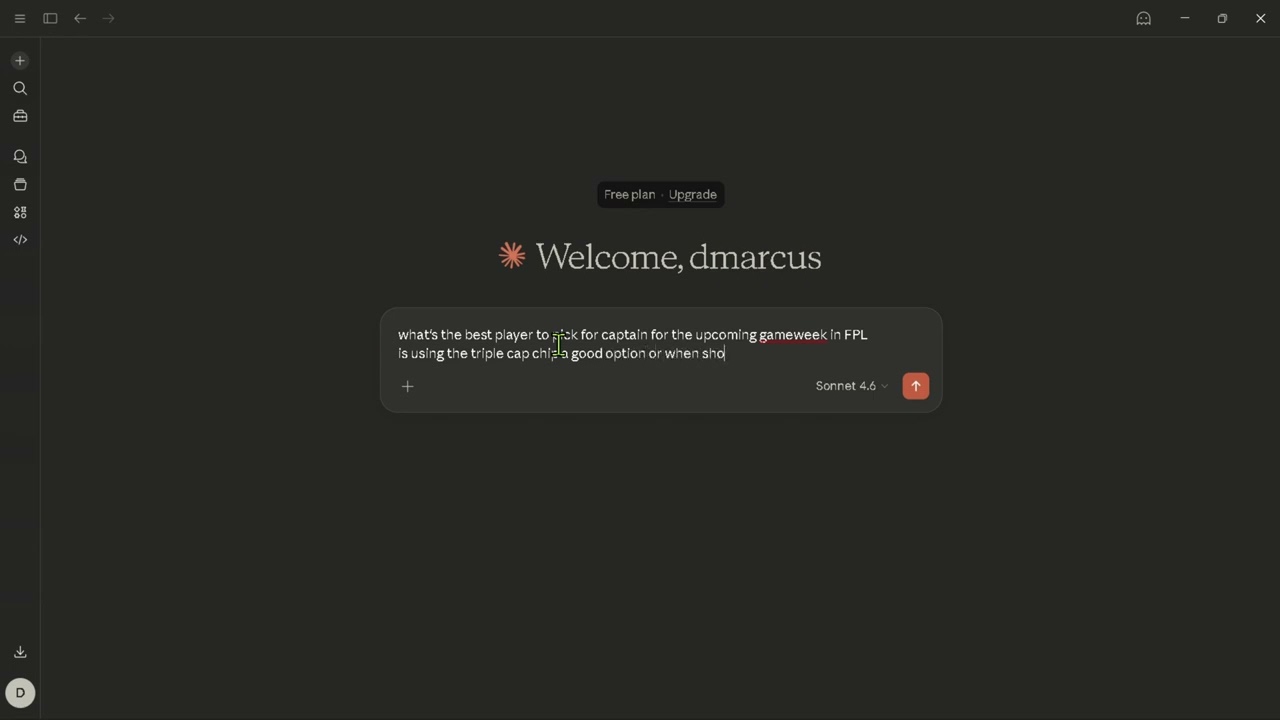
- "Compare Mohamed Salah and Erling Haaland over the last 5 gameweeks"
- "Find all Arsenal midfielders"
- "What's the current gameweek status?"
- "Show me the top 5 forwards by points"
Fantasy-PL MCP Usage Instructions
Basic Commands:
- Compare players: "Compare [Player1] and [Player2]" - Find players: "Find players from [Team]" or "Search for [Player Name]" - Fixture difficulty: "Show upcoming fixtures for [Team]" - Captain advice: "Who should I captain between [Player1] and [Player2]?"Advanced Features:
- Statistical analysis: "Compare underlying stats for [Player1] and [Player2]" - Form check: "Show me players in form right now" - Differential picks: "Suggest differentials under 10% ownership" - Team optimization: "Rate my team and suggest transfers"Tips:
- Be specific with player names for accurate results - Include positions when searching (FWD, MID, DEF, GK) - For best captain advice, ask about form, fixtures, and underlying stats - Request comparison of specific metrics (xG, shots in box, etc.MCP Inspector for Development
For development and testing:
```bash
Sign in to leave a review
Use Google, GitHub, or an email account so ratings stay tied to real people.
No reviews posted yet.