
FitLLM
About
Will this LLM fit on your GPU, multi-GPU rig or Mac? Exact VRAM & KV-cache math. Remote server: https://fitllm.run/api/mcp
Details
- Transport
- SSE
- License
- MIT
Explore
- Architecture values checked against official HuggingFace config.json
- Calibration: Qwen 3.6 35B-A3B @128K, 8-bit ≈ 54 GB (matches real local runs)
- MLA per-token cost: GLM-4.7-Flash = (512 + 64) × 2 B × 47 layers = 54,144 B/token — pinned by conformance vectors
- Claude Code: claude mcp add --transport http fitllm https://fitllm.run/api/mcp
- Cursor / Windsurf: add to mcp.json → { "mcpServers": { "fitllm": { "url": "https://fitllm.run/api/mcp" } } }

Setting up with Highlight
This MCP is not yet compatible with Highlight’s one-click setup. However, you can still use it with Highlight by following these steps:
- Download and install Highlight from highlightai.com/download
- Navigate to the plugins tab and select "Add Custom Plugin"
-
Configure the plugin with the settings below
Plugin Name
FitLLMCommand (node, npx, python, etc.)Please refer to the README for specific instructions on how to obtain API keys or other required environment variables.
- Enable "Start Automatically" if you want the plugin to start when Highlight launches





From the repository
import { simulate, LOCAL_MODELS, estimateSpeed, parseHfConfig } from './engine.js';
const model = LOCAL_MODELS.find((m) => m.name === 'Gemma 4 31b');
const sim = simulate(model, /ram/ 64, /ctx/ 131072, /bits/ 8);
// → { used, free, verdict: 'yes'|'tight'|'no', param, kv, rt, os, maxContext, ... }
estimateSpeed(model, 'M5 Max', 8, /gpuCores/ 40); // ≈ tok/s
// any HuggingFace model:
const m = parseHfConfig('Qwen/Qwen3-32B', configJson, totalSizeBytes);
check_llm_fit
Check whether a specific local LLM fits in the memory of a specific GPU or Apple Silicon Mac. Returns fits/tight/won't-fit verdict with the full memory breakdown (weights, KV cache, overhead), max context, and a concrete fix if it doesn't fit. Use this whenever a user asks anything like "can I run <model> on my <GPU/Mac>?", "will <model> fit in <N>GB?", or "what do I need to run <model>?". Architecture-aware math (MLA, sliding-window, hybrid attention, MoE) — more accurate than rule-of-thumb …
what_fits_on_hardware
Rank which popular local LLMs fit on a given GPU or Apple Silicon Mac (at ~4-bit quantization, 8K context) — models that fit come first, biggest first, with max context each. Use when a user asks "what can I run on my <GPU/Mac/N GB>?", "best local model for my machine?", or gives hardware without naming a model.
list_supported
List the built-in model names and hardware names this fit-checker knows (for mapping user wording to exact names). Any public HuggingFace model also works via fitllm.run.
Claude Desktop / Cursor
Paste into your MCP client config file to install this server.
{
    "mcpServers": {
        "fitllm": {
            "fitllm-engine": {
                "command": "npx",
                "args": [
                    "fitllm",
                    "GLM-4.7-Flash",
                    "--gpu",
                    "4090",
                    "#",
                    "\u2713",
                    "FITS",
                    "\u2014",
                    "21.9/24",
                    "GB,",
                    "free",
                    "2.1",
                    "GB"
                ]
            }
        }
    }
}McpServers
{
    "fitllm-engine": {
        "command": "npx",
        "args": [
            "fitllm",
            "GLM-4.7-Flash",
            "--gpu",
            "4090",
            "#",
            "\u2713",
            "FITS",
            "\u2014",
            "21.9/24",
            "GB,",
            "free",
            "2.1",
            "GB"
        ]
    }
}




> The memory math behind fitllm.run — accurate on modern LLM architectures, where most calculators (and LLMs) are wrong.
> Zero dependencies. One readable file: engine.js. Conformance-vector tested. MIT.
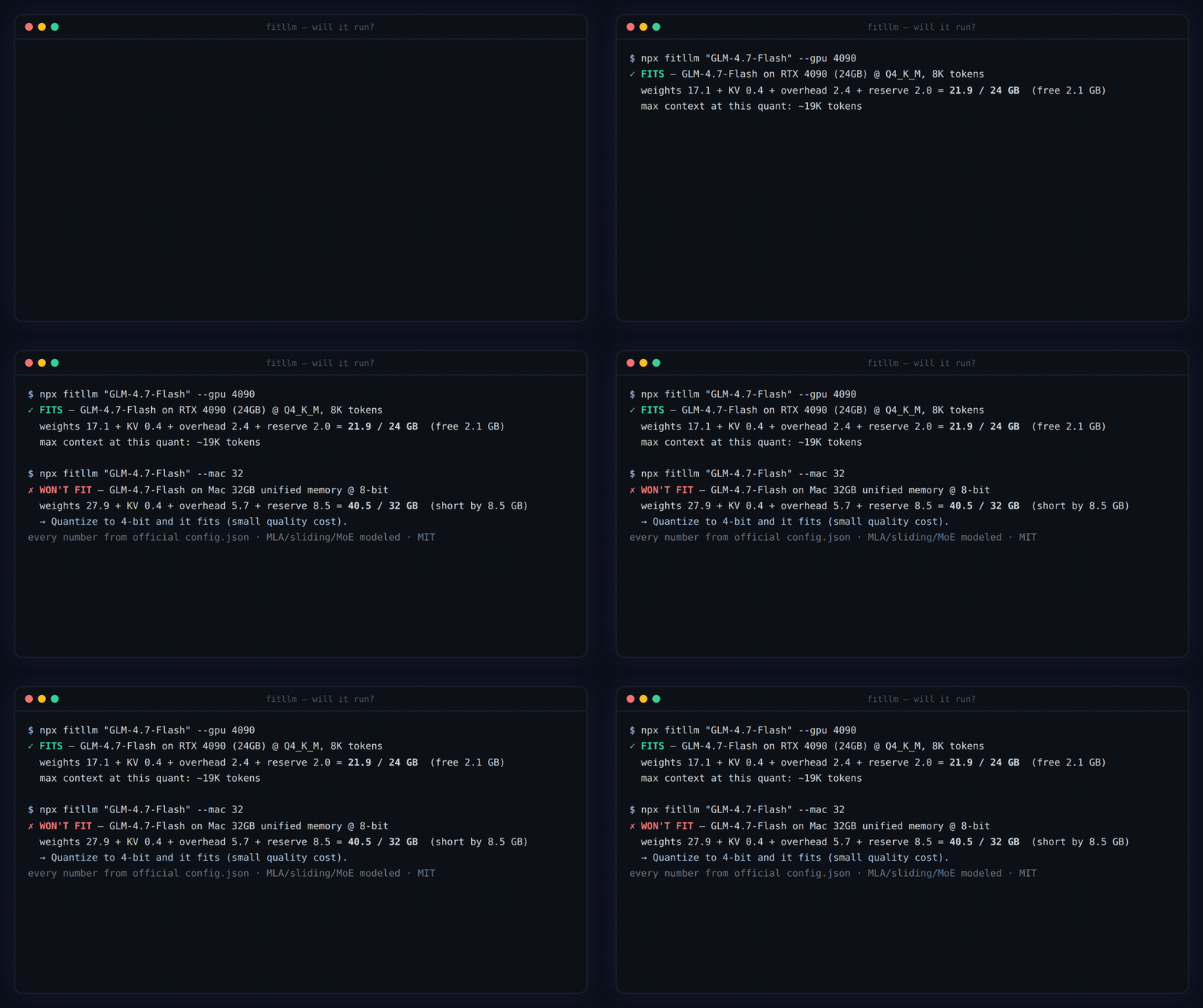
npx fitllm "GLM-4.7-Flash" --gpu 4090     # ✓ FITS — 21.9/24 GB, free 2.1 GB
npx fitllm "gpt-oss-120b" --mac 64        # ✗ WON'T FIT → what to change to make it fit
npx fitllm "Qwen 3.6 35B" --gpu "5090 + 3090"   # multi-GPU rig — VRAM pools (56GB), even mixed cards
npx fitllm --detect                       # reads this machine's real hardware
Why a CLI? The "will it run?" question is born in the terminal — one line before ollama pull. No install, no tab-switching, and it reads your actual hardware with --detect instead of asking you to know your VRAM. Exit code 0/1 makes it a pre-download guard:
```bash
Sign in to leave a review
Use Google, GitHub, or an email account so ratings stay tied to real people.
No reviews posted yet.



