
Academia MCP
About
Search for scientific publications across ArXiv, ACL Anthology, HuggingFace Datasets, and Semantic Scholar.
Details
- Transport
- SSE
- License
- Apache-2.0
Explore
- ArXiv search and paper download
- ACL Anthology search
- Hugging Face datasets search
- Semantic Scholar citation and reference lookup
- Web search via Exa, Brave, or Tavily
- Web page crawling and PDF reading
- Optional LLM-powered document QA and research proposals
- LaTeX template enumeration and compilation

Setting up with Highlight
This MCP is not yet compatible with Highlight’s one-click setup. However, you can still use it with Highlight by following these steps:
- Download and install Highlight from highlightai.com/download
- Navigate to the plugins tab and select "Add Custom Plugin"
-
Configure the plugin with the settings below
Plugin Name
Academia MCPCommand (node, npx, python, etc.)Please refer to the README for specific instructions on how to obtain API keys or other required environment variables.
- Enable "Start Automatically" if you want the plugin to start when Highlight launches





From the repository
Install via pip3 install academia-mcp or use uv for development. Run the server with python -m academia_mcp --transport stdio for local MCP clients or --transport streamable-http for HTTP. Configure optional environment variables to enable specific tools (e.g., OPENROUTER_API_KEY for LLM tools, WORKSPACE_DIR for file operations).
Claude Desktop / Cursor
Paste into your MCP client config file to install this server.
{
    "mcpServers": {
        "academia mcp": {
            "academia": {
                "command": "python3",
                "args": [
                    "-m",
                    "academia_mcp",
                    "--transport",
                    "stdio"
                ]
            }
        }
    }
}McpServers
{
    "academia": {
        "command": "python3",
        "args": [
            "-m",
            "academia_mcp",
            "--transport",
            "stdio"
        ]
    }
}
MCP server with tools to search, fetch, analyze, and report on scientific papers and datasets.
- ArXiv search and download
- ACL Anthology search
- Hugging Face datasets search
- Semantic Scholar citations and references
- Web search via Exa, Brave, or Tavily
- Web page crawler, LaTeX compilation, PDF reading
- Optional LLM-powered tools for document QA and research proposal workflows
python -m academia_mcp --transport streamable-http # OR uv run -m academia_mcp --transport streamable-http
- Run over stdio (for local MCP clients like Claude Desktop):
python -m academia_mcp --transport stdio # OR uv run -m academia_mcp --transport stdio
- Transports:stdio,sse,streamable-http.
- host/portare used for HTTP transports; ignored forstdio. Default port is5056(orPORT).
Academia MCP supports optional token-based authentication for HTTP transports (streamable-httpandsse). Authentication is disabled by default to maintain backward compatibility.
Set theENABLE_AUTHenvironment variable totrue:
export ENABLE_AUTH=true export TOKENS_FILE=/path/to/tokens.json # Optional, defaults to ./tokens.json
academia_mcp auth issue-token --client-id=my-client --description="Production API client" # Issue token with 30-day expiration academia_mcp auth issue-token --client-id=test-client --expires-days=30 # Issue token with custom scopes academia_mcp auth issue-token --client-id=admin --scopes="read,write,admin"
academia_mcp auth revoke-token mcp_a1b2c3d4e5f6...
Include the token in theAuthorizationheader with theBearerscheme or as a query parameter apiKey.
- Tokens are displayed only once during issuance. Store them securely.
- Use HTTPS in production to protect tokens in transit.
- Thetokens.jsonfile is automatically created with restrictive permissions (mode 600).
- Tokens are stored in plaintext (standard practice for bearer tokens) - protect the tokens file.
{ "mcpServers": { "academia": { "command": "python3", "args": [ "-m", "academia_mcp", "--transport", "stdio" ] } } }
- arxiv_search: Query arXiv with field-specific queries and filters.
- arxiv_download: Fetch a paper by ID and convert to structured text (HTML/PDF modes).
- anthology_search: Search ACL Anthology with fielded queries and optional date filtering.
- hf_datasets_search: Find Hugging Face datasets with filters and sorting.
- s2_get_citations: List papers citing a given arXiv paper (Semantic Scholar Graph).
- s2_get_references: List papers referenced by a given arXiv paper.
- visit_webpage: Fetch and normalize a web page.
- web_search: Unified search wrapper; available when at least one of Exa/Brave/Tavily keys is set.
- exa_web_search,brave_web_search,tavily_web_search: Provider-specific search.
- get_latex_templates_list,get_latex_template: Enumerate and fetch built-in LaTeX templates.
- compile_latex: Compile LaTeX to PDF inWORKSPACE_DIR.
- read_pdf: Extract text per page from a PDF.
- download_pdf_paper,review_pdf_paper: Download and optionally review PDFs (requires LLM + workspace).
- document_qa: Answer questions over provided document chunks (requires LLM).
- extract_bitflip_info,generate_research_proposals,score_research_proposals: Research proposal helpers (requires LLM).
- SetWORKSPACE_DIRto enablecompile_latex,read_pdf,download_pdf_paper, andreview_pdf_paper.
- SetOPENROUTER_API_KEYto enable LLM tools (document_qa,review_pdf_paper, and bitflip tools).
- Set one or more ofEXA_API_KEY,BRAVE_API_KEY,TAVILY_API_KEYto enableweb_searchand provider tools.
Set as needed, depending on which tools you use:
- OPENROUTER_API_KEY: required for LLM-related tools.
- BASE_URL: override OpenRouter base URL.
- DOCUMENT_QA_MODEL_NAME: override default model fordocument_qa.
- BITFLIP_MODEL_NAME: override default model for bitflip tools.
- TAVILY_API_KEY: enables Tavily inweb_search.
- EXA_API_KEY: enables Exa inweb_searchandvisit_webpage.
- BRAVE_API_KEY: enables Brave inweb_search.
- WORKSPACE_DIR: directory for generated files (PDFs, temp artifacts).
- PORT: HTTP port (default5056).
You can put these in a.envfile in the project root.
docker run --rm -p 5056:5056 \ -e PORT=5056 \ -e OPENROUTER_API_KEY=your_key_here \ -e WORKSPACE_DIR=/workspace \ -v "$PWD/workdir:/workspace" \ academia_mcp
Or use existing image:phoenix120/academia_mcp
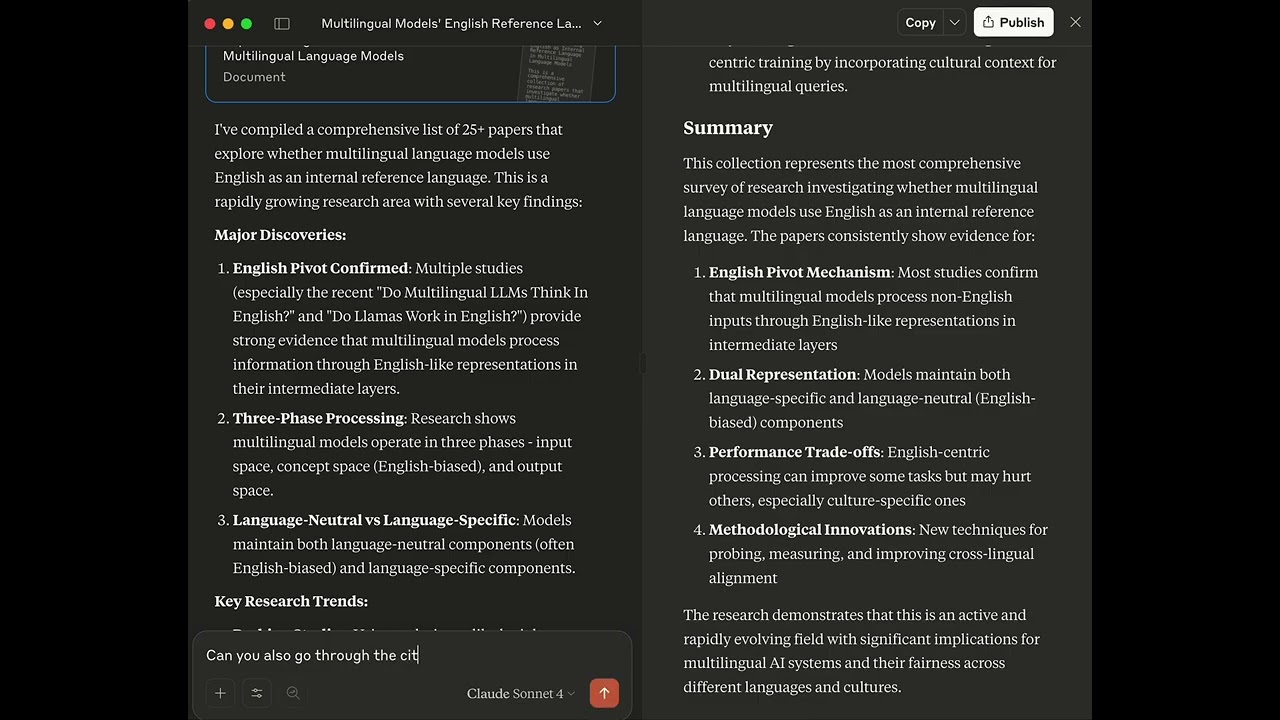
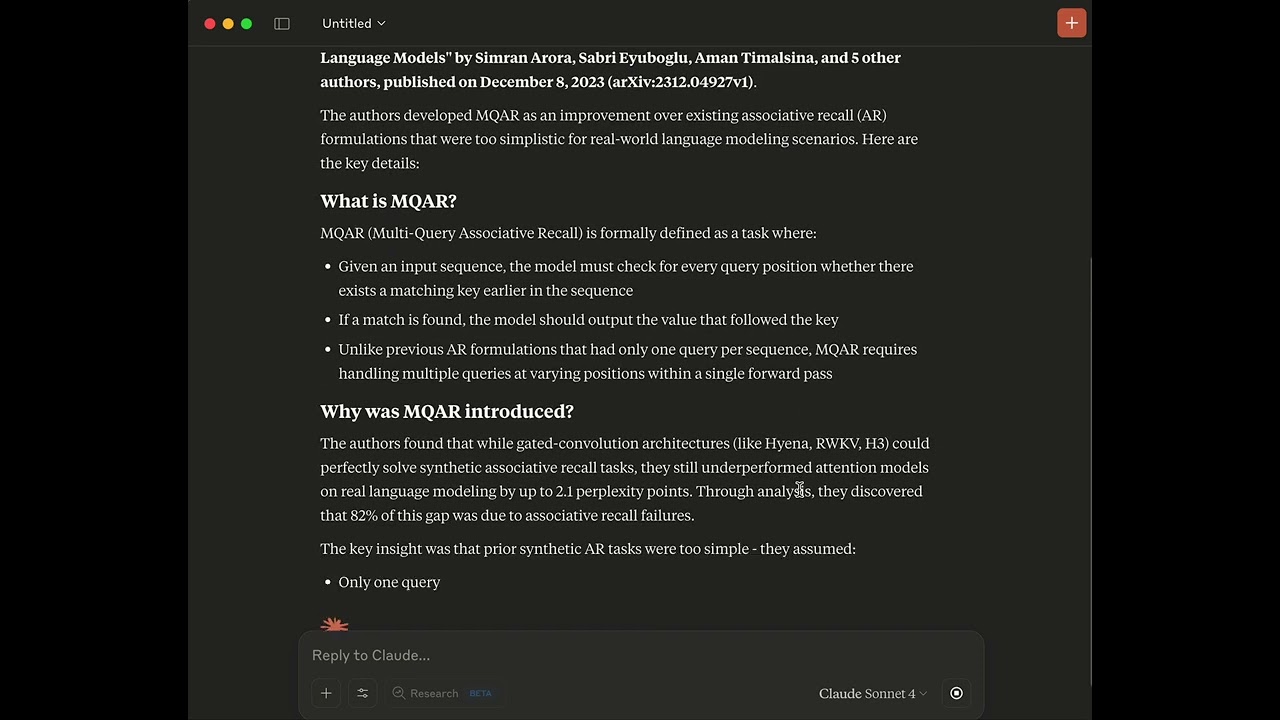
- Comprehensive report screencast (YouTube)
- Single paper screencast (YouTube)
- make install: install the package in editable mode with uv
- make validate: run black, flake8, and mypy (strict)
- make test: run the test suite with pytest
- make publish: build and publish using uv
Only needed for LaTeX/PDF tools. Ensure a LaTeX distribution is installed andpdflatexis on PATH, as well aslatexmk. On Debian/Ubuntu:
sudo apt install texlive-latex-base texlive-fonts-recommended texlive-latex-extra texlive-science latexmk
Search global news using natural language. Webz.io News Search API returns the most relevant articles and content, with filters for source, country, language, date, sentiment, and category.
Research papers from arXiv, Google Scholar, and Wikipedia with citation metrics
Structural AI Search Readiness MCP. Audit, dry-run fixes, rescore, doctor. No LLM rankings.
A flexible service for searching and analyzing academic papers on arXiv.
Search scientific papers from any MCP tool. Raw experimental data from full-text papers — methods, results, quality scores. 50 free searches, then $0.01/result.
Provides web search functionality powered by the Claude API from Anthropic.
A server for Retrieval-Augmented Generation (RAG) using the Contextual AI platform.
Search and access academic paper metadata from Crossref.
Connect Claude, ChatGPT, Grok or Cursor to 27.6 crore Indian court case records, orders, judgments and cause lists.
e-Gov法令API v2 をラップした Model Context Protocol (MCP) サーバーです。日本の法令データ(法令一覧・改正履歴・法令本文・添付ファイルなど)をMCP対応クライアント(Claude Codeなど)から検索・取得できるようにします。
Query Erick Wendel's contributions, including talks, blog posts, and videos, using natural language.
Sign in to leave a review
Use Google, GitHub, or an email account so ratings stay tied to real people.
No reviews posted yet.