Immich Photo Manager
About
Manage your self-hosted Immich photo library through conversation — natural language search, geographic album curation, duplicate detection, and interactive HTML galleries
Details
- License
- MIT
Explore
- AI‑powered natural language search via CLIP
- Geographic albums combining GPS, CLIP, and temporal matching
- Metadata repair: timestamps, GPS inference, timezone correction
- Duplicate detection using perceptual hashing across imports
- Bulk rotation (90°/180°/270°) — non‑destructive and revertible
- People and face management: list, merge, reassign, view thumbnails
- Library health report: inventory, metadata quality, storage analysis
- Tags: create, apply, and bulk manage across assets
- Interactive HTML galleries with three themes and batch actions

Setting up with Highlight
This MCP is not yet compatible with Highlight’s one-click setup. However, you can still use it with Highlight by following these steps:
- Download and install Highlight from highlightai.com/download
- Navigate to the plugins tab and select "Add Custom Plugin"
-
Configure the plugin with the settings below
Plugin Name
Immich Photo ManagerCommand (node, npx, python, etc.)Please refer to the README for specific instructions on how to obtain API keys or other required environment variables.
- Enable "Start Automatically" if you want the plugin to start when Highlight launches





From the repository
- A running Immich instance (self-hosted, v1.90+)
- An Immich API key (how to create one)
- Python 3.10+ with pip (download)
git clone https://github.com/drolosoft/immich-photo-manager.git
cd immich-photo-manager
claude plugin marketplace add .
claude plugin install immich-photo-manager
That's it. Ask Claude: "how healthy is my photo library?"
<p align="center">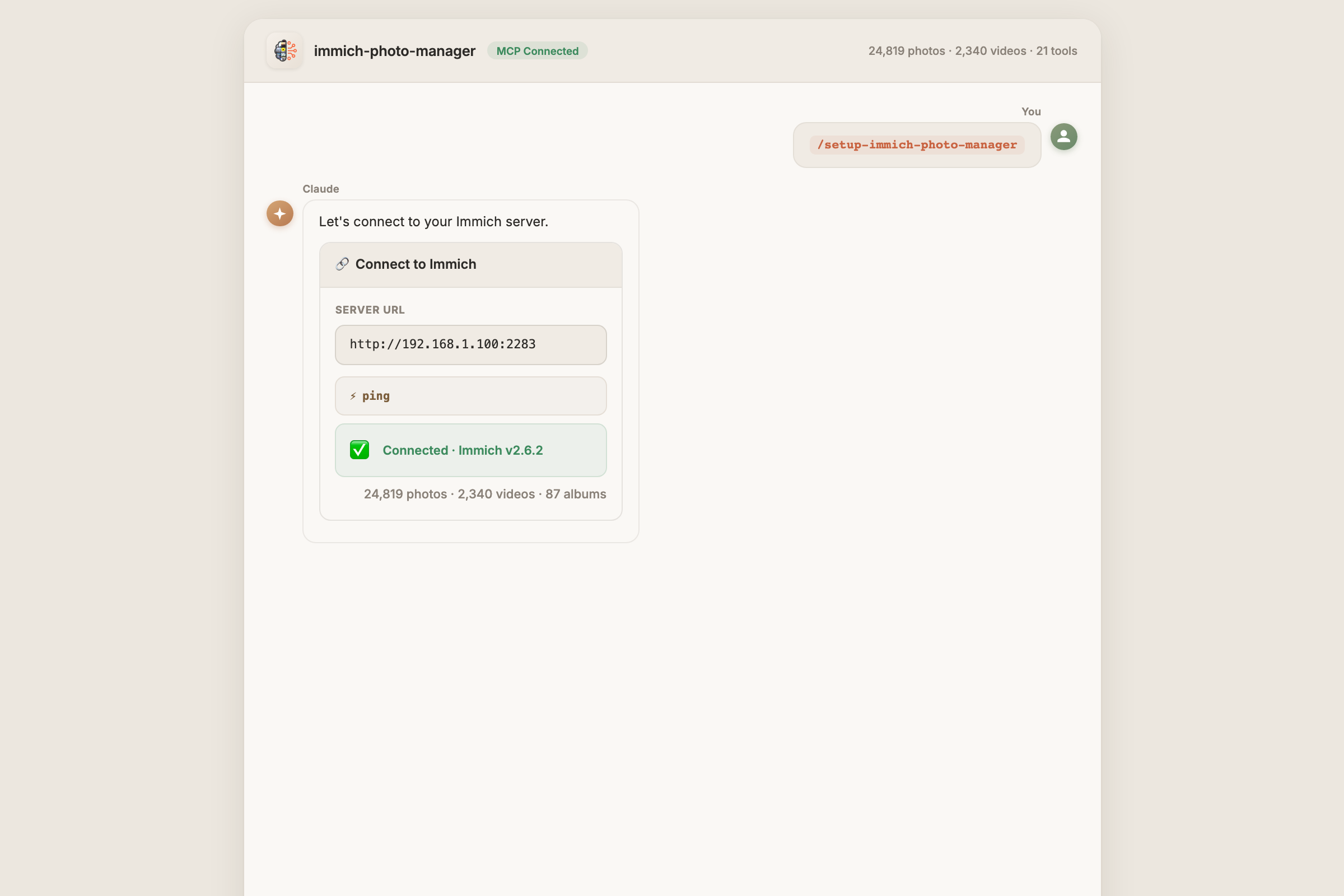 </p>
</p>
> For manual MCP server setup, see Getting Started.
Claude Desktop / Cursor
Paste into your MCP client config file to install this server.
{
    "mcpServers": {
        "immich photo manager": {
            "immich": {
                "command": "python3",
                "args": [
                    "-m",
                    "immich_mcp_server"
                ],
                "env": {
                    "PYTHONPATH": "${CLAUDE_PLUGIN_ROOT}/src",
                    "MCP_TRANSPORT": "stdio",
                    "IMMICH_BASE_URL": "https://your-immich-server.com",
                    "IMMICH_API_KEY": "YOUR-API-KEY-HERE"
                }
            }
        }
    }
}McpServers
{
    "immich": {
        "command": "python3",
        "args": [
            "-m",
            "immich_mcp_server"
        ],
        "env": {
            "PYTHONPATH": "${CLAUDE_PLUGIN_ROOT}/src",
            "MCP_TRANSPORT": "stdio",
            "IMMICH_BASE_URL": "https://your-immich-server.com",
            "IMMICH_API_KEY": "YOUR-API-KEY-HERE"
        }
    }
}
Immich is excellent at storing and viewing your photos. But managing a large library — deduplication, metadata repair, album curation, storage analysis — still requires manual effort or custom scripts.
| | Manual / scripts | immich-photo-manager |
|:---:|---|---|
| 🔍 | Write API calls, parse JSON | Natural language — "find my sunset photos from Italy" |
| 🗺️ | Export GPS, cluster manually | Geographic albums — automatic GPS + CLIP + temporal matching |
| 🧹 | Hash files, diff checksums | Perceptual hashing — finds re-encoded duplicates across import sources |
| 🔧 | Edit EXIF one file at a time | Metadata repair — batch-fix timestamps, infer GPS, correct timezones |
| 📊 | Query database, build reports | Library health — one command for metadata quality, storage, recommendations |
| 🔄 | Rotate one photo at a time | Bulk rotation — rotate entire albums at once, non-destructive |
| 🏷️ | No tag management in UI | Tags — create, bulk apply/remove across assets |
| 🛡️ | Manual review of every action | Safety first — shows findings, asks before acting |
---
Sign in to leave a review
Use Google, GitHub, or an email account so ratings stay tied to real people.
No reviews posted yet.