
Unity
About
Allow MCP clients to perform Unity Editor actions.
Details
- Repository
- CoplayDev/unity-mcp
- License
- MIT
Explore
- 47 focused MCP tool entry points, any client, free & MIT.
- Manage assets, control scenes, edit C# scripts, run tests, profile, and build.
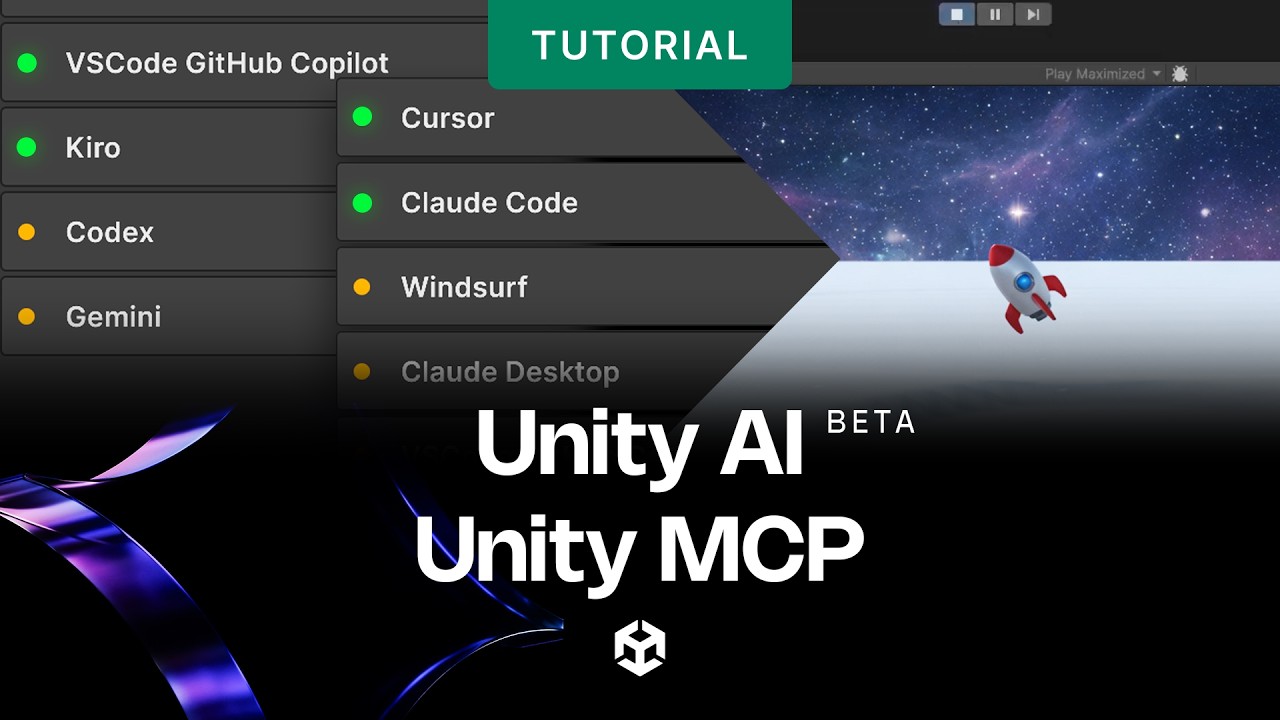
- Works with Claude, Codex, VS Code, Windsurf, Cline, Gemini CLI, and more.
- Supports multiple Unity instances with multi-instance routing.
- Tool groups for VFX, animation, UI, testing, and others.
- Roslyn script validation for safe code changes.

Setting up with Highlight
This MCP is not yet compatible with Highlight’s one-click setup. However, you can still use it with Highlight by following these steps:
- Download and install Highlight from highlightai.com/download
- Navigate to the plugins tab and select "Add Custom Plugin"
-
Configure the plugin with the settings below
Plugin Name
UnityCommand (node, npx, python, etc.)npxArguments-
Argument 1
-y -
Argument 2
@highlight/mcp-server
Please refer to the README for specific instructions on how to obtain API keys or other required environment variables.
-
Argument 1
- Enable "Start Automatically" if you want the plugin to start when Highlight launches





From the repository
Requirements: Unity 2021.3 LTS → 6.x · Python 3.10+ (via uv). Works with any MCP client — Claude Desktop & Code, Cursor, VS Code, Windsurf, Cline, Gemini CLI, and more.
1. Install — Unity → Package Manager → Add from git URL:
https://github.com/CoplayDev/unity-mcp.git?path=/MCPForUnity#main _(pin #v10.0.0 for this release, or openupm add com.coplaydev.unity-mcp)_
2. Configure — Window → MCP for Unity → Configure All Detected Clients.
3. Prompt — "Create a cube at the origin and add a Rigidbody." The cube appears in seconds.
---
Aura offers 2 AI tools for Unity:
- MCP for Unity is available freely under the MIT license.
- Aura for Unity is a premium Unity/Unreal AI assistant built for game devs.
Claude Desktop / Cursor
Paste into your MCP client config file to install this server.
{
    "mcpServers": {
        "unity": {
            "env": {},
            "args": [
                "-y",
                "@highlight/mcp-server"
            ],
            "command": "npx"
        }
    }
}Linux
{
    "env": [],
    "args": [
        "-y",
        "@highlight/mcp-server"
    ],
    "command": "npx"
}
Macos
{
    "env": [],
    "args": [
        "-y",
        "@highlight/mcp-server"
    ],
    "command": "npx"
}
Windows
{
    "env": [],
    "args": [
        "/c",
        "npx",
        "-y",
        "@highlight/mcp-server"
    ],
    "command": "cmd"
}
Community
- Discord — chat with maintainers and other contributors
- Issues — bugs and feature requests
- Discussions — design ideas and broader questions
- Security: see SECURITY.md for private reporting
Sign in to leave a review
Use Google, GitHub, or an email account so ratings stay tied to real people.
No reviews posted yet.