
🚀 monday.com MCP
About
Enable AI agents to work reliably - giving them secure access to structured data, tools to take action, and the context needed to make smart decisions.
Details
- Transport
- SSE
- License
- MIT
Explore
- Provides tools for item, board, account, and WorkForms operations.
- Includes Dynamic API Tools (Beta) for full GraphQL API access.
- Supports OAuth authentication and workspace controls via hosted MCP.
- Offers Apps Framework Tools for building custom monday.com apps.
- Provides ready-to-use prompts for common workflows.
- Integrates with Claude, ChatGPT, Cursor, Copilot, and Mistral.

Setting up with Highlight
This MCP is not yet compatible with Highlight’s one-click setup. However, you can still use it with Highlight by following these steps:
- Download and install Highlight from highlightai.com/download
- Navigate to the plugins tab and select "Add Custom Plugin"
-
Configure the plugin with the settings below
Plugin Name
🚀 monday.com MCPCommand (node, npx, python, etc.)Please refer to the README for specific instructions on how to obtain API keys or other required environment variables.
- Enable "Start Automatically" if you want the plugin to start when Highlight launches





From the repository
Use the hosted MCP by adding its URL to your MCP client configuration, or install locally by generating a monday.com API token and configuring the client (e.g., Claude Desktop) with the npx command and MONDAY_TOKEN environment variable. For Gemini CLI, install the extension and authenticate via /mcp auth monday.
Claude Desktop / Cursor
Paste into your MCP client config file to install this server.
{
    "mcpServers": {
        "\ud83d\ude80 monday.com mcp": {
            "mcp-mondaycom": {
                "command": "npx",
                "args": [
                    "@mondaydotcomorg/monday-api-mcp@latest",
                    "--enable-dynamic-api-tools",
                    "true"
                ],
                "env": {
                    "MONDAY_TOKEN": "your_monday_api_token"
                }
            }
        }
    }
}McpServers
{
    "mcp-mondaycom": {
        "command": "npx",
        "args": [
            "@mondaydotcomorg/monday-api-mcp@latest",
            "--enable-dynamic-api-tools",
            "true"
        ],
        "env": {
            "MONDAY_TOKEN": "your_monday_api_token"
        }
    }
}
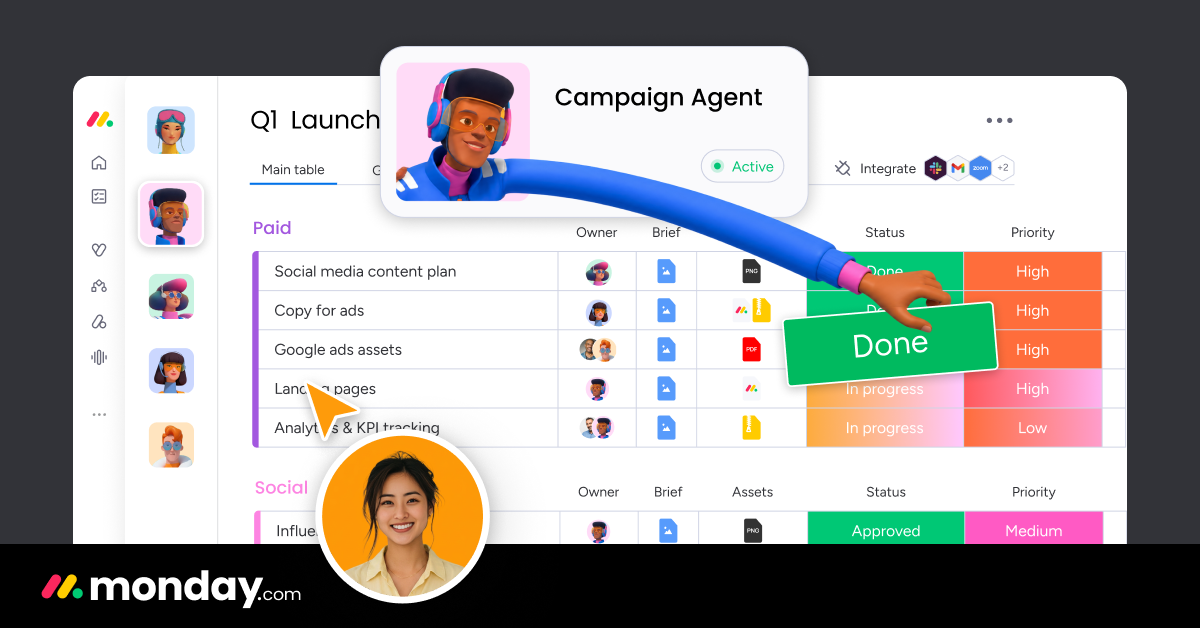
The monday.com MCP server integration connects your preferred AI agent with your monday.com boards, enabling it to act on your behalf. You can empower agents like Claude, Cursor, and VS Code to:
- Automatically create new items for specific tasks
- Create and populate new boards
- Add custom activities in the monday.com CRM
- Update board columns (e.g., change statuses, add due dates, assign team members)
- Write item updates and summaries
- You can also use the MCP server to build your own AI agents or integrate AI features into your apps.
Sign in to leave a review
Use Google, GitHub, or an email account so ratings stay tied to real people.
No reviews posted yet.



