Model Context Protocol (MCP)
About
Streamable HTTP based MCP server and Client demo with auto registry, Dockerfile setup and env.
Explore
- Stateless MCP server using streamable HTTP transport
- Auto‑tool registration via @mcp_tool decorator
- Dockerfile for containerized deployment
- Can be run locally or in any cloud provider
- Demo client integrated with OpenAI SDK

Setting up with Highlight
This MCP is not yet compatible with Highlight’s one-click setup. However, you can still use it with Highlight by following these steps:
- Download and install Highlight from highlightai.com/download
- Navigate to the plugins tab and select "Add Custom Plugin"
-
Configure the plugin with the settings below
Plugin Name
Model Context Protocol (MCP)Command (node, npx, python, etc.)Please refer to the README for specific instructions on how to obtain API keys or other required environment variables.
- Enable "Start Automatically" if you want the plugin to start when Highlight launches





From the repository
- Install uv
curl -LsSf https://astral.sh/uv/install.sh | sh
- Install dependencies
uv sync
Claude Desktop / Cursor
Paste into your MCP client config file to install this server.
{
    "mcpServers": {
        "model context protocol (mcp)": {
            "mcp-server-client-demo": {
                "command": "uv",
                "args": [
                    "sync"
                ]
            }
        }
    }
}McpServers
{
    "mcp-server-client-demo": {
        "command": "uv",
        "args": [
            "sync"
        ]
    }
}
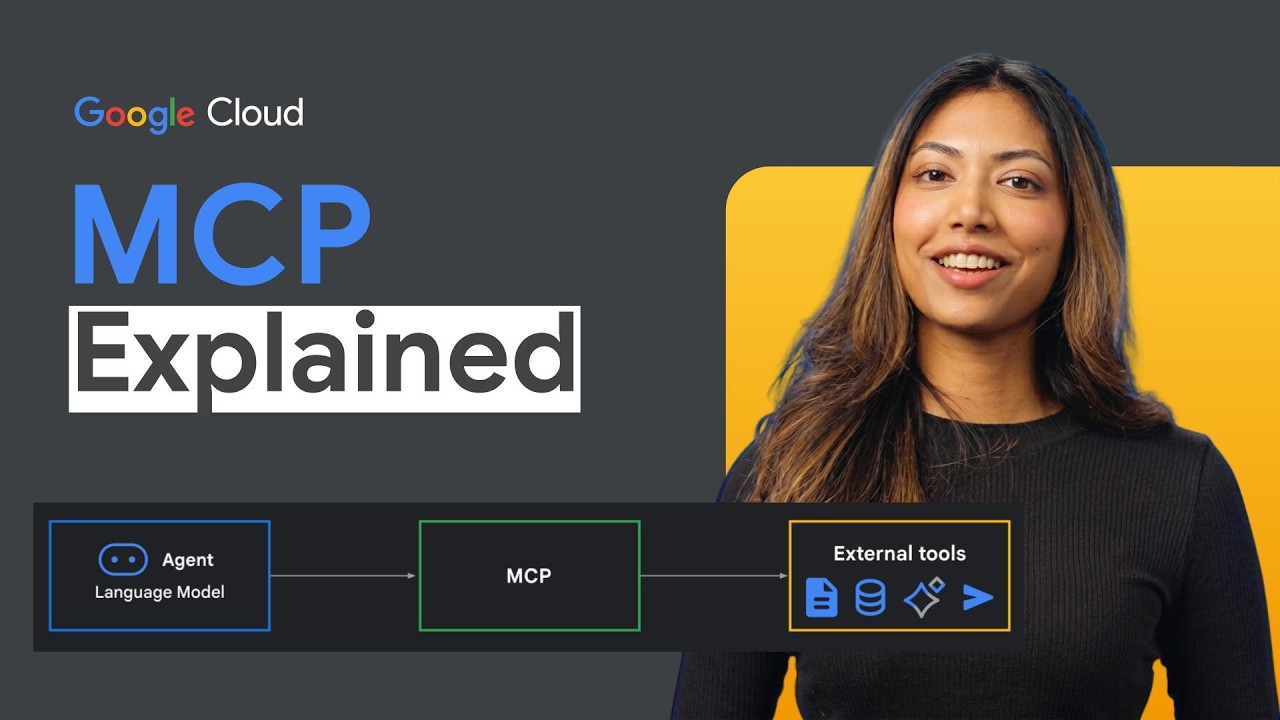
The Model Context Protocol (MCP) is a powerful framework that enables developers to build AI applications with large language models (LLMs) by providing a standardized way to connect models with external data sources and tools.
MCP is nothing but a protocol to connect LLMs with external data sources and tools (functions).
MCP Server
This repository contains the code for setting up a demo MCP server. It contains:
- A stateless MCP server with streamable HTTP transport for scalable production deployment.
- Auto tool registry with @mcp_tool decorator.
- Docker file to containerize the server.
- Server can be run locally or in docker and deployed to any cloud provider.
Setup
- Install uv
curl -LsSf https://astral.sh/uv/install.sh | sh
- Install dependencies
uv sync
MCP Client
This repository contains the code for setting up a demo MCP client with OpenAI SDK. Refer to the client for more details.
> Note: For ease of understanding, both server and client are in the same repository, you can easily keep them in separate repositories / projects.
Sign in to leave a review
Use Google, GitHub, or an email account so ratings stay tied to real people.
No reviews posted yet.