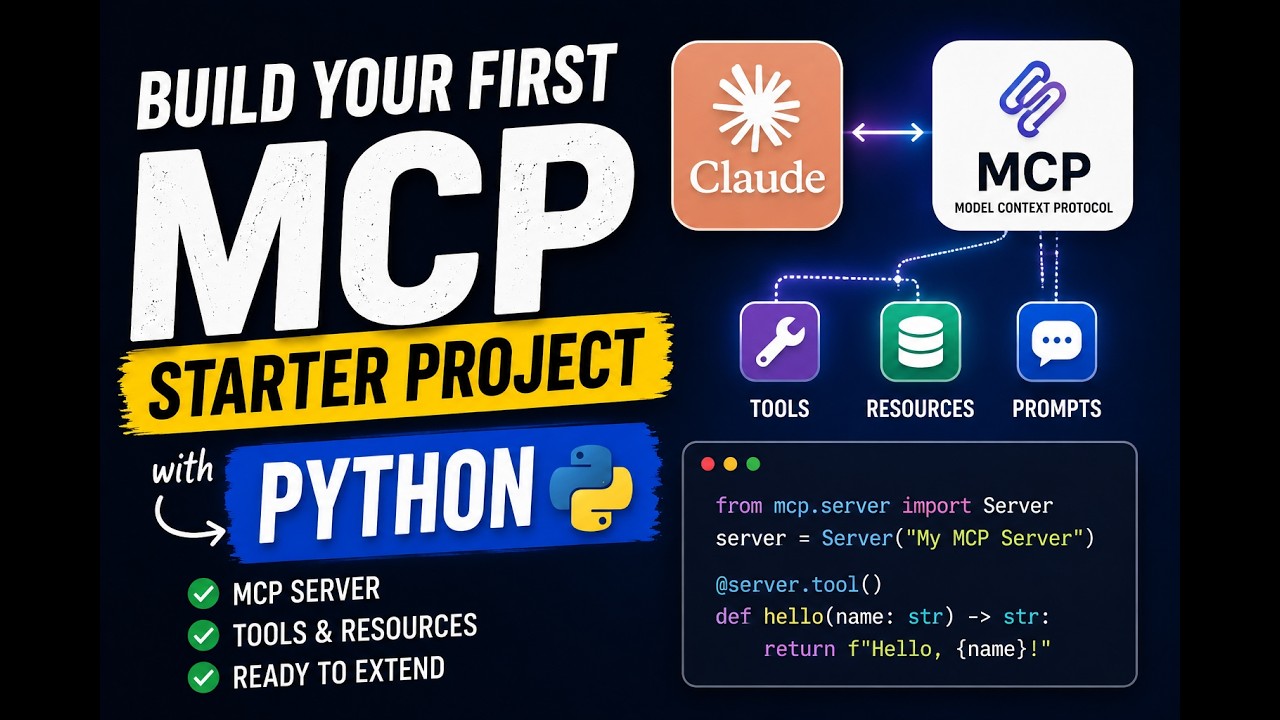
MCP Starter Project
About
A super simple Starter to build your own MCP Server
Details
- License
- GPL-3.0 license
Explore
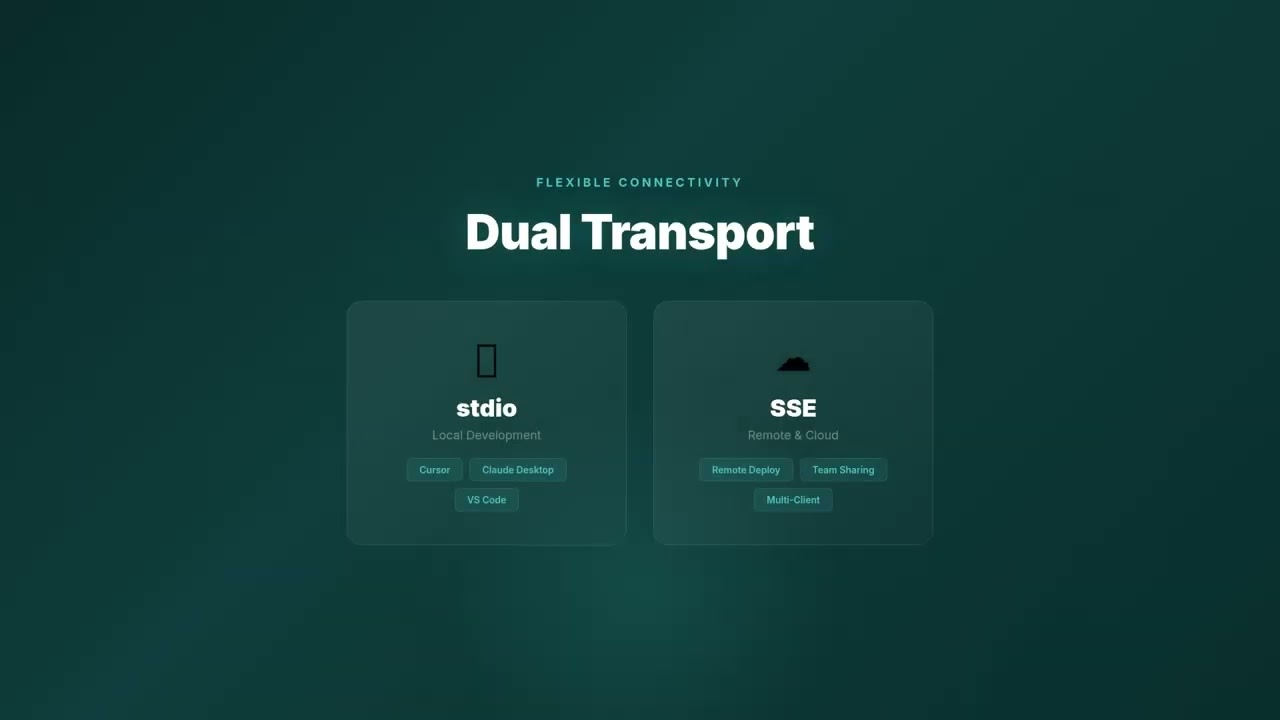
- 📡 Flexible Communication
- Supports multiple communication protocols between client and server,
- stdio: Local usage
- Streamable HTTP: Remote and local useage
- sse: Remote and local usage (deprecated)~~
- 📦 Minimal Setup - Get started quickly with a basic server implementation.
- 🤖 Cursor AI Integration - Includes example .cursor/mcp.json configuration.
- ⌨️ TypeScript - Add type safety to your project.

Setting up with Highlight
This MCP is not yet compatible with Highlight’s one-click setup. However, you can still use it with Highlight by following these steps:
- Download and install Highlight from highlightai.com/download
- Navigate to the plugins tab and select "Add Custom Plugin"
-
Configure the plugin with the settings below
Plugin Name
MCP Starter ProjectCommand (node, npx, python, etc.)Please refer to the README for specific instructions on how to obtain API keys or other required environment variables.
- Enable "Start Automatically" if you want the plugin to start when Highlight launches





From the repository
Claude Desktop / Cursor
Paste into your MCP client config file to install this server.
{
    "mcpServers": {
        "mcp starter project": {
            "mcp-starter": {
                "command": "node",
                "args": [
                    "./bin/cli.mjs",
                    "--http",
                    "--port",
                    "4200"
                ]
            }
        }
    }
}McpServers
{
    "mcp-starter": {
        "command": "node",
        "args": [
            "./bin/cli.mjs",
            "--http",
            "--port",
            "4200"
        ]
    }
}
MCP Server Starter
<div align="center">
<!--
<br /> -->
<strong>Created by</strong><br />
<a href="https://twitter.com/kregenrek">
</a>
</div>




Want to build your own MCP server?
MCP Server Starter gives you a basic structure to run local tools with Cursor, Claude, and others using the MCP standard.
---
<a href="https://glama.ai/mcp/servers/@instructa/mcp-starter">
</a>
Features
- 📡 Flexible Communication
- Supports multiple communication protocols between client and server,
- stdio: Local usage
- Streamable HTTP: Remote and local useage
- sse: Remote and local usage (deprecated)~~
- 📦 Minimal Setup - Get started quickly with a basic server implementation.
- 🤖 Cursor AI Integration - Includes example .cursor/mcp.json configuration.
- ⌨️ TypeScript - Add type safety to your project.
Todo
- [ ] Add option to publish your own packages
- [ ] Better CLI support for scaffolding
- [ ] Prompts to build tools on the fly
Getting Started
Prerequisites
- Node.js (Specify version if necessary)
- An MCP-compatible client (e.g., Cursor)
Usage
Supported Transport Options
Model Context Protocol Supports multiple Transport methods.
stdio

Recommend for local setups
Code Editor Support
Add the code snippets below
- Cursor:
.cursor/mcp.json
Use this if you want to test your mcp server locally
{
  "mcpServers": {
    "my-starter-mcp-stdio": {
      "command": "node",
      "args": ["./bin/cli.mjs", "--stdio"]
    }
  }
}
Published Package
Use this when you have published your package in the npm registry
{
  "mcpServers": {
    "my-starter-mcp-stdio": {
      "command": "npx",
      "args": ["my-mcp-server", "--stdio"]
    }
  }
}
Streamable HTTP

>Important: Streamable HTTP is not supported in Cursor yet
Recommend for remote server usage
Important: In contrast to stdio you need also to run the server with the correct flag
Local development
Use the streamable http transport
1. Start the MCP Server
Run this in your terminal
node ./bin/cli.mjs --http --port 4200
Or with mcp inspector
  npm run dev-http

  # npm run dev-sse (deprecated)
2. Add this to your config
  {

    "mcpServers": {

      "my-starter-mcp-http": {

        "command": "node",

        "args": ["./bin/cli.mjs", "--http", "--port", "4001"]

        // "args": ["./bin/cli.mjs", "--sse", "--port", "4002"] (or deprecated sse usage)

      }

    }

  }
Published Package
Use this when you have published your package in the npm registry
Run this in your terminal
npx my-mcp-server --http --port 4200

npx my-mcp-server --sse --port 4201 (deprecated)
{
  "mcpServers": {
    "my-starter-mcp-http": {
      "url": "http://localhost:4200/mcp"
      // "url": "http://localhost:4201/sse"
    }
  }
}
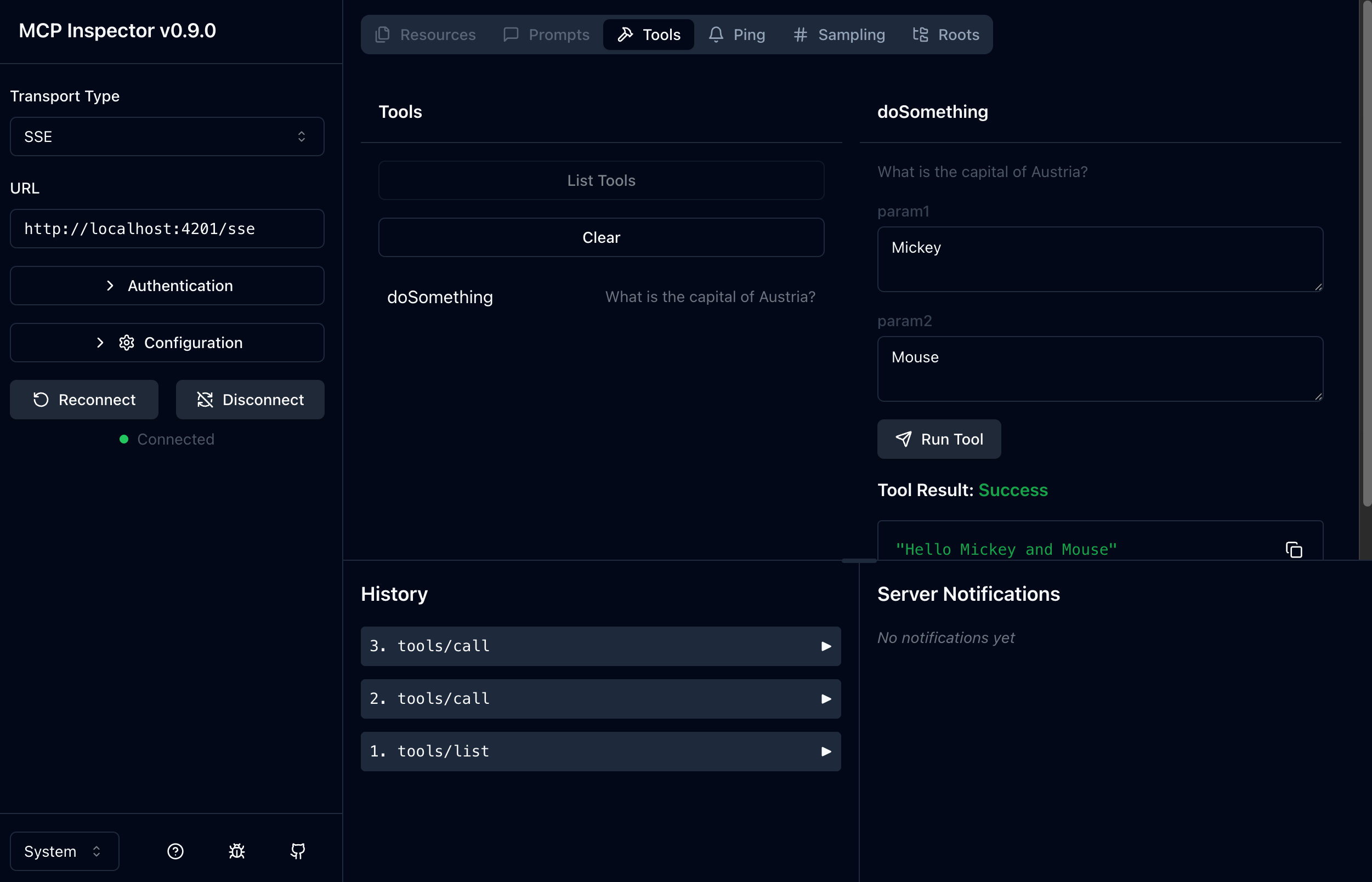
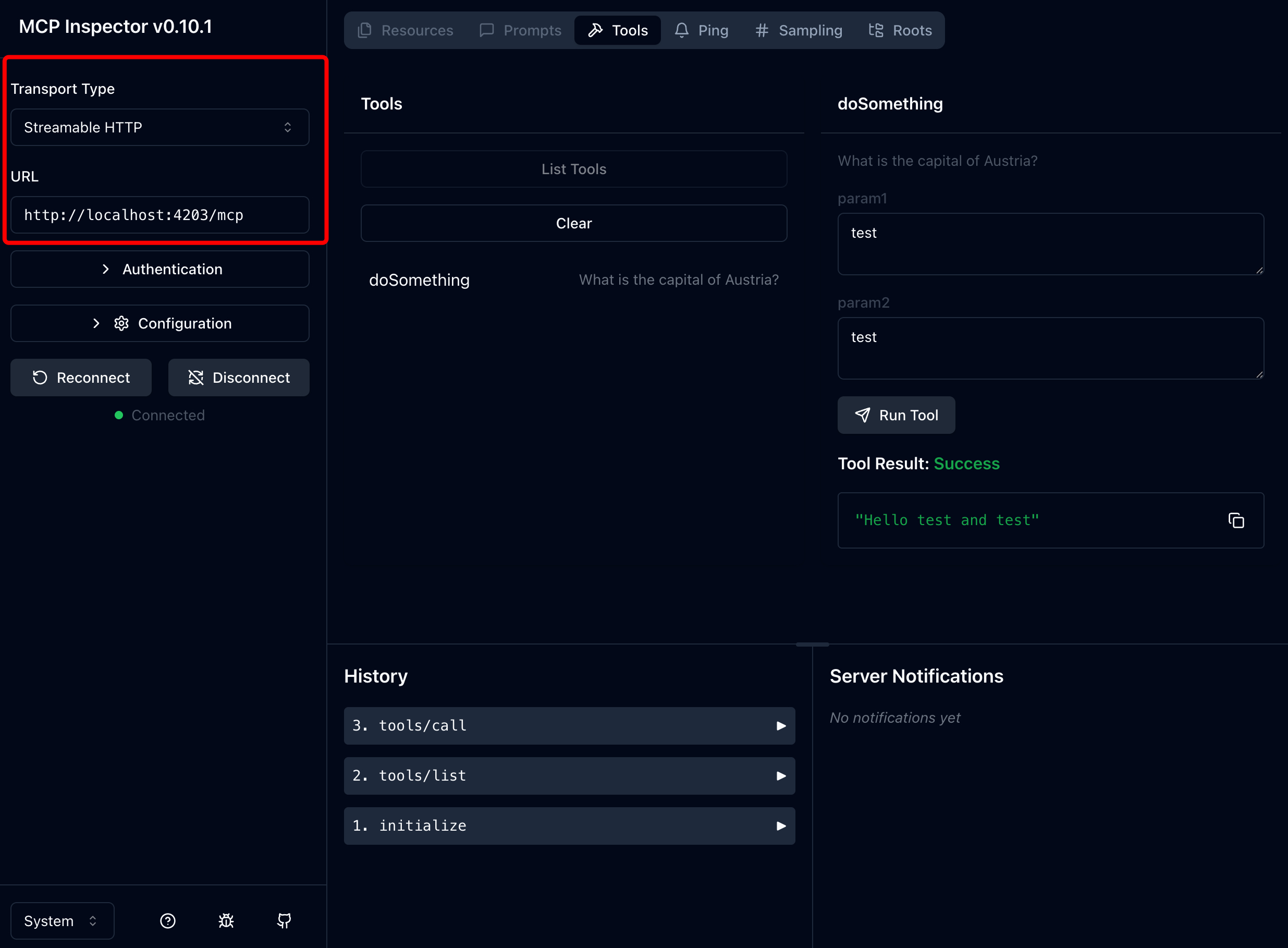
Use the Inspector
Use the inspect command to debug your mcp server
Command-Line Options
Protocol Selection
| Protocol | Description | Flags | Notes |
| :------- | :--------------------- | :--------------------------------------------------- | :-------------- |
| stdio | Standard I/O | (None) | Default |
| http | HTTP REST | --port <num> (def: 3000), --endpoint <path> (def: /mcp) | |
| sse | Server-Sent Events | --port <num> (def: 3000) | Deprecated |
License
This project is licensed under the MIT License - see the LICENSE file for details.
---
Courses
- Learn to build software with AI: instructa.aiSign in to leave a review
Use Google, GitHub, or an email account so ratings stay tied to real people.
No reviews posted yet.