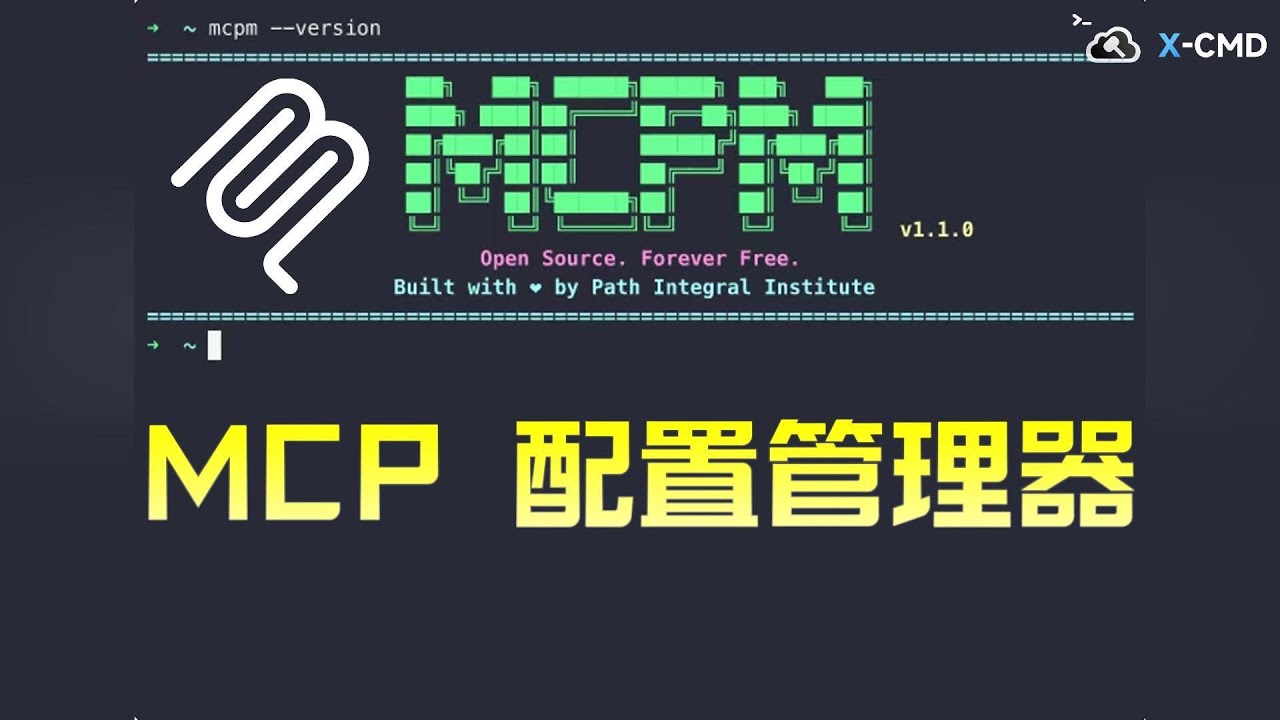
MCPM CLI
About
A command-line tool for managing MCP servers in Claude App. Also can run a MCP Server to help you manage all your MCP Servers
Explore
- Easy server management (add, remove, enable, disable)
- Interactive CLI with user-friendly prompts
- Self-integration as a MCP server via mcpm add --self
- Search and discover MCP packages from the community
- Manages servers through Claude’s configuration file with error handling
- Server status control and listing at any time
npm install -g @mcpm/cli
Install a MCP package by its ID:
mcpm install <package-id>     # Install a specific package
mcpm i <package-id>          # Short alias for install
mcpm install -y <package-id>  # Install without confirmation






A command-line tool for managing MCP servers in Claude App.
Highlights
- 🚀 Easy Server Management: Add, remove, and manage multiple MCP servers in Claude App with simple commands
- 🔄 Server Status Control: Enable/disable servers and view their status at any time
- 🛠️ Interactive CLI: User-friendly command-line interface with interactive prompts for easy configuration
- 🔌 Self-Integration: Can add MCPM CLI itself as a MCP server with a single command
- 📝 JSON Configuration: Manages servers through Claude's configuration file with proper error handling
- 🔍 Package Discovery: Search and discover MCP packages from the community
<!-- - 🎯 Zero Dependencies: Lightweight and efficient, built to work seamlessly with Claude App -->
RoadMap
- [x] Add Remote MCP Discovery (A MCPHub for search and recommendation)
- [x] Auto Install MCP Servers For you
- [ ] A GUI for MCPM CLI
Installation
npm install -g @mcpm/cli
Usage
> mcpm help
Usage: mcpm [options] [command]
Options:

  -V, --version         output the version number

  -d, --debug           enables verbose logging (default: false)

  -h, --help            display help for command
Commands:

  search [query]        Search for MCP packages

  install <n>           Install a MCP package from the registry

  add [options] [name]  Manually add a new MCP server to your Claude App

  remove [name]         Remove a MCP server from your Claude App

  disable [name]        Disable an MCP server (moves it from Claude to storage)

  enable [name]         Enable a disabled MCP server (moves it from storage to Claude)

  list [options]        List all your MCP servers

  mcp                   Start the MCPM MCP server

  restart               Restart Claude.app

  help [command]        display help for command
Search for MCP packages
Search for available MCP packages in the registry:
mcpm search              # Interactive search mode
mcpm search <query>      # Search with a specific query
mcpm search --json       # Output results in JSON format
Install a MCP package
Install a MCP package by its ID:
mcpm install <package-id>     # Install a specific package
mcpm i <package-id>          # Short alias for install
mcpm install -y <package-id>  # Install without confirmation
Remove a MCP server
Remove a MCP server from Claude App:
mcpm remove                 # Interactive mode
mcpm remove <name>          # Remove a specific server
mcpm rm <name>              # Short alias for remove
Disable an MCP server
Moves a server from Claude App to storage, making it temporarily unavailable.
mcpm disable               # Interactive mode
mcpm disable <name>        # Specify server name
Enable an MCP server
Moves a previously disabled server from storage back to Claude App.
mcpm enable               # Interactive mode
mcpm enable <name>        # Specify server name
List MCP servers
mcpm list # Shows all configured MCP servers
Start As A MCP Server
mcpm mcp # Start MCPM as a MCP server
For more information, visit our MCP.md.
Add itself as a MCP server to your Claude App
mcpm add --self # Add MCPM CLI as a MCP server
Configuration
- Active servers are stored in Claude App's configuration
- Disabled servers are stored in ~/.mcpm/*
Development
Publish A new version
GitHub Actions will automatically publish a new version when a new tag is created
git tag v1.4.1
git push origin v1.4.1
Sign in to leave a review
Use Google, GitHub, or an email account so ratings stay tied to real people.
No reviews posted yet.