
MissingMCP
About
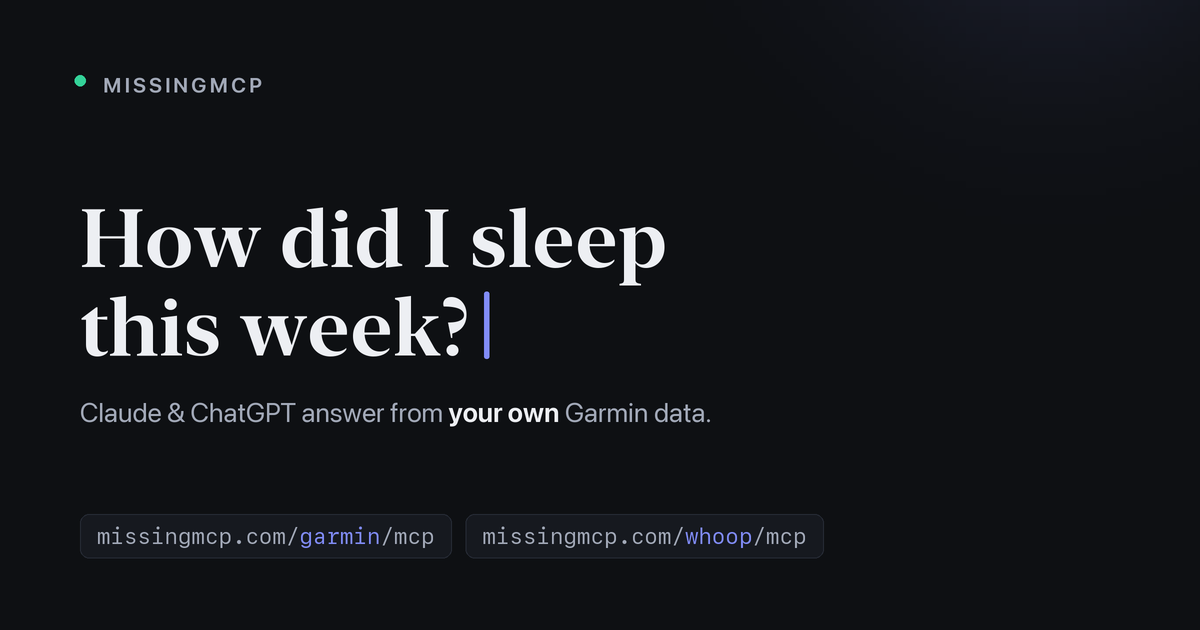
Your Garmin and WHOOP data, in Claude — free hosted MCP servers, one URL, OAuth sign-in.
Details
- Transport
- SSE
- License
- MIT
Explore
- OAuth 2.1 — Authorization Code + PKCE (S256) with Dynamic Client
- Garmin password is never stored — used once to sign in (MFA supported)
- Encrypted at rest — tokens sealed with AES-256-GCM; the DB is useless without
- Per-user isolation — each account gets its own garmin_mcp worker bound to
- Hardened — one-time 10-min auth codes, CSRF on forms, per-IP/-token rate

Setting up with Highlight
This MCP is not yet compatible with Highlight’s one-click setup. However, you can still use it with Highlight by following these steps:
- Download and install Highlight from highlightai.com/download
- Navigate to the plugins tab and select "Add Custom Plugin"
-
Configure the plugin with the settings below
Plugin Name
MissingMCPCommand (node, npx, python, etc.)Please refer to the README for specific instructions on how to obtain API keys or other required environment variables.
- Enable "Start Automatically" if you want the plugin to start when Highlight launches





From the repository
The README includes setup instructions such as docker build -t missingmcp ..
Claude Desktop / Cursor
Paste into your MCP client config file to install this server.
{
    "mcpServers": {
        "missingmcp": {
            "garmin": {
                "type": "streamable-http",
                "url": "https://missingmcp.com/garmin/mcp"
            },
            "whoop": {
                "type": "streamable-http",
                "url": "https://missingmcp.com/whoop/mcp"
            }
        }
    }
}McpServers
{
    "garmin": {
        "type": "streamable-http",
        "url": "https://missingmcp.com/garmin/mcp"
    },
    "whoop": {
        "type": "streamable-http",
        "url": "https://missingmcp.com/whoop/mcp"
    }
}
Claude can reason about almost anything — except the numbers your apps keep locked away. MissingMCP hands it your real data, starting with Garmin and WHOOP, so you can just ask:
- "Did I eat enough for today's ride?"
- "Why was my recovery low this week?"
- "Compare my last three long runs."
Connectors
- Garmin — 135 tools: activities, sleep, HRV, training readiness, body composition, workout scheduling. Endpoint: https://missingmcp.com/garmin/mcp
- WHOOP — recovery, strain, sleep, workouts and body measurements via WHOOP's official OAuth. Endpoint: https://missingmcp.com/whoop/mcp
How to connect
1. In Claude: Settings → Connectors → Add custom connector.
2. Paste the endpoint URL (e.g. https://missingmcp.com/garmin/mcp).
3. Sign in with your own account — done.
Under the hood
A multi-user remote MCP gateway with OAuth 2.1 end to end (PKCE, dynamic client registration, RFC 8414/9728 discovery). Credentials are AES-256-GCM encrypted at rest and never logged. Free to use, MIT-licensed, and self-hostable with a single Docker container. Also published in the official MCP Registry as com.missingmcp/garmin and com.missingmcp/whoop.
- Site: https://missingmcp.com
- Source: https://github.com/VelkyVenik/missingmcp
Community project — not affiliated with Garmin or WHOOP.
Sign in to leave a review
Use Google, GitHub, or an email account so ratings stay tied to real people.
No reviews posted yet.