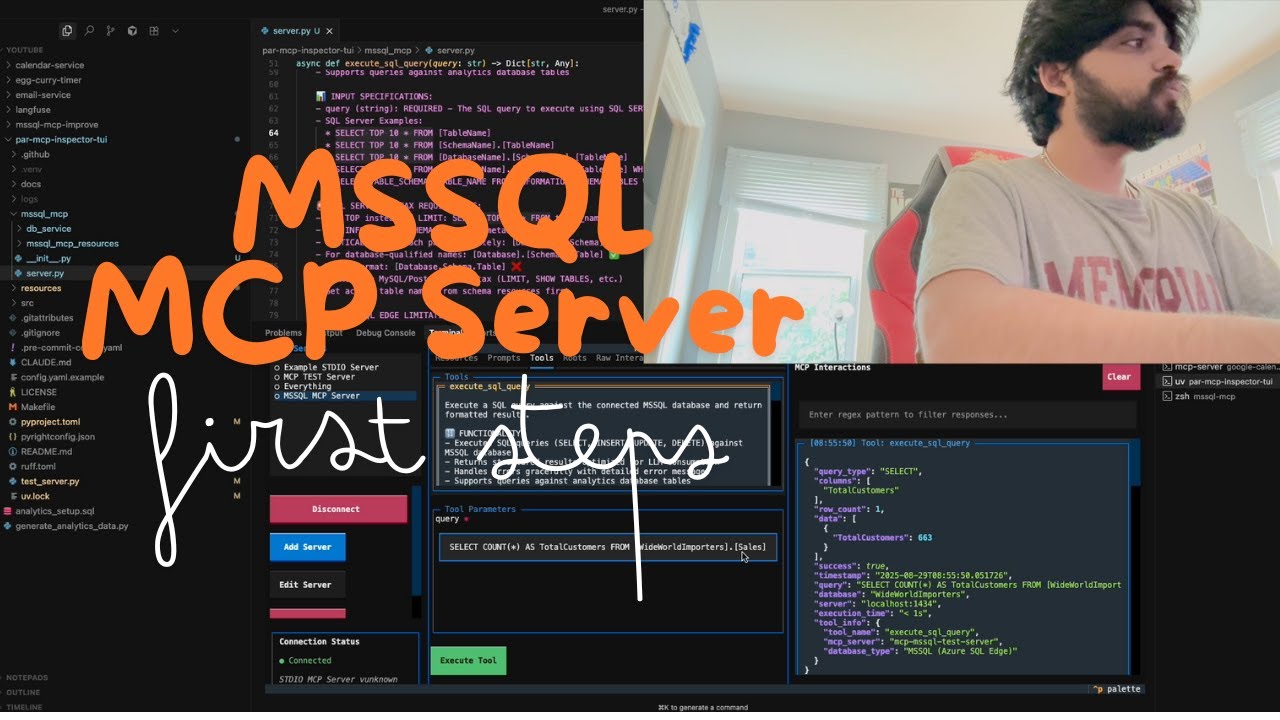

MSSQL MCP Server
About
Interact with Microsoft SQL Server databases to run queries and analyze business data.
Details
- License
- MIT
Explore
- Execute SELECT, INSERT, UPDATE, and DELETE queries
- Create new tables in the database
- List all tables and describe table schemas
- Append business insights to a memo resource
- Self-correct SQL execution errors

Setting up with Highlight
This MCP is not yet compatible with Highlight’s one-click setup. However, you can still use it with Highlight by following these steps:
- Download and install Highlight from highlightai.com/download
- Navigate to the plugins tab and select "Add Custom Plugin"
-
Configure the plugin with the settings below
Plugin Name
MSSQL MCP ServerCommand (node, npx, python, etc.)Please refer to the README for specific instructions on how to obtain API keys or other required environment variables.
- Enable "Start Automatically" if you want the plugin to start when Highlight launches





From the repository
#with server.py same folder create config.json,add:
{
"database": {
"driver": "ODBC Driver 17 for SQL Server",
"server": "server ip",
"database": "db name",
"username": "username",
"password": "password",
"trusted_connection": false
},
"server": {
"name": "mssql-manager",
"version": "0.1.0"
}
}
- Python 3.x
- Packages
- pyodbc>=4.0.39
- pydantic>=2.0.0
- mcp>=0.1.0
- ODBC Driver 17 for SQL Server
CD /d ~/mssql-mcp
pip install -r requirements.txt
{
"mcpServers": {
"mssql": {
"command": "python",
"args": [
Claude Desktop / Cursor
Paste into your MCP client config file to install this server.
{
    "mcpServers": {
        "mssql mcp server": {
            "mssql-mcp": {
                "command": "npx",
                "args": [
                    "-y",
                    "@modelcontextprotocol/inspector",
                    "python",
                    "C:\\mssql-mcp\\src\\server.py"
                ]
            }
        }
    }
}McpServers
{
"mssql-mcp": {
"command": "npx",
"args": [
"-y",
"@modelcontextprotocol/inspector",
"python",
"C:\\mssql-mcp\\src\\server.py"
]
}
}Overview
MSSQL MCP Server, provides database interaction and business intelligence capabilities. This server enables running SQL queries, analyzing business data, and automatically generating business insight memos.
Refer to the official website's SQLite for modifications to adapt to MSSQL
Components
- read_query
- Execute SELECT queries to read data from the database
- write_query
- Execute INSERT, UPDATE, or DELETE queries
- create_table
- Create new tables in the database
- list_tables
- Get a list of all tables in the database
- describe-table
- View schema information for a specific table
- append_insight
- Add new business insights to the memo resource
Demo
The database table is as follows. The column names are not standardized, and AI will match them on its own. Errors during SQL execution will self correct.
The following is the demo.

Operating environment
- Python 3.x
- Packages
- pyodbc>=4.0.39
- pydantic>=2.0.0
- mcp>=0.1.0
- ODBC Driver 17 for SQL Server
Usage
Install packages
CD /d ~/mssql-mcp
pip install -r requirements.txt
config
#with server.py same folder create config.json,add:
{
    "database": {
        "driver": "ODBC Driver 17 for SQL Server",
        "server": "server ip",
        "database": "db name",
        "username": "username",
        "password": "password",
        "trusted_connection": false
    },
    "server": {
        "name": "mssql-manager",
        "version": "0.1.0"
    }
}
Claude Desktop 、 Windsurf
```bash
Sign in to leave a review
Use Google, GitHub, or an email account so ratings stay tied to real people.
No reviews posted yet.