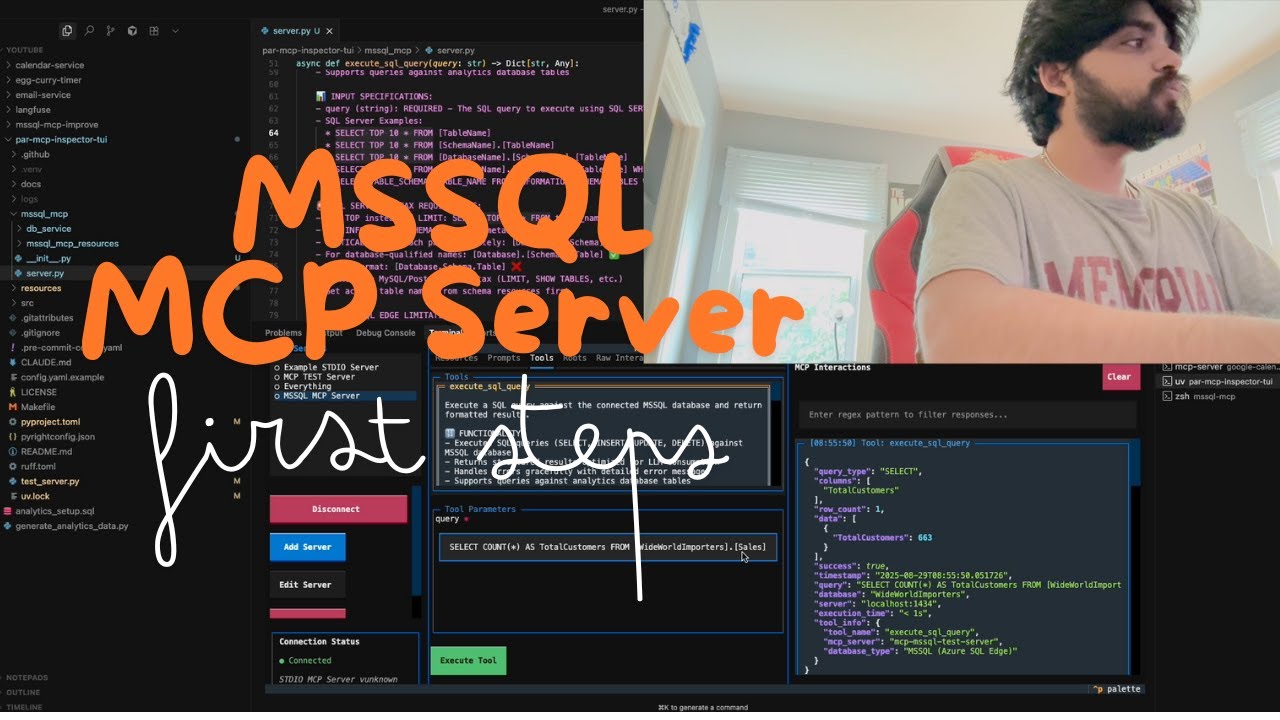
MS SQL MCP Server 1.1
About
A bridge for AI assistants to directly query and explore Microsoft SQL Server databases.
Explore
The bundled client provides an easy menu-driven interface:
1. List available resources - See what information is available
2. List available tools - See what actions you can perform
3. Execute SQL query - Run a read-only SQL query
4. Get table details - View structure of any table
5. Read database schema - See all tables and their relationships
6. Generate SQL query - Convert natural language to SQL
The MCP server supports SQL Server-specific features:
- Common Table Expressions (CTEs)
- Window functions
- JSON operations
- Hierarchical queries
- Full-text search (when configured in your database)
- Read-only by default: No risk of data modification
- Private credentials: Database connection details stay in your .env file
- SQL injection protection: Built-in validation for SQL queries
Step 1: Install Prerequisites
- Install Node.js (version 14 or higher) - Have access to a Microsoft SQL Server database (on-premises or Azure)This tool allows AI assistants to:
1. Discover tables in your SQL Server database
2. View table structures (columns, data types, etc.)
3. Execute read-only SQL queries safely
4. Generate SQL queries from natural language requests
When working with Claude or other AI assistants through this MCP server, the way you phrase your requests significantly impacts the results. Here's how to help the AI use the database tools effectively:
When prompting an AI to use this tool, follow this structure:
Can you use the SQL MCP tools to [your goal]?
For example:

- Check what tables exist in my database

- Query the Customers table and show me the first 10 records

- Find all orders from the past month
If the AI uses incorrect syntax, you can help it with:
That's not quite right. Please use this format for the tool call:
mcp_SQL_mcp_execute_query({
  sql: "SELECT * FROM Customers WHERE Region = 'West'",
  returnResults: true
})
- Registers all database tools with the MCP server
- Implements tool validation and parameter checking
- Provides core functionality for SQL queries, table exploration, and database discovery
- Maps tool calls to database operations
An easy-to-use bridge that lets AI assistants like Claude directly query and explore Microsoft SQL Server databases. No coding experience required!
What Does This Tool Do?
This tool allows AI assistants to:
1. Discover tables in your SQL Server database
2. View table structures (columns, data types, etc.)
3. Execute read-only SQL queries safely
4. Generate SQL queries from natural language requests
🌟 Why You Need This Tool
Bridge the Gap Between Your Data and AI
- No Coding Required: Give Claude and other AI assistants direct access to your SQL Server databases without writing complex integration code - Maintain Control: All queries are read-only by default, ensuring your data remains safe - Private & Secure: Your database credentials stay local and are never sent to external servicesPractical Benefits
- Save Hours of Manual Work: No more copy-pasting data or query results to share with AI - Deeper Analysis: AI can navigate your entire database schema and provide insights across multiple tables - Natural Language Interface: Ask questions about your data in plain English - End the Context Limit Problem: Access large datasets that would exceed normal AI context windowsPerfect For
- Data Analysts who want AI help interpreting SQL data without sharing credentials - Developers looking for a quick way to explore database structure through natural conversation - Business Analysts who need insights without SQL expertise - Database Administrators who want to provide controlled access to AI tools🚀 Quick Start Guide
Step 1: Install Prerequisites
- Install Node.js (version 14 or higher) - Have access to a Microsoft SQL Server database (on-premises or Azure)Step 2: Clone and Setup
```bashSign in to leave a review
Use Google, GitHub, or an email account so ratings stay tied to real people.
No reviews posted yet.