
🐢🚀 Node.js Sandbox MCP Server
About
A Node.js–based Model Context Protocol server that spins up disposable Docker containers to execute arbitrary JavaScript.
Explore
- Start and manage isolated Node.js sandbox containers
- Execute arbitrary shell commands inside containers
- Install specified npm dependencies per job
- Run ES module JavaScript snippets and capture stdout
- Tear down containers cleanly
- Detached Mode: Keep the container alive after script execution (e.g. for long-running servers)
> Note: Containers run with controlled CPU/memory limits.

Setting up with Highlight
This MCP is not yet compatible with Highlight’s one-click setup. However, you can still use it with Highlight by following these steps:
- Download and install Highlight from highlightai.com/download
- Navigate to the plugins tab and select "Add Custom Plugin"
-
Configure the plugin with the settings below
Plugin Name
🐢🚀 Node.js Sandbox MCP ServerCommand (node, npx, python, etc.)Please refer to the README for specific instructions on how to obtain API keys or other required environment variables.
- Enable "Start Automatically" if you want the plugin to start when Highlight launches





From the repository
⚠️ Prerequisites
To use this MCP server, Docker must be installed and running on your machine.
Tip: Pre-pull any Docker images you'll need to avoid delays during first execution.
Example recommended images:
- node:lts-slim
- mcr.microsoft.com/playwright:v1.55.0-noble
- alfonsograziano/node-chartjs-canvas:latest
Getting started
In order to get started with this MCP server, first of all you need to connect it to a client (for example Claude Desktop).
Once it's running, you can test that it's fully working with a couple of test prompts:
- Validate that the tool can run:
Create and run a JS script with a console.log("Hello World")
This should run a console.log and in the tool response you should be able to see Hello World.
- Validate that you can install dependencies and save files
Create and run a JS script that generates a QR code for the URL https://nodejs.org/en, and save it as qrcode.png Tip: Use the qrcode package.
This should create a file in your mounted directory (for example the Desktop) called "qrcode.png"
Usage with Claude Desktop
Add this to your claude_desktop_config.json:
You can follow the Official Guide to install this MCP server
{
"mcpServers": {
"js-sandbox": {
"command": "docker",
"args": [
"run",
"-i",
"--rm",
"-v",
"/var/run/docker.sock:/var/run/docker.sock",
"-v",
"$HOME/Desktop/sandbox-output:/root",
"-e",
"FILES_DIR=$HOME/Desktop/sandbox-output",
"-e",
"SANDBOX_MEMORY_LIMIT=512m", // optional
"-e",
"SANDBOX_CPU_LIMIT=0.75", // optional
"mcp/node-code-sandbox"
]
}
}
}
or with NPX:
{
"mcpServers": {
"node-code-sandbox-mcp": {
"type": "stdio",
"command": "npx",
"args": ["-y", "node-code-sandbox-mcp"],
"env": {
"FILES_DIR": "/Users/alfonsograziano/Desktop/node-sandbox",
"SANDBOX_MEMORY_LIMIT": "512m", // optional
"SANDBOX_CPU_LIMIT": "0.75" // optional
}
}
}
}
> Note: Ensure your working directory points to the built server, and Docker is installed/running.
Claude Desktop / Cursor
Paste into your MCP client config file to install this server.
{
    "mcpServers": {
        "\ud83d\udc22\ud83d\ude80 node.js sandbox mcp server": {
            "js-sandbox": {
                "command": "docker",
                "args": [
                    "run",
                    "-i",
                    "--rm",
                    "-v",
                    "/var/run/docker.sock:/var/run/docker.sock",
                    "-v",
                    "$HOME/Desktop/sandbox-output:/root",
                    "-e",
                    "FILES_DIR=$HOME/Desktop/sandbox-output",
                    "alfonsograziano/node-code-sandbox-mcp"
                ]
            }
        }
    }
}McpServers
{
"js-sandbox": {
"command": "docker",
"args": [
"run",
"-i",
"--rm",
"-v",
"/var/run/docker.sock:/var/run/docker.sock",
"-v",
"$HOME/Desktop/sandbox-output:/root",
"-e",
"FILES_DIR=$HOME/Desktop/sandbox-output",
"alfonsograziano/node-code-sandbox-mcp"
]
}
}Node.js server implementing the Model Context Protocol (MCP) for running arbitrary JavaScript in ephemeral Docker containers with on‑the‑fly npm dependency installation.
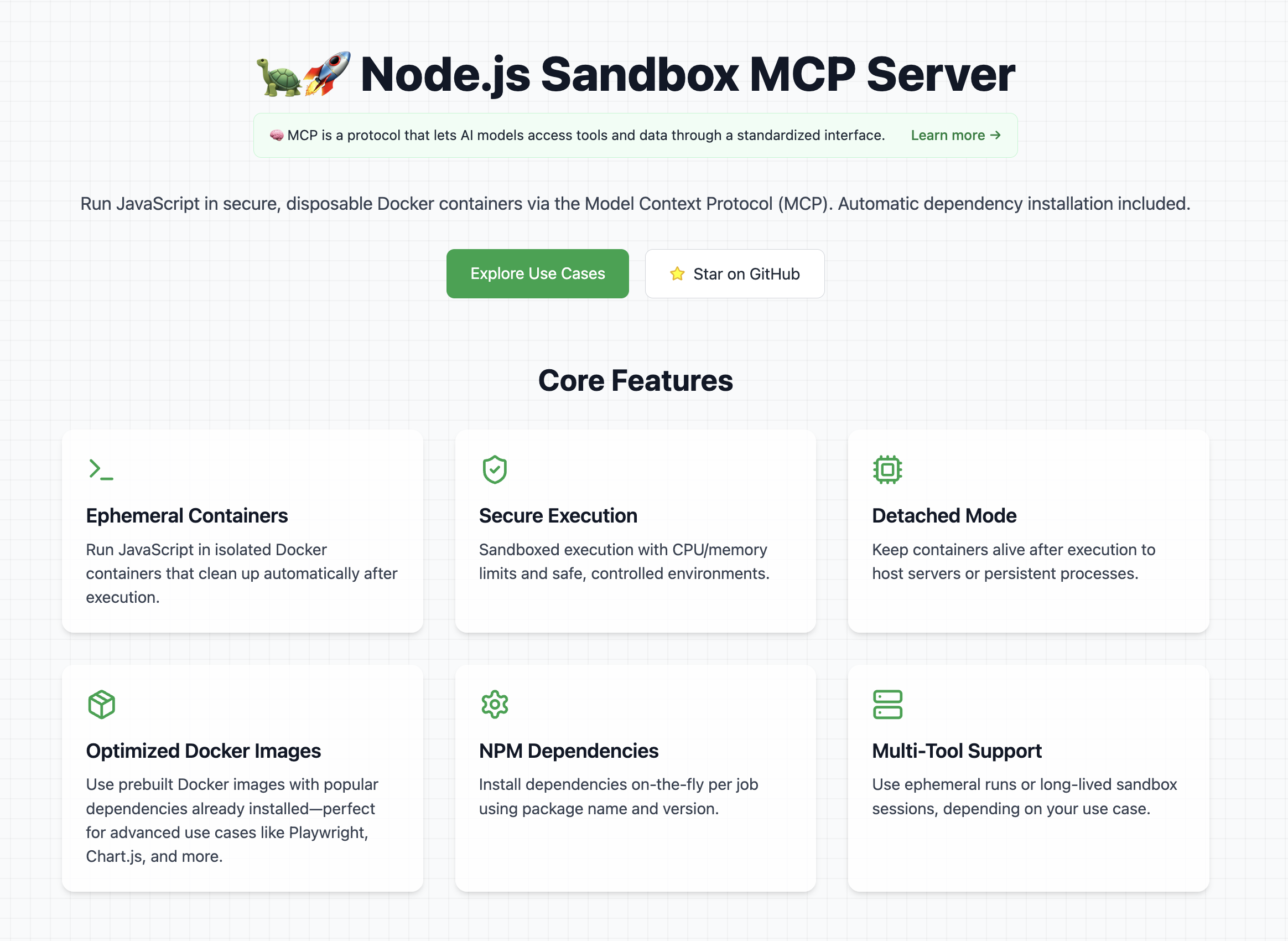
👉 Look at the official website
Features
- Start and manage isolated Node.js sandbox containers
- Execute arbitrary shell commands inside containers
- Install specified npm dependencies per job
- Run ES module JavaScript snippets and capture stdout
- Tear down containers cleanly
- Detached Mode: Keep the container alive after script execution (e.g. for long-running servers)
> Note: Containers run with controlled CPU/memory limits.
Explore Cool Use Cases
If you want ideas for cool and powerful ways to use this library, check out the use cases section on the website
It contains a curated list of prompts, examples, and creative experiments you can try with the Node.js Sandbox MCP Server.
⚠️ Prerequisites
To use this MCP server, Docker must be installed and running on your machine.
Tip: Pre-pull any Docker images you'll need to avoid delays during first execution.
Example recommended images:
- node:lts-slim
- mcr.microsoft.com/playwright:v1.55.0-noble
- alfonsograziano/node-chartjs-canvas:latest
Getting started
In order to get started with this MCP server, first of all you need to connect it to a client (for example Claude Desktop).
Once it's running, you can test that it's fully working with a couple of test prompts:
- Validate that the tool can run:
Create and run a JS script with a console.log("Hello World")
This should run a console.log and in the tool response you should be able to see Hello World.
- Validate that you can install dependencies and save files
Create and run a JS script that generates a QR code for the URL https://nodejs.org/en, and save it as qrcode.png Tip: Use the qrcode package.
This should create a file in your mounted directory (for example the Desktop) called "qrcode.png"
Usage with Claude Desktop
Add this to your claude_desktop_config.json:
You can follow the Official Guide to install this MCP server
{
  "mcpServers": {
    "js-sandbox": {
      "command": "docker",
      "args": [
        "run",
        "-i",
        "--rm",
        "-v",
        "/var/run/docker.sock:/var/run/docker.sock",
        "-v",
        "$HOME/Desktop/sandbox-output:/root",
        "-e",
        "FILES_DIR=$HOME/Desktop/sandbox-output",
        "-e",
        "SANDBOX_MEMORY_LIMIT=512m", // optional
        "-e",
        "SANDBOX_CPU_LIMIT=0.75", // optional
        "mcp/node-code-sandbox"
      ]
    }
  }
}
or with NPX:
{
  "mcpServers": {
    "node-code-sandbox-mcp": {
      "type": "stdio",
      "command": "npx",
      "args": ["-y", "node-code-sandbox-mcp"],
      "env": {
        "FILES_DIR": "/Users/alfonsograziano/Desktop/node-sandbox",
        "SANDBOX_MEMORY_LIMIT": "512m", // optional
        "SANDBOX_CPU_LIMIT": "0.75" // optional
      }
    }
  }
}
> Note: Ensure your working directory points to the built server, and Docker is installed/running.
Docker
Run the server in a container (mount Docker socket if needed), and pass through your desired host output directory as an env var:
```shell
Sign in to leave a review
Use Google, GitHub, or an email account so ratings stay tied to real people.
No reviews posted yet.




