
Plaud MCP
About
Connect your Plaud recordings to any MCP-compatible AI client. Search recordings, read transcripts, and generate documents without leaving your AI assistant.
Details
- Transport
- SSE
Explore
Setup
Install Plaud MCP in your MCP client (Claude Desktop, Cursor, Windsurf, and others).
Repository: https://github.com/mcp-dir/plaud-mcp
Follow the installation instructions in the repository README, then restart your MCP client.
plaud_list_recordings
Lista gravações Plaud. Filtros opcionais: `query` (substring do nome, case-insensitive), `date_from`/`date_to` (YYYY-MM-DD, inclusivo). Com filtro, pagina até 5×100 e retorna todas.
plaud_get_recording
Detalhes de uma gravação Plaud por ID. Bulk support: accepts file_ids for batched execution.
plaud_get_notes
Notas geradas por IA de uma gravação: resumo compacto, action items e tópicos-chave. Bulk support: accepts file_ids for batched execution.
plaud_get_transcript
Transcrição completa com timestamps e atribuição de falantes de uma gravação. Bulk support: accepts file_ids for batched execution.
plaud_get_user
Dados do usuário Plaud autenticado.
show_version
Show the current MCP platform and adapter versions.
report_bug
Report a bug, missing feature, or send feedback. Include the conversation array with recent messages for reproduction.
connect
Returns connection status and URLs. When all providers are connected, returns authenticated:true and empty pending[]. When credentials are missing, returns connect_url for the toolkit and per-install URLs.
toolkit_info
Returns the current toolkit state: installed MCPs, their connection status, the accounts connected to each one, and how many catalog tools each exposes.
marketplace
The official mcp.ai marketplace — the in-platform catalog of every MCP/tool, AND the way to run them. Covers capability requests like "find an MCP that does X", "consulta um CPF", "is there a tool for Y". Core flow: action=search discovers MCPs by intent → describe returns one MCP's full profile (every tool with its id + params, pricing, auth) so you pick the right tool_id → invoke RUNS that tool. KEY: invoke works even when the MCP is NOT installed — it runs the tool pontualmente (one-off), …
authenticate
MCP.AI for IDE agents (Cursor, etc.): log in in the browser, copy the access token. Best: add it to this server's config as a header `Authorization: Bearer <token>` for a permanent, non-expiring connection. Or paste it here for a session-only login: call with { token: "<jwt>" } after the user pastes, or with no args to get the link.
Connect your Plaud recordings to your AI assistant to search, read, and summarize meeting notes.
- List recordings— Ask to list your recordings, optionally filtered by keyword or date range vialist_files.
- Get recording details— Retrieve full metadata and a temporary audio link for a specific recording withget_file.
- Read AI notes— Pull the AI-generated summary, action items, and key topics for a recording usingget_note.
- Fetch transcript— Get the full timestamped transcript with speaker labels viaget_transcript.
Connect your Plaud recordings to any MCP-compatible AI client — Claude, Cursor, ChatGPT, Codex, and more. Search recordings, read transcripts, and generate documents without leaving your AI assistant.
Run this once. The installer detects your AI clients, writes the MCP configuration, and opens your browser for sign-in:
When your browser opens, clickAuthorize, then restart the clients listed in the installer output. Plaud tools will be available immediately in your next session.
If your client isn't auto-detected, add Plaud manually by pasting this into your client's MCP configuration:
{ "mcpServers": { "plaud": { "command": "npx", "args": ["-y", "@plaud-ai/mcp@latest"] } } }
HTTP-based clients (Claude Web, ChatGPT Web)
When connecting via HTTP, your recording data passes through Plaud's MCP server (hosted in the US). Plaud does not store this data after the request completes — it is processed in transit only. Data handling is governed byPlaud's privacy policy.
<Frame> 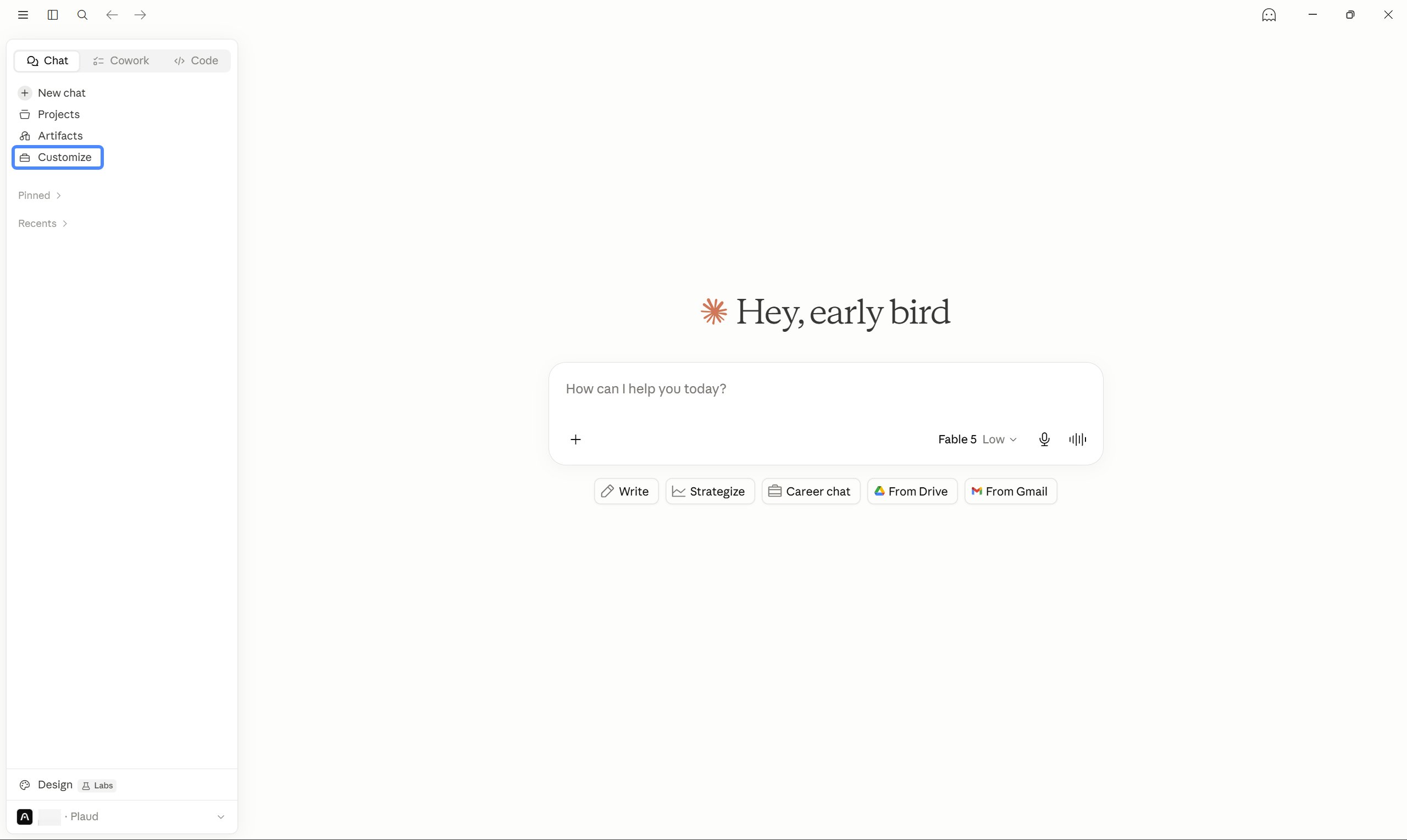 </Frame>
<Frame> 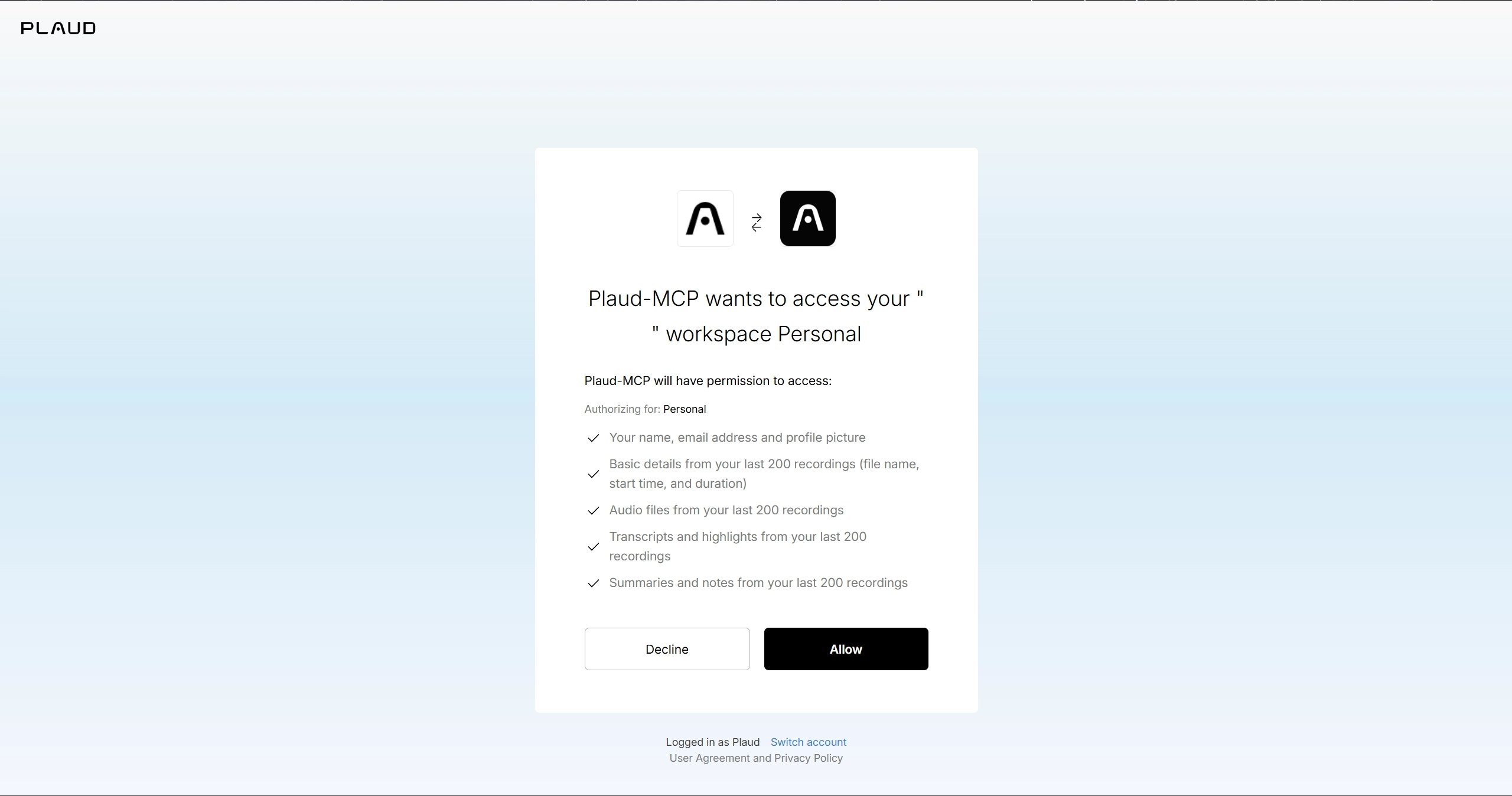 </Frame>
<Frame> 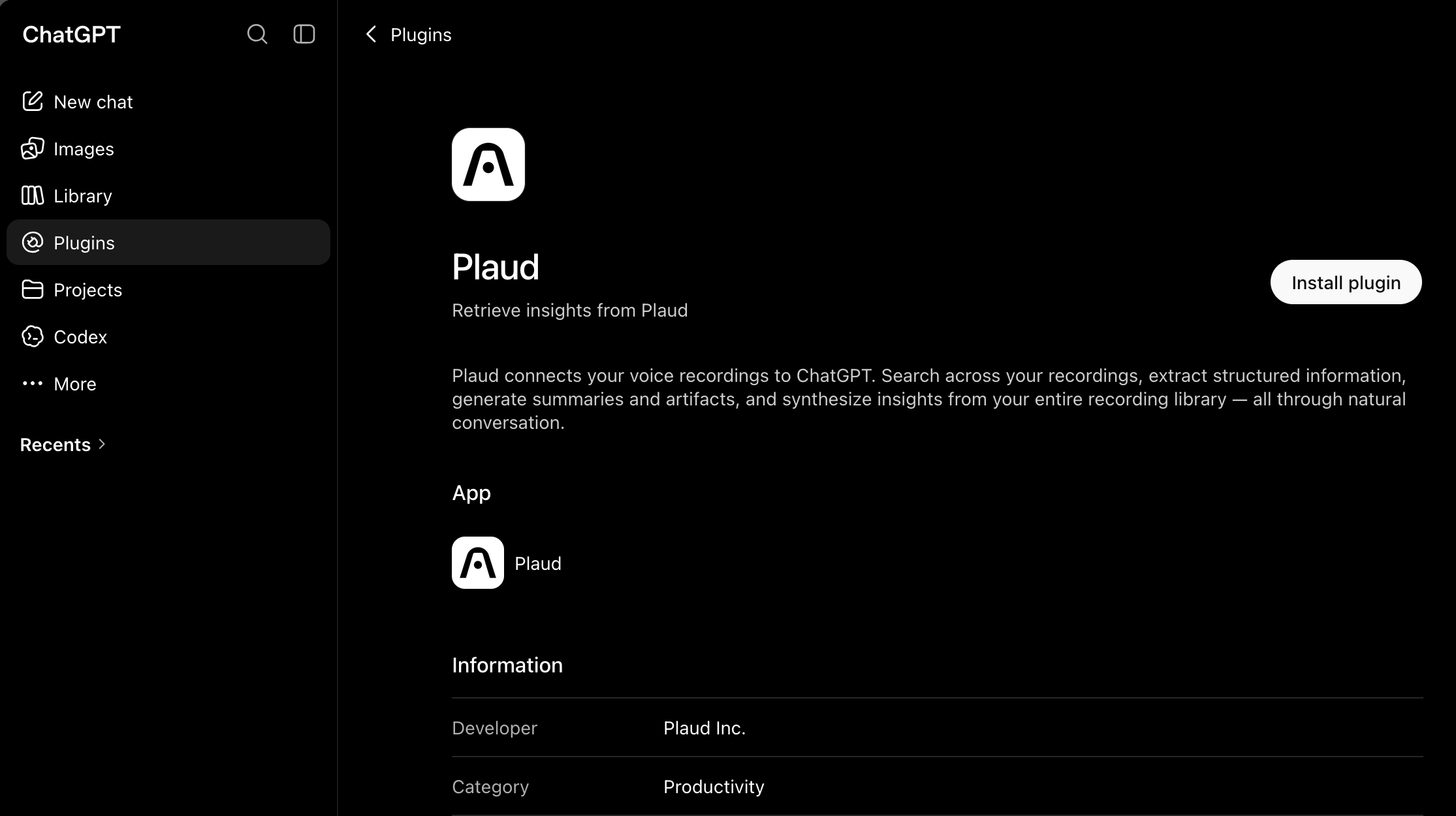 </Frame>
<Step title="Add the Plaud MCP Server"> <Frame> 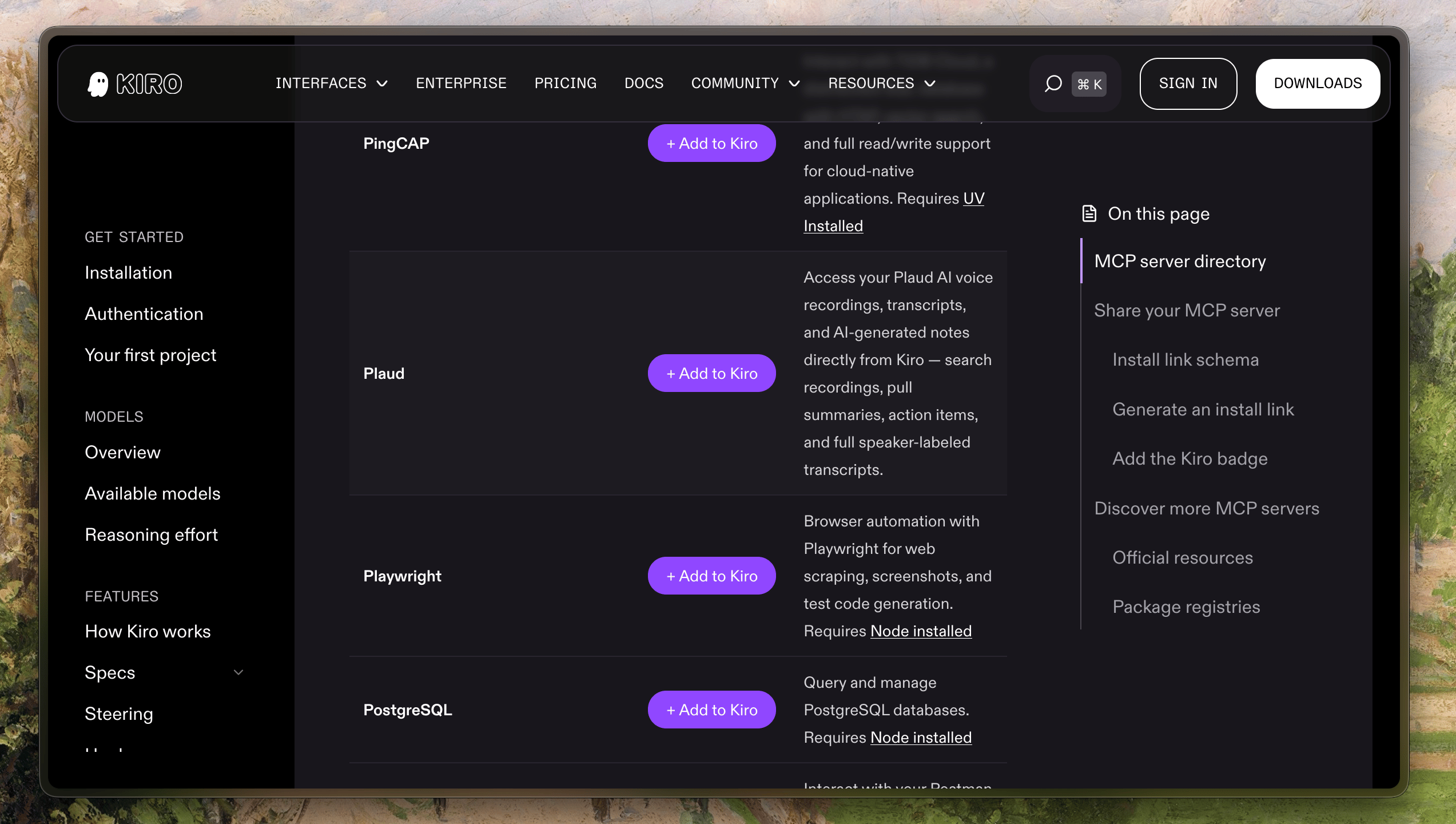 </Frame> </Step>
Your browser will open the Plaud authorization page. ClickAuthorizeand return to your client — you're signed in.
Draft a follow-up email from this meeting's action items
These tools are available to your AI client once Plaud MCP is connected:
Fields returned bylist_filesandget_file
Additional fields returned only byget_file
Skills are pre-built instructions that help your AI client handle common Plaud workflows automatically. They load when the installer runs — no extra steps needed.
npm uninstall -g @plaud-ai/mcp rm -rf ~/.plaud
Privacy-first email inboxes for AI agents. Read, search, draft, send, and triage mail over Streamable HTTP MCP.
Fetch, convert, and search AWS documentation pages, with recommendations for related content.
Create and read feature flags, review experiments, generate flag types, search docs, and interact with GrowthBook's feature flagging and experimentation platform.
Quran-focused MCP server for ayah translation, tafsir, mutashabihat lookups, recitation playlists, and prayer times.
Provides AI assistants with intelligent access to ML textbook content for creating accurate, source-grounded documentation.
Search Apple's Developer Documentation with smart search and wildcard support.
Access, search, and get recommendations from public AWS documentation.
Caesar is a free, keyless web search API for AI agents. Its remote MCP server exposes web_search (ranked results with citable provenance) and web_fetch (full pages as clean markdown), and works anonymously with no API key.
CatchAll is a web search API built for comprehensive event retrieval — not ranked results, but all matching records.
The AI search visibility platform that tells you why AI won't cite your brand, then hands you the fix.
Sign in to leave a review
Use Google, GitHub, or an email account so ratings stay tied to real people.
No reviews posted yet.



