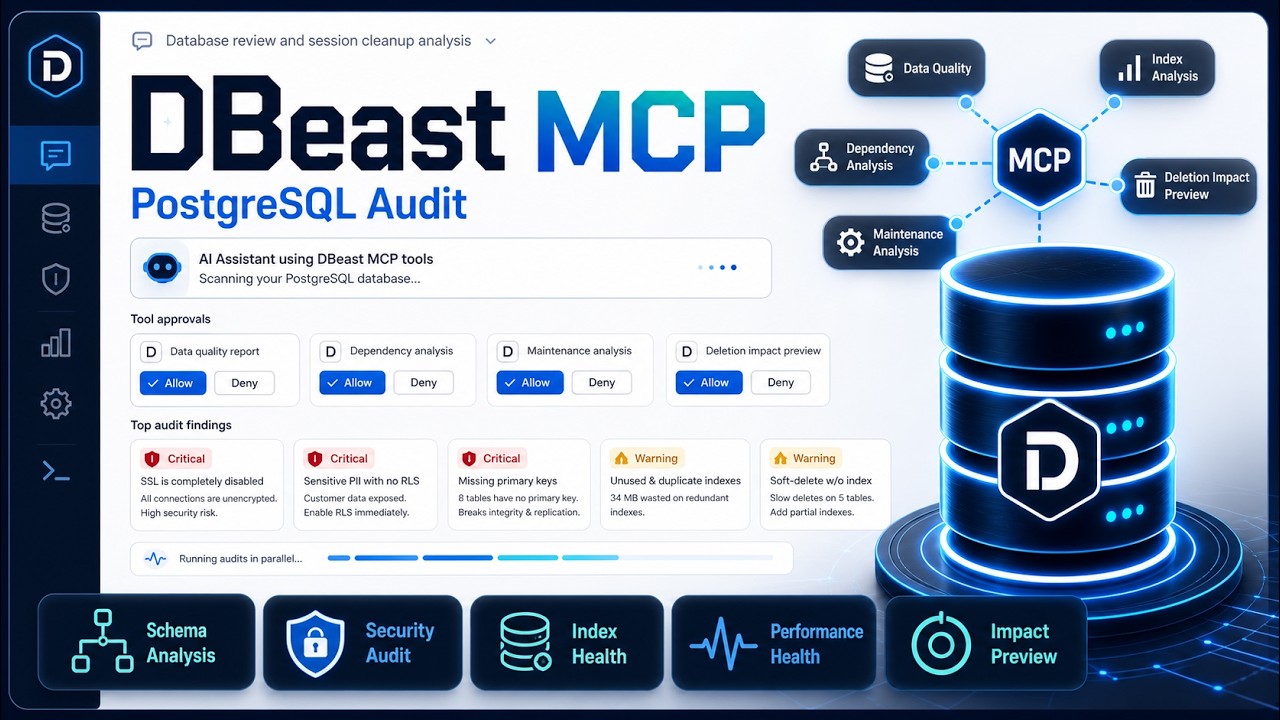
PostgreSQL MCP Server
About
# PostgreSQL MCP Server [](https://smithery.ai/server/@nahmanmate/postgresql-mcp-server) A Model Context Protocol (MCP) server that provides PostgreSQL database management capabilities. This server assists with analyzing existing PostgreSQL…
Details
- Transport
- SSE
- License
- MIT license
Explore
- Analyze database configuration, performance, and security
- Provide platform-specific PostgreSQL setup instructions
- Debug connection, performance, lock, and replication issues
- Implement connection pooling

Setting up with Highlight
This MCP is not yet compatible with Highlight’s one-click setup. However, you can still use it with Highlight by following these steps:
- Download and install Highlight from highlightai.com/download
- Navigate to the plugins tab and select "Add Custom Plugin"
-
Configure the plugin with the settings below
Plugin Name
PostgreSQL MCP ServerCommand (node, npx, python, etc.)Please refer to the README for specific instructions on how to obtain API keys or other required environment variables.
- Enable "Start Automatically" if you want the plugin to start when Highlight launches





From the repository
- Node.js >= 18.0.0
- PostgreSQL server (for target database operations)
- Network access to target PostgreSQL instances
Provides step-by-step PostgreSQL installation and configuration guidance:
- Platform-specific installation steps
- Configuration recommendations
- Security best practices
- Post-installation tasks
// Example usage
{
"platform": "linux", // Required: "linux" | "macos" | "windows"
"version": "15", // Optional: PostgreSQL version
"useCase": "production" // Optional: "development" | "production"
}
To install PostgreSQL MCP Server for Claude Desktop automatically via Smithery:
npx -y @smithery/cli install @nahmanmate/postgresql-mcp-server --client claude
1. Clone the repository
2. Install dependencies:
npm install
3. Build the server:
npm run build
4. Add to MCP settings file:
{
"mcpServers": {
"postgresql-mcp": {
"command": "node",
"args": ["/path/to/postgresql-mcp-server/build/index.js"],
"disabled": false,
"alwaysAllow": []
}
}
}
The evals package loads an mcp client that then runs the index.ts file, so there is no need to rebuild between tests. You can see the full documentation here.
OPENAI_API_KEY=your-key npx mcp-eval src/evals/evals.ts src/index.ts
execute_custom_query
Execute a custom SQL query against the database. WARNING: Use with care. Do not expose to untrusted input.
Claude Desktop / Cursor
Paste into your MCP client config file to install this server.
{
    "mcpServers": {
        "postgresql mcp server": {
            "postgresql-mcp-server": {
                "command": "npx",
                "args": [
                    "-y",
                    "@smithery/cli",
                    "install",
                    "@nahmanmate/postgresql-mcp-server",
                    "--client",
                    "claude"
                ]
            }
        }
    }
}McpServers
{
"postgresql-mcp-server": {
"command": "npx",
"args": [
"-y",
"@smithery/cli",
"install",
"@nahmanmate/postgresql-mcp-server",
"--client",
"claude"
]
}
}A Model Context Protocol (MCP) server that provides PostgreSQL database management capabilities. This server assists with analyzing existing PostgreSQL setups, providing implementation guidance, and debugging database issues.
<a href="https://glama.ai/mcp/servers/bnw58zblt1"></a>
Features
1. Database Analysis (analyze_database)
Analyzes PostgreSQL database configuration and performance metrics:
- Configuration analysis
- Performance metrics
- Security assessment
- Recommendations for optimization
// Example usage
{
"connectionString": "postgresql://user:password@localhost:5432/dbname",
"analysisType": "performance" // Optional: "configuration" | "performance" | "security"
}
2. Setup Instructions (get_setup_instructions)
Provides step-by-step PostgreSQL installation and configuration guidance:
- Platform-specific installation steps
- Configuration recommendations
- Security best practices
- Post-installation tasks
// Example usage
{
  "platform": "linux", // Required: "linux" | "macos" | "windows"
  "version": "15", // Optional: PostgreSQL version
  "useCase": "production" // Optional: "development" | "production"
}
3. Database Debugging (debug_database)
Debug common PostgreSQL issues:
- Connection problems
- Performance bottlenecks
- Lock conflicts
- Replication status
// Example usage
{
"connectionString": "postgresql://user:password@localhost:5432/dbname",
"issue": "performance", // Required: "connection" | "performance" | "locks" | "replication"
"logLevel": "debug" // Optional: "info" | "debug" | "trace"
}
Prerequisites
- Node.js >= 18.0.0
- PostgreSQL server (for target database operations)
- Network access to target PostgreSQL instances
Installation
Installing via Smithery
To install PostgreSQL MCP Server for Claude Desktop automatically via Smithery:
npx -y @smithery/cli install @nahmanmate/postgresql-mcp-server --client claude
Manual Installation
1. Clone the repository 2. Install dependencies: npm install
npm run build
   {

     "mcpServers": {

       "postgresql-mcp": {

         "command": "node",

         "args": ["/path/to/postgresql-mcp-server/build/index.js"],

         "disabled": false,

         "alwaysAllow": []

       }

     }

   }
Development
- npm run dev - Start development server with hot reload
- npm run lint - Run ESLint
- npm test - Run tests
Security Considerations
1. Connection Security
- Uses connection pooling
- Implements connection timeouts
- Validates connection strings
- Supports SSL/TLS connections
2. Query Safety
- Validates SQL queries
- Prevents dangerous operations
- Implements query timeouts
- Logs all operations
3. Authentication
- Supports multiple authentication methods
- Implements role-based access control
- Enforces password policies
- Manages connection credentials securely
Best Practices
1. Always use secure connection strings with proper credentials
2. Follow production security recommendations for sensitive environments
3. Regularly monitor and analyze database performance
4. Keep PostgreSQL version up to date
5. Implement proper backup strategies
6. Use connection pooling for better resource management
7. Implement proper error handling and logging
8. Regular security audits and updates
Error Handling
The server implements comprehensive error handling:
- Connection failures
- Query timeouts
- Authentication errors
- Permission issues
- Resource constraints
Running evals and tests
The evals package loads an mcp client that then runs the index.ts file, so there is no need to rebuild between tests. You can see the full documentation here.
OPENAI_API_KEY=your-key npx mcp-eval src/evals/evals.ts src/index.ts
Contributing
1. Fork the repository
2. Create a feature branch
3. Commit your changes
4. Push to the branch
5. Create a Pull Request
License
This project is licensed under the AGPLv3 License - see LICENSE file for details.
Sign in to leave a review
Use Google, GitHub, or an email account so ratings stay tied to real people.
No reviews posted yet.