SeaTunnel MCP Server
About
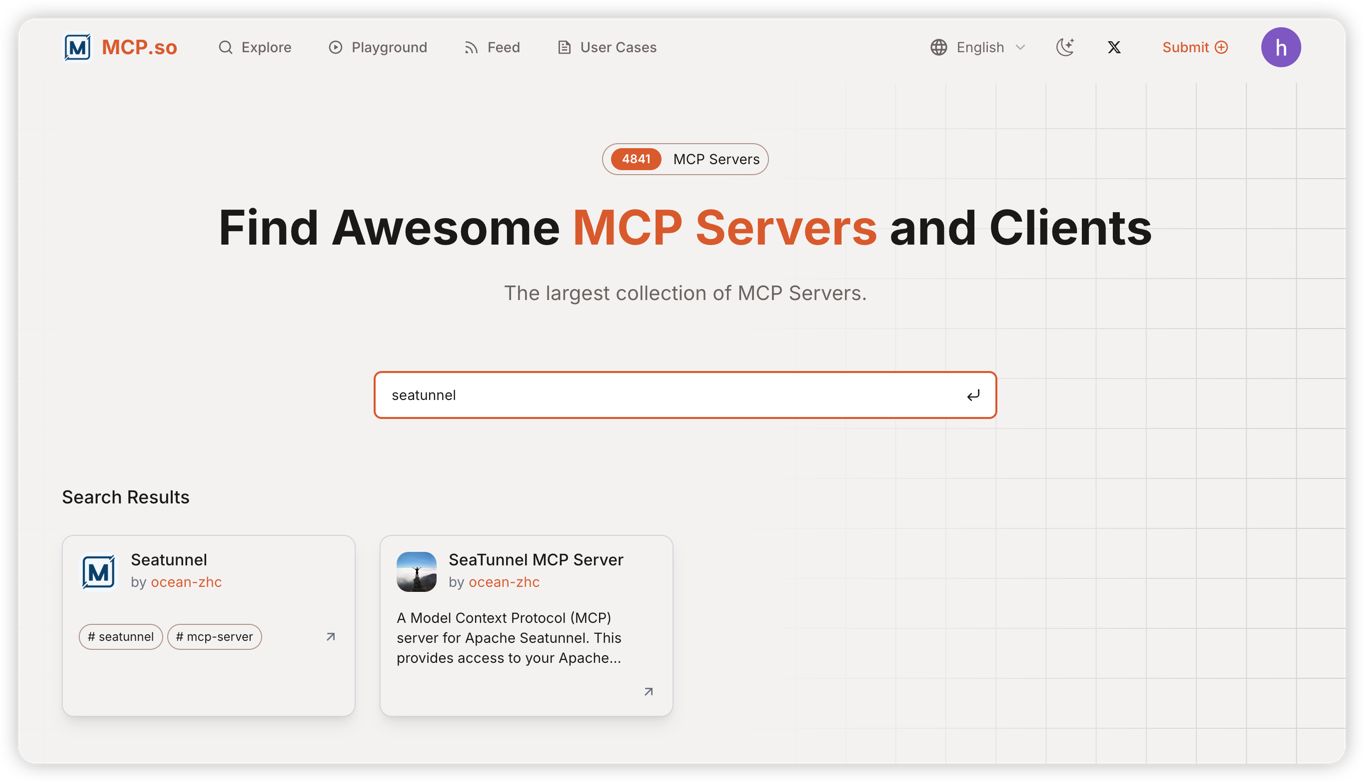
A Model Context Protocol (MCP) server for Apache Seatunnel. This provides access to your Apache Seatunnel RESTful API V2 instance and the surrounding ecosystem.
Details
- License
- Apache-2.0
Explore
Job management (submit, stop, monitor)
System monitoring and information retrieval
REST API interaction with SeaTunnel services
Built-in logging and monitoring tools
Dynamic connection configuration
Comprehensive job information and statistics

Setting up with Highlight
This MCP is not yet compatible with Highlight’s one-click setup. However, you can still use it with Highlight by following these steps:
- Download and install Highlight from highlightai.com/download
- Navigate to the plugins tab and select "Add Custom Plugin"
-
Configure the plugin with the settings below
Plugin Name
SeaTunnel MCP ServerCommand (node, npx, python, etc.)Please refer to the README for specific instructions on how to obtain API keys or other required environment variables.
- Enable "Start Automatically" if you want the plugin to start when Highlight launches





From the repository
python -m venv .venv
source .venv/bin/activate # On Windows: .venv\Scripts\activate
pip install -e .
SEATUNNEL_API_URL=http://localhost:8090 # Default SeaTunnel REST API URL
SEATUNNEL_API_KEY=your_api_key # Optional: Default SeaTunnel API key
The server provides tools to view and update connection settings at runtime:
get-connection-settings: View current connection URL and API key status
update-connection-settings: Update URL and/or API key to connect to a different SeaTunnel instance
Example usage through MCP:
// Get current settings
{
"name": "get-connection-settings"
}
// Update connection settings
{
"name": "update-connection-settings",
"arguments": {
"url": "http://new-host:8090",
"api_key": "new-api-key"
}
}
python -m src.seatunnel_mcp
To use this with Claude Desktop, add the following to your claude_desktop_config.json:
{
"mcpServers": {
"seatunnel": {
"command": "python",
"args": ["-m", "src.seatunnel_mcp"],
"cwd": "Project root directory"
}
}
}
{
"mcpServers": {
"st-mcp-sse": {
"url": "http://your-server:18080/sse"
},
"st-mcp-uv": {
"command": "uv",
"args": ["run", "seatunnel-mcp"],
"env": {
"SEATUNNEL_API_URL": "http://127.0.0.1:8080"
}
}
}
}
Claude Desktop / Cursor
Paste into your MCP client config file to install this server.
{
    "mcpServers": {
        "seatunnel mcp server": {
            "seatunnel": {
                "command": "python",
                "args": [
                    "-m",
                    "src.seatunnel_mcp"
                ],
                "cwd": "Project root directory",
                "env": {
                    "SEATUNNEL_API_URL": "http://localhost:8090"
                }
            }
        }
    }
}McpServers
{
    "seatunnel": {
        "command": "python",
        "args": [
            "-m",
            "src.seatunnel_mcp"
        ],
        "cwd": "Project root directory",
        "env": {
            "SEATUNNEL_API_URL": "http://localhost:8090"
        }
    }
}
A Model Context Protocol (MCP) server for interacting with SeaTunnel through LLM interfaces like Claude.
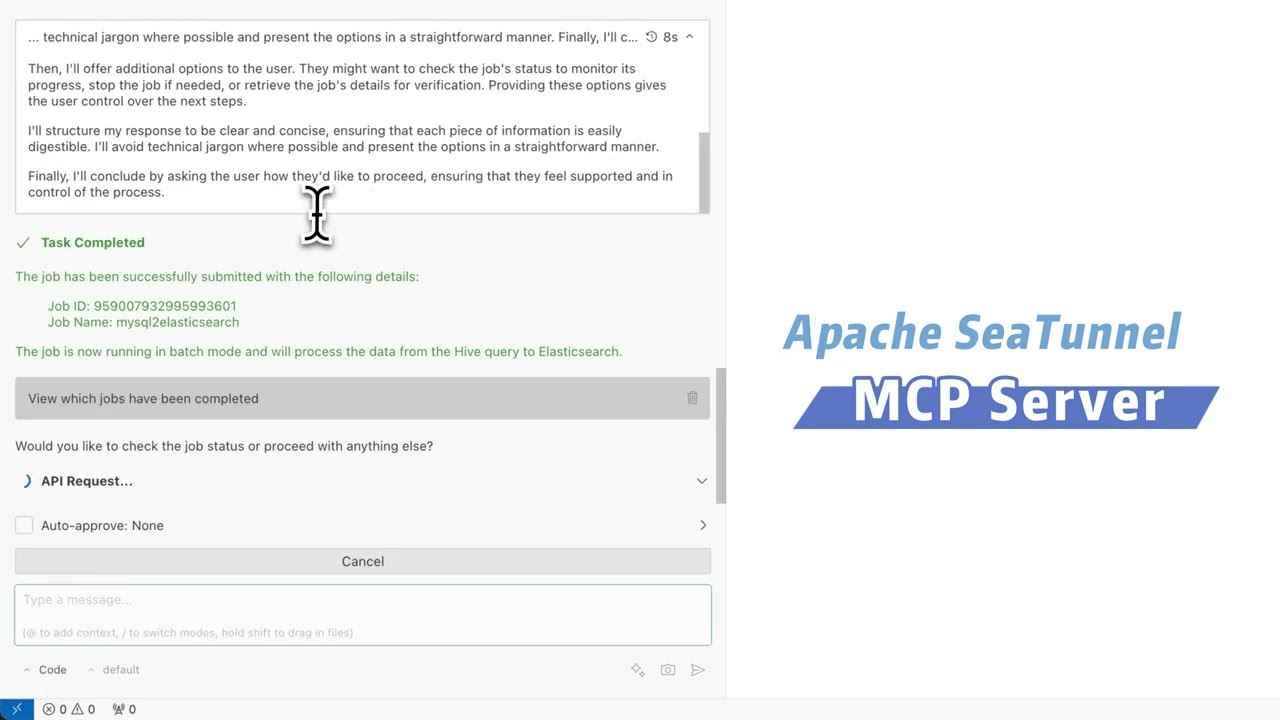
Operation Video
To help you better understand the features and usage of SeaTunnel MCP, we provide a video demonstration. Please refer to the link below or directly check the video file in the project documentation directory.
https://www.youtube.com/watch?v=JaLA8EkZD7Q

> Tip: If the video does not play directly, make sure your device supports MP4 format and try opening it with a modern browser or video player.
Features
Job management (submit, stop, monitor)
System monitoring and information retrieval
REST API interaction with SeaTunnel services
Built-in logging and monitoring tools
Dynamic connection configuration
Comprehensive job information and statistics
Installation
```bash
Sign in to leave a review
Use Google, GitHub, or an email account so ratings stay tied to real people.
No reviews posted yet.