
Cua
About
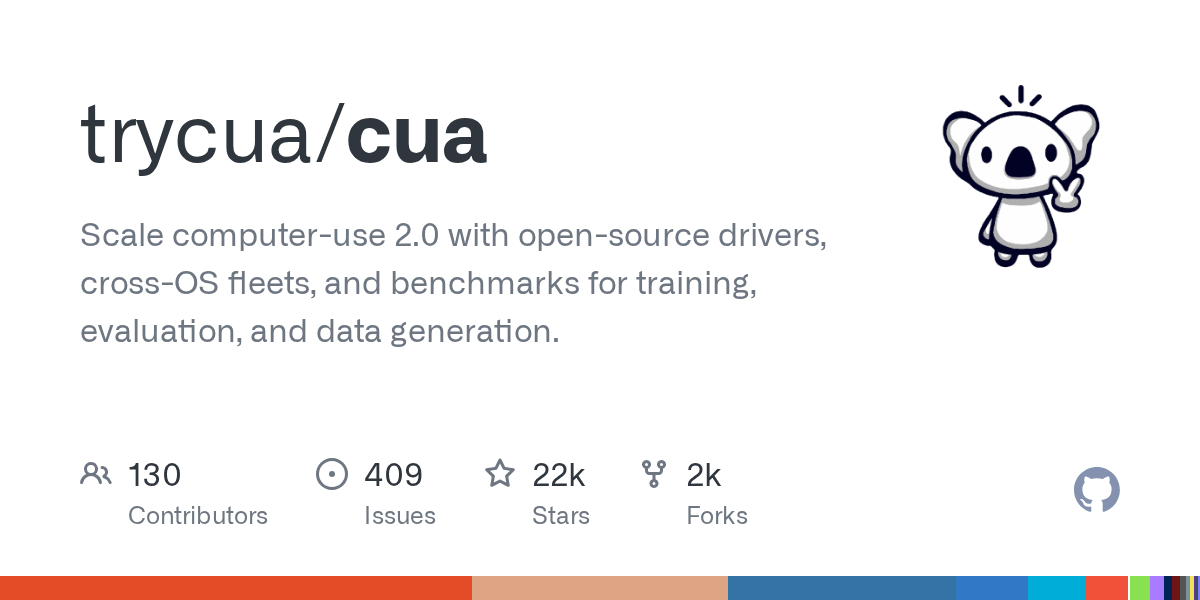
MCP server for the Computer-Use Agent (CUA), allowing you to run CUA through Claude Desktop or other MCP clients.
Details
- Repository
- trycua/cua
- License
- MIT
Explore

Setting up with Highlight
This MCP is not yet compatible with Highlight’s one-click setup. However, you can still use it with Highlight by following these steps:
- Download and install Highlight from highlightai.com/download
- Navigate to the plugins tab and select "Add Custom Plugin"
-
Configure the plugin with the settings below
Plugin Name
CuaCommand (node, npx, python, etc.)npxArguments-
Argument 1
-y -
Argument 2
@highlight/mcp-server
Please refer to the README for specific instructions on how to obtain API keys or other required environment variables.
-
Argument 1
- Enable "Start Automatically" if you want the plugin to start when Highlight launches





Claude Desktop / Cursor
Paste into your MCP client config file to install this server.
{
    "mcpServers": {
        "cua": {
            "env": {},
            "args": [
                "-y",
                "@highlight/mcp-server"
            ],
            "command": "npx"
        }
    }
}Linux
{
    "env": [],
    "args": [
        "-y",
        "@highlight/mcp-server"
    ],
    "command": "npx"
}
Macos
{
    "env": [],
    "args": [
        "-y",
        "@highlight/mcp-server"
    ],
    "command": "npx"
}
Windows
{
    "env": [],
    "args": [
        "/c",
        "npx",
        "-y",
        "@highlight/mcp-server"
    ],
    "command": "cmd"
}
An AI-powered system that converts Acceptance Criteria (AC) from QA specifications into automated browser testing workflows.
A server for integrating with MagicPod, an AI-powered test automation platform.
Playwriter Session Cloud is a paid remote MCP endpoint for AI agent browser MCP session. It exposes structured JSON tools, a public server card, token-based access, usage receipts, and audit
A browser-agent QA swarm with an MCP interface for testing AI-generated websites.
MCP server for Mobile Development and Automation | iOS, Android, Simulator, Emulator, and Real Devices
An AI-driven server for browser automation using natural language commands, implementing the Model Context Protocol (MCP).
A simple, self-contained notes system with resources, tools, and prompts.
Automate browser actions using natural language commands. Powered by Playwright and supports multiple LLM providers.
Control your computer's mouse, keyboard, and perform OCR using PyAutoGUI and RapidOCR. Works on Windows, with potential support for other platforms.
MCP allowing your Agent to request human validation on webapps and apps.
Sign in to leave a review
Use Google, GitHub, or an email account so ratings stay tied to real people.
No reviews posted yet.