Discord MCP Server
About
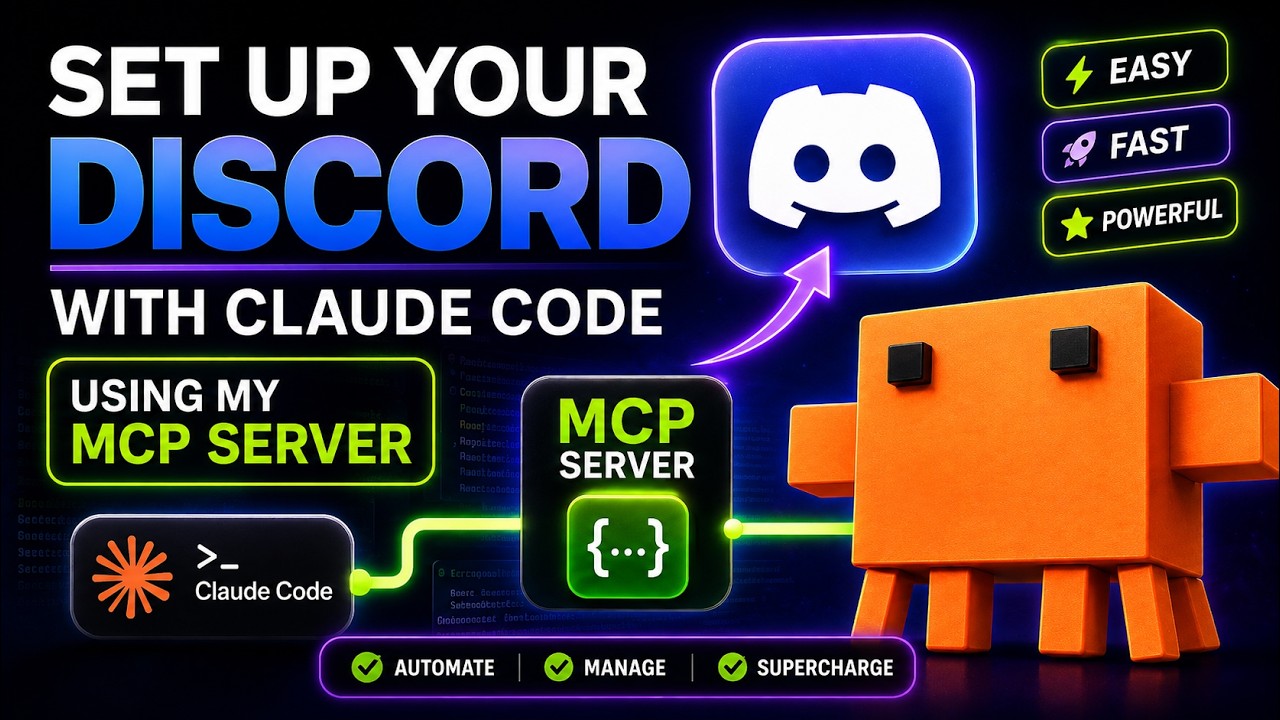
Enables LLMs to interact with Discord channels by sending and reading messages through Discord's API, with a focus on maintaining user control and security.
Details
- Repository
- v-3/discordmcp
Explore
- Send messages to Discord channels
- Read recent messages from channels
- Automatic server and channel discovery
- Support for both channel names and IDs
- Proper error handling and validation

Setting up with Highlight
This MCP is not yet compatible with Highlight’s one-click setup. However, you can still use it with Highlight by following these steps:
- Download and install Highlight from highlightai.com/download
- Navigate to the plugins tab and select "Add Custom Plugin"
-
Configure the plugin with the settings below
Plugin Name
Discord MCP ServerCommand (node, npx, python, etc.)nodeArguments-
Argument 1
path/to/discordmcp/build/index.js
Environment-
DISCORD_TOKEN
your_discord_bot_token_here
Please refer to the README for specific instructions on how to obtain API keys or other required environment variables.
-
Argument 1
- Enable "Start Automatically" if you want the plugin to start when Highlight launches





From the repository
1. Clone this repository:
git clone https://github.com/yourusername/discordmcp.git
cd discordmcp
2. Install dependencies:
npm install
3. Create a .env file in the root directory with your Discord bot token:
DISCORD_TOKEN=your_discord_bot_token_here
4. Build the server:
npm run build
1. Open your Claude for Desktop configuration file:
- macOS: ~/Library/Application Support/Claude/claude_desktop_config.json
- Windows: %APPDATA%\Claude\claude_desktop_config.json
2. Add the Discord MCP server configuration:
{
"mcpServers": {
"discord": {
"command": "node",
"args": ["path/to/discordmcp/build/index.js"],
"env": {
"DISCORD_TOKEN": "your_discord_bot_token_here"
}
}
}
}
3. Restart Claude for Desktop
send-message
Sends a message to a specified Discord channel. Parameters: server (optional string), channel (string), message (string)
read-messages
Reads recent messages from a specified Discord channel. Parameters: server (optional string), channel (string), limit (optional integer)
Claude Desktop / Cursor
Paste into your MCP client config file to install this server.
{
    "mcpServers": {
        "discord mcp server": {
            "env": {
                "DISCORD_TOKEN": "your_discord_bot_token_here"
            },
            "args": [
                "path/to/discordmcp/build/index.js"
            ],
            "command": "node"
        }
    }
}Linux
{
"env": {
"DISCORD_TOKEN": "your_discord_bot_token_here"
},
"args": [
"path/to/discordmcp/build/index.js"
],
"command": "node"
}Macos
{
"env": {
"DISCORD_TOKEN": "your_discord_bot_token_here"
},
"args": [
"path/to/discordmcp/build/index.js"
],
"command": "node"
}Windows
{
"env": {
"DISCORD_TOKEN": "your_discord_bot_token_here"
},
"args": [
"path/to/discordmcp/build/index.js"
],
"command": "node"
}A Model Context Protocol (MCP) server that enables LLMs to interact with Discord channels, allowing them to send and read messages through Discord's API. Using this server, LLMs like Claude can directly interact with Discord channels while maintaining user control and security.
- Send messages to Discord channels
- Read recent messages from channels
- Automatic server and channel discovery
- Support for both channel names and IDs
- Proper error handling and validation
- Node.js 16.x or higher
- A Discord bot token
- The bot must be invited to your server with proper permissions:
- Read Messages/View Channels
- Send Messages
- Read Message History
git clone https://github.com/yourusername/discordmcp.git

cd discordmcp
- Create a.envfile in the root directory with your Discord bot token:
DISCORD_TOKEN=your_discord_bot_token_here
-
Open your Claude for Desktop configuration file:
- macOS:~/Library/Application Support/Claude/claude_desktop_config.json
- Windows:%APPDATA%\Claude\claude_desktop_config.json
Add the Discord MCP server configuration:
{

  "mcpServers": {

    "discord": {

      "command": "node",

      "args": ["path/to/discordmcp/build/index.js"],

      "env": {

        "DISCORD_TOKEN": "your_discord_bot_token_here"

      }

    }

  }

}
Sends a message to a specified Discord channel.
- server(optional): Server name or ID (required if bot is in multiple servers)
- channel: Channel name (e.g., "general") or ID
- message: Message content to send
{ "channel": "general", "message": "Hello from MCP!" }
Reads recent messages from a specified Discord channel.
- server(optional): Server name or ID (required if bot is in multiple servers)
- channel: Channel name (e.g., "general") or ID
- limit(optional): Number of messages to fetch (default: 50, max: 100)
{ "channel": "general", "limit": 10 }
npm install --save-dev typescript @types/node
You can test the server using the MCP Inspector:
npx @modelcontextprotocol/inspector node build/index.js
Here are some example interactions you can try with Claude after setting up the Discord MCP server:
- "Can you read the last 5 messages from the general channel?"
- "Please send a message to the announcements channel saying 'Meeting starts in 10 minutes'"
- "What were the most recent messages in the development channel about the latest release?"
Claude will use the appropriate tools to interact with Discord while asking for your approval before sending any messages.
- The bot requires proper Discord permissions to function
- All message sending operations require explicit user approval
- Environment variables should be properly secured
- Token should never be committed to version control
- Channel access is limited to channels the bot has been given access to
- Fork the repository
- Create your feature branch (git checkout -b feature/amazing-feature)
- Commit your changes (git commit -m 'Add some amazing feature')
- Push to the branch (git push origin feature/amazing-feature)
- Open a Pull Request
This project is licensed under the MIT License - see theLICENSEfile for details.
If you encounter any issues or have questions:
- Check the GitHub Issues section
- Consult the MCP documentation athttps://modelcontextprotocol.io
- Open a new issue with detailed reproduction steps
Enables AI assistants to interact with the Discord platform, allowing them to send messages, manage channels, and perform other actions.
An MCP server for the Discord API, enabling seamless integration of Discord bots with MCP-compatible applications.
An MCP server for interacting with Discord.
Enables AI assistants to send notifications and request user input through Discord.
Sends notifications to Discord channels or users via a bot.
Allows AI assistants to ask questions to humans via Discord.
Enables asynchronous communication between AI agents and users through Discord, ideal for long-running tasks.
A Discord relay server to send messages and prompts to a channel and receive responses.
A lightweight notification service that sends webhooks for completed MCP tasks to providers like Discord, Slack, and Teams.
Sign in to leave a review
Use Google, GitHub, or an email account so ratings stay tied to real people.
No reviews posted yet.