
Mcp_client_openai_gradio
About
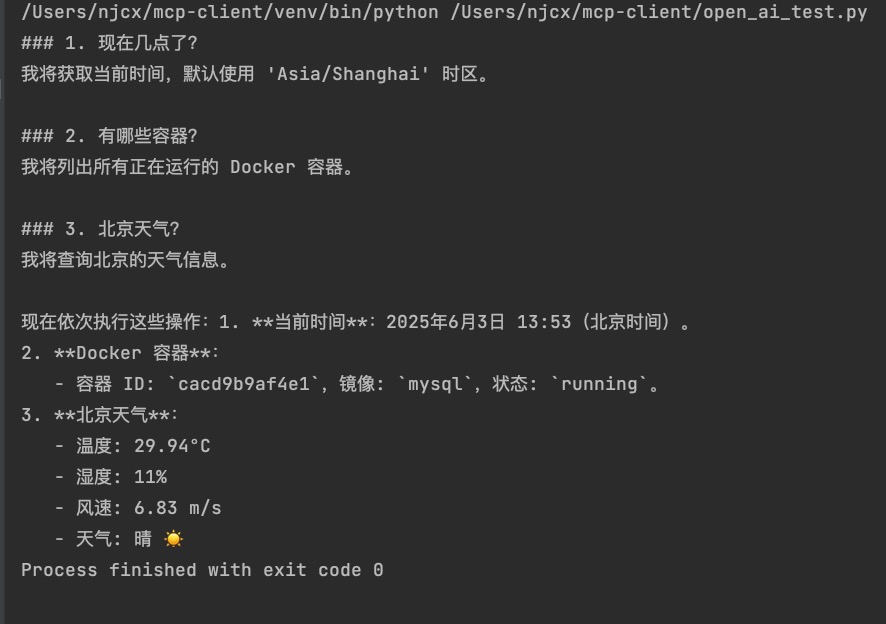
本项目实现了一个兼容 OpenAI API 格式的 MCP-Client服务,允许通过标准的 OpenAI API 接口与本地 MCP-Server进行交互。
Explore
Setup
Install Mcp_client_openai_gradio in your MCP client (Claude Desktop, Cursor, Windsurf, and others).
Repository: https://github.com/njcx/mcp_client_openai_gradio
Follow the installation instructions in the repository README, then restart your MCP client.
MCP-client
本项目实现了一个兼容 OpenAI API 格式的 MCP (Model Control Protocol) 客户端服务,允许通过标准的 OpenAI API 接口与本地 MCP 模型进行交互。
运行方法:
1, 启动openai api : python main-api.py
2, 启动gradio_ui : python gradio_ui.py # just for test
MCP-Server配置:
修改config.json, 支持stdio 和sse两种。
LLM配置:
修改.env文件, 支持所有 OpenAI API 格式的API, 需要支持 Function Call(工具调用)。
Sign in to leave a review
Use Google, GitHub, or an email account so ratings stay tied to real people.
No reviews posted yet.



